Is Smartlead Better Than Instantly for Cold Email Outreach?
Is Smartlead better than Instantly for cold email outreach? For most teams, the honest answer is that they're close enough on core sending features that the choice rarely decides whether your campaigns work. Both rotate inboxes, both automate follow-up sequences, both track opens and replies. The bigger question is what happens after a prospect replies, because neither tool books the meeting for you.
This matters because picking a cold email sender is only one piece of outbound. If your pipeline problem is replies that never turn into calendar bookings, switching between these two tools won't fix it.
Key Takeaways
- Smartlead and Instantly are both inbox-rotation and sequencing tools; the gap between them is narrower than most comparison posts suggest.
- Your sending volume and number of domains matter more than brand preference, so check how volume affects deliverability before you decide.
- Neither tool books meetings automatically; that step still needs a calendar workflow or a platform built to close that loop.
- A feature-by-feature breakdown of the two is worth reading before you commit, see the Instantly vs Smartlead comparison for specifics.
- If email alone isn't filling your pipeline, the fix is usually adding a channel or a booking step, not swapping senders.
Table of Contents
What's the real difference between Smartlead and Instantly for cold email outreach?
Both are email-sending platforms built to rotate inboxes and automate follow-ups; neither is a full outbound system by itself. They solve the same core problem: getting a large volume of cold email out without tripping spam filters, using multiple inboxes and domains to spread the load. The differences show up in interface, pricing structure, and how many domains or inboxes you can manage at once, not in whether the email actually gets delivered.
How do their core sending features compare?
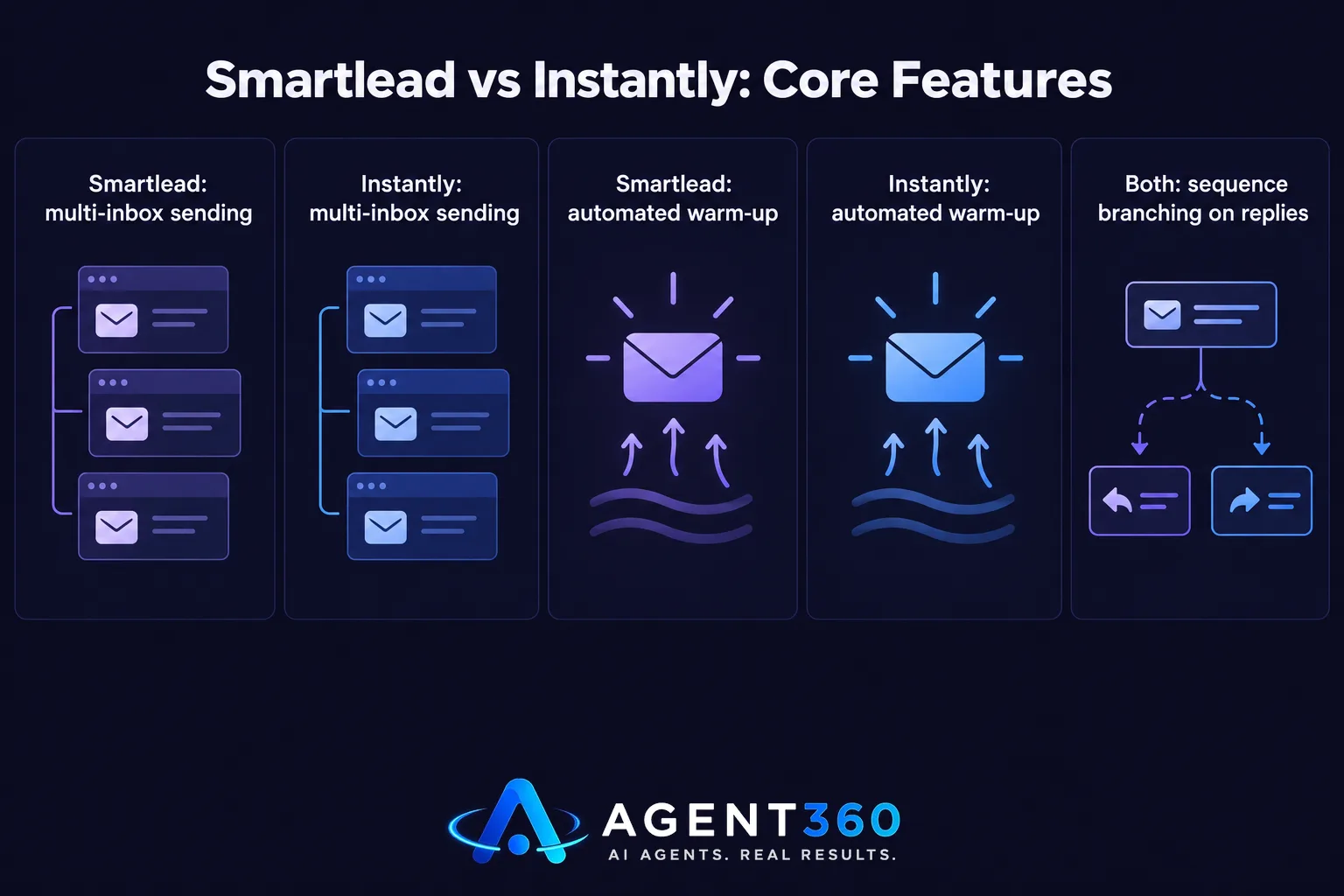
Both platforms support multi-inbox sending, automated warm-up, and sequence branching based on opens or replies. If you're choosing between them on sending mechanics alone, the decision usually comes down to how their dashboards feel to use day to day, not a functional gap.
How do their pricing models compare?
Pricing structures differ, and both have changed pricing tiers over time, so check each vendor's current pricing page directly before you commit rather than relying on an older comparison post. What stays constant is that you're paying per sending capacity, not per meeting booked.
Which tool fits your sending volume better?
Neither tool is clearly better at scale; what matters is how many domains and inboxes your outreach plan actually requires. Cold email volume is capped by deliverability limits, not by which sender you use. If you're planning to send a high volume of cold email, the number of inboxes and domains you need to rotate through matters more than which platform manages them.
What happens if you want to scale beyond email alone?
At some point, email-only outbound hits a ceiling: inbox limits, spam filter sensitivity, and shrinking reply rates as volume grows. Teams that want to keep growing pipeline usually add a second channel, like LinkedIn or phone, rather than just adding more email inboxes.
Does Smartlead or Instantly book meetings for you?
No. Both tools send and track email; turning a reply into a booked meeting is still a manual step unless you connect a separate booking workflow. A positive reply in either platform still needs someone to read it, respond, and get a time on the calendar. That's a gap founders running their own outbound feel directly, since every reply competes with the rest of the day's work.

What do you need if you want meetings booked automatically?
You need a system that treats the reply as the start of a workflow, not the end of one, routing qualified replies into a scheduling step without someone manually copying details into a calendar invite. Agent360's multi-channel outreach is built around that handoff, so a reply on email, LinkedIn, or phone moves toward a booked meeting rather than sitting in an inbox.
What should you check before switching between them?
Switching cold email tools means re-warming domains and re-checking deliverability, so treat it like a migration, not a toggle. A tool swap that looks simple on paper can cost you weeks of reply rate if domain reputation and sequence settings aren't carried over carefully.
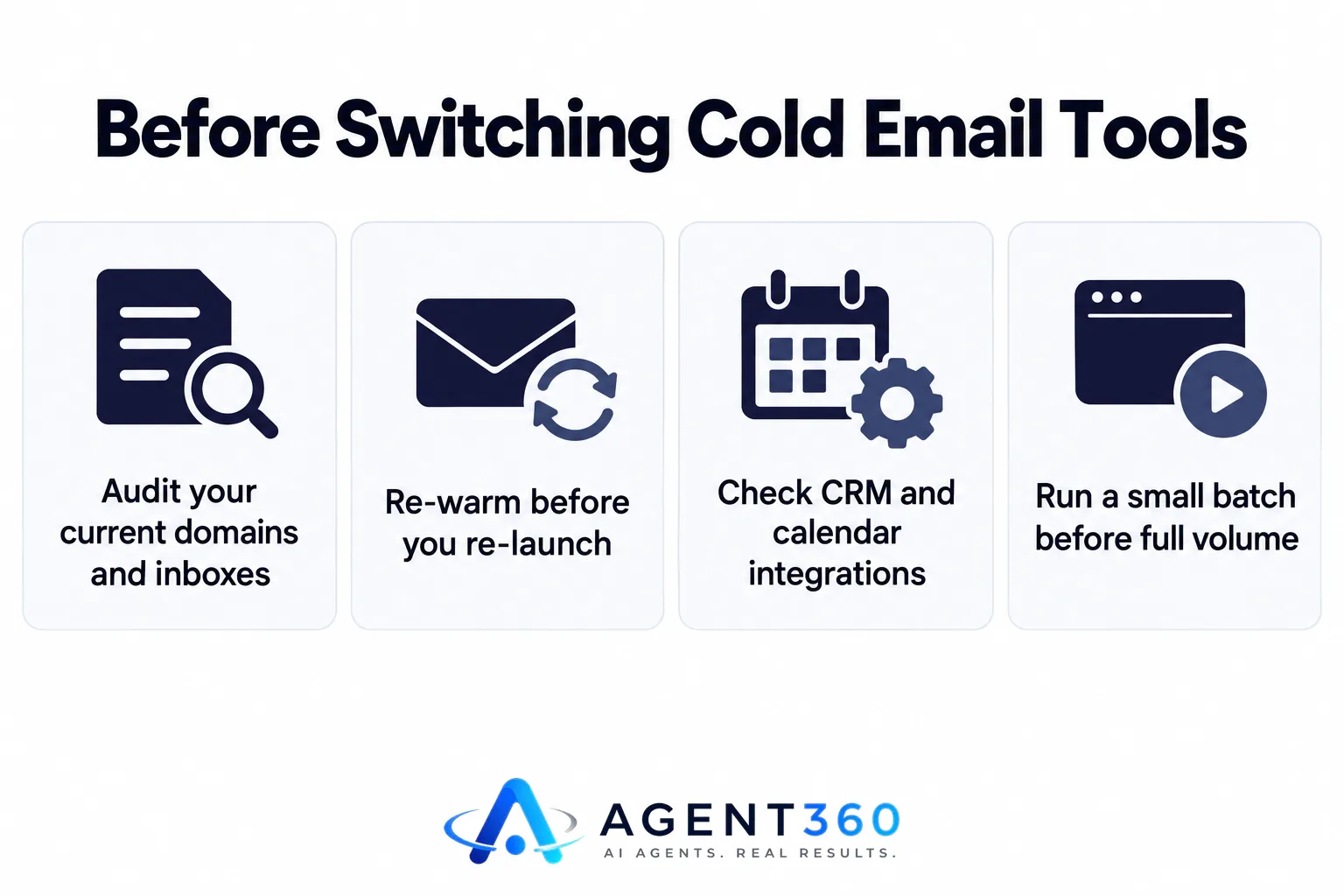
- Audit your current domains and inboxes. List every sending domain and inbox you're using today, including warm-up status, before you move anything.
- Re-warm before you re-launch. New sending infrastructure in a different tool needs its own warm-up period; don't launch at full volume on day one.
- Check CRM and calendar integrations. Confirm the new tool connects to wherever you track deals and book meetings, so replies don't end up in a second system you have to check separately.
- Run a small batch before full volume. Test deliverability and reply handling on a limited list before moving your whole sequence over.
- Keep the old tool live until the new one is proven. Overlap the two briefly so an in-flight sequence doesn't go cold mid-switch.
Want a Tool That Does More Than Send Cold Email?
Agent360 is built for founders and sales teams who need more than inbox rotation. AI Prospecting finds ideal buyers and flags buying signals, Multi-channel Outreach engages prospects across LinkedIn, email, and phone, and Meeting Booking puts qualified replies directly on your calendar, backed by CRM tools to track the pipeline as it moves.
If the real problem is that cold email alone isn't converting replies into meetings, the fix usually isn't a different sender. It's adding the channels and the booking step that close the loop.
See how the full workflow fits together on the Agent360 vs Instantly comparison page.
Frequently Asked Questions
Is Smartlead better than Instantly for deliverability?
Deliverability depends more on domain setup, warm-up practice, and sending volume than on which platform you use. Both tools offer warm-up features, and results vary by how carefully each account is managed, not by a fixed advantage of one brand over the other.
Can I use Smartlead and Instantly together?
You can run both, but splitting domains and inboxes across two platforms adds complexity without a clear benefit for most teams. It usually makes more sense to pick one sending tool and add a separate channel, like LinkedIn or phone, instead of doubling up on email tools.
Does either tool book meetings automatically?
No. Both Smartlead and Instantly handle sending and reply tracking, but turning a reply into a booked meeting still requires a manual step or a separate scheduling workflow connected to the tool.
Which one integrates better with a CRM?
Both offer integrations with common CRMs, and the quality of that sync changes as each vendor updates its product, so check current integration docs directly before assuming either one fits your CRM out of the box.
Is there a tool that replaces the need to choose between them?
Platforms built around full outbound, not just email sending, combine prospecting, multi-channel outreach, and meeting booking in one system, removing the need to stitch a sender together with a separate booking tool. Check how the full outbound workflow works before deciding whether a single sending tool is enough for your pipeline goals.
More articles
- What's the Best Done-for-You Outbound Agency for Agencies?
- Who Offers Pay-for-Meetings Outbound Without an SDR Team?
- What's the Safest LinkedIn Automation Tool Right Now?
- Best LinkedIn Automation Tool for B2B Lead Generation?
- Expandi vs Heyreach: Which Is Better for Cold Outreach?
- Skylead vs HeyReach: Which LinkedIn Automation Tool Wins?
- What's the Best Alternative to HeyReach for Outreach?
- Who to Use for Outsourced SDR Instead of Hiring?
