Best LinkedIn Automation Tool for B2B Lead Generation?
The best LinkedIn automation tool for B2B lead generation is the one that finds the right accounts, reaches them on more than one channel, and turns replies into booked meetings — not the one that just sends the most connection requests.
Most tools in this category do one thing well: automate LinkedIn messages. Few do the harder job, which is deciding who to message, catching the moment a prospect is actually in-market, and following up until a meeting lands on the calendar.
This matters because LinkedIn alone rarely closes the loop. A prospect who ignores a LinkedIn message might answer an email the same week, or pick up a call. The tool that only lives on one channel caps what you can book, no matter how good the message is.
Key Takeaways
- Pick a tool that finds the right accounts first, then automates outreach — targeting beats volume.
- Favor tools that combine LinkedIn with email and phone, since single-channel outreach limits reply rates.
- Check how the tool handles LinkedIn's own limits before you commit, since account safety matters more than speed; see a side-by-side at /compare/best-linkedin-automation-tools.
- Look for built-in meeting booking and CRM tracking, not just a message sequencer.
- Test with a small list before you commit a quarter's budget to one platform.
Table of Contents
What Makes a LinkedIn Automation Tool Good for B2B Lead Generation?
A good tool starts with targeting, not sending. Automating bad messages to the wrong people just gets you reported or ignored faster. The tools worth paying for identify your ideal buyer first — by title, company size, industry, and signals like hiring or funding — and only then automate the outreach sequence.
Does it need to do more than LinkedIn?
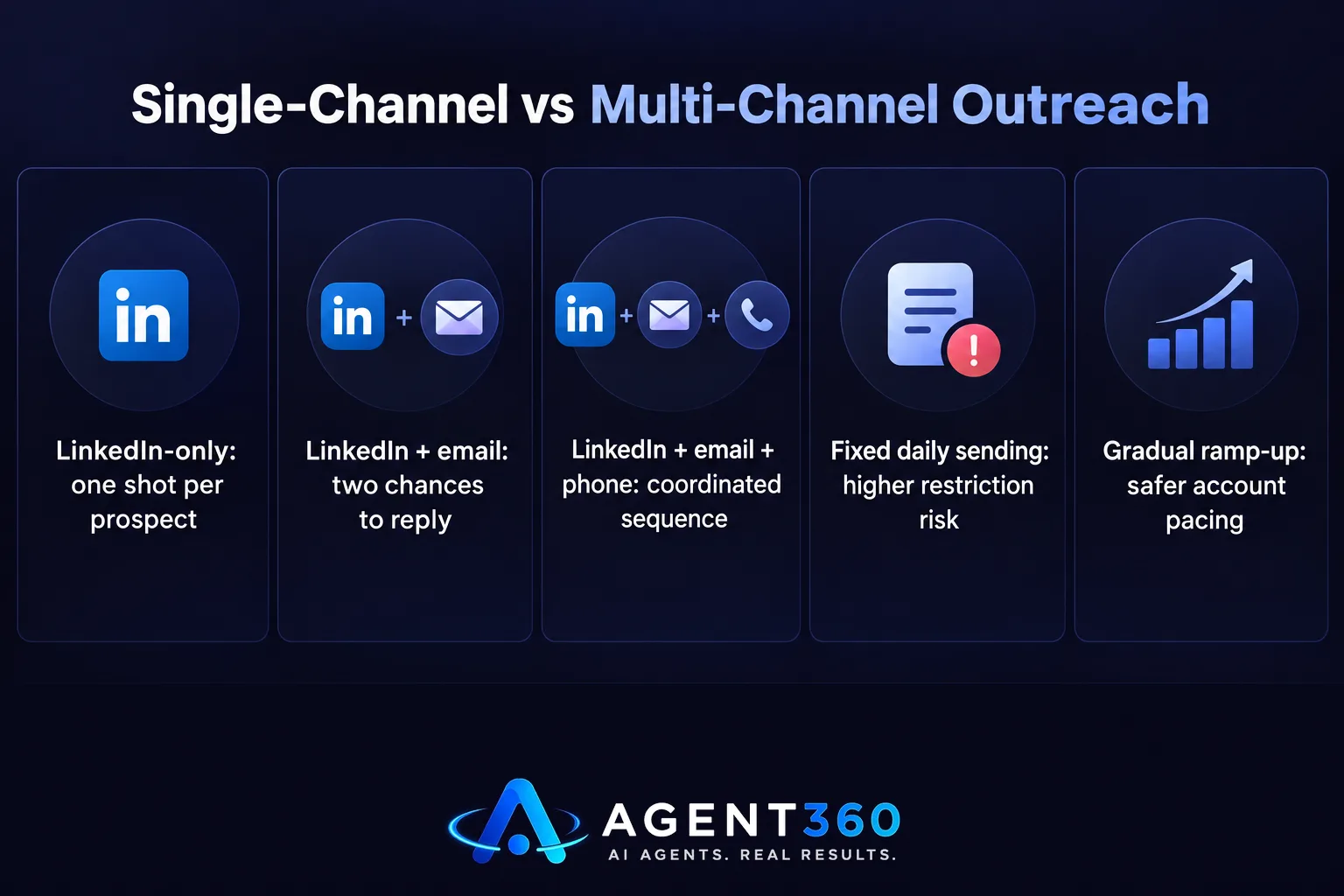
Yes, in most cases. A prospect who doesn't respond to a LinkedIn message might respond to an email, or pick up a call from an unfamiliar number out of curiosity. Tools that only run on LinkedIn hand you one shot per prospect. Tools that coordinate LinkedIn, email, and phone give you three, in a sequence that looks coordinated instead of scattered.
How do you know if it's finding the right accounts?
Check whether the tool can filter by buying signals — hiring activity, recent funding, leadership changes — rather than just job title and location. A tool that only filters by firmographic data will fill your sequences with technically-correct but poorly-timed prospects.
Which Features Actually Move the Needle on Booked Meetings?
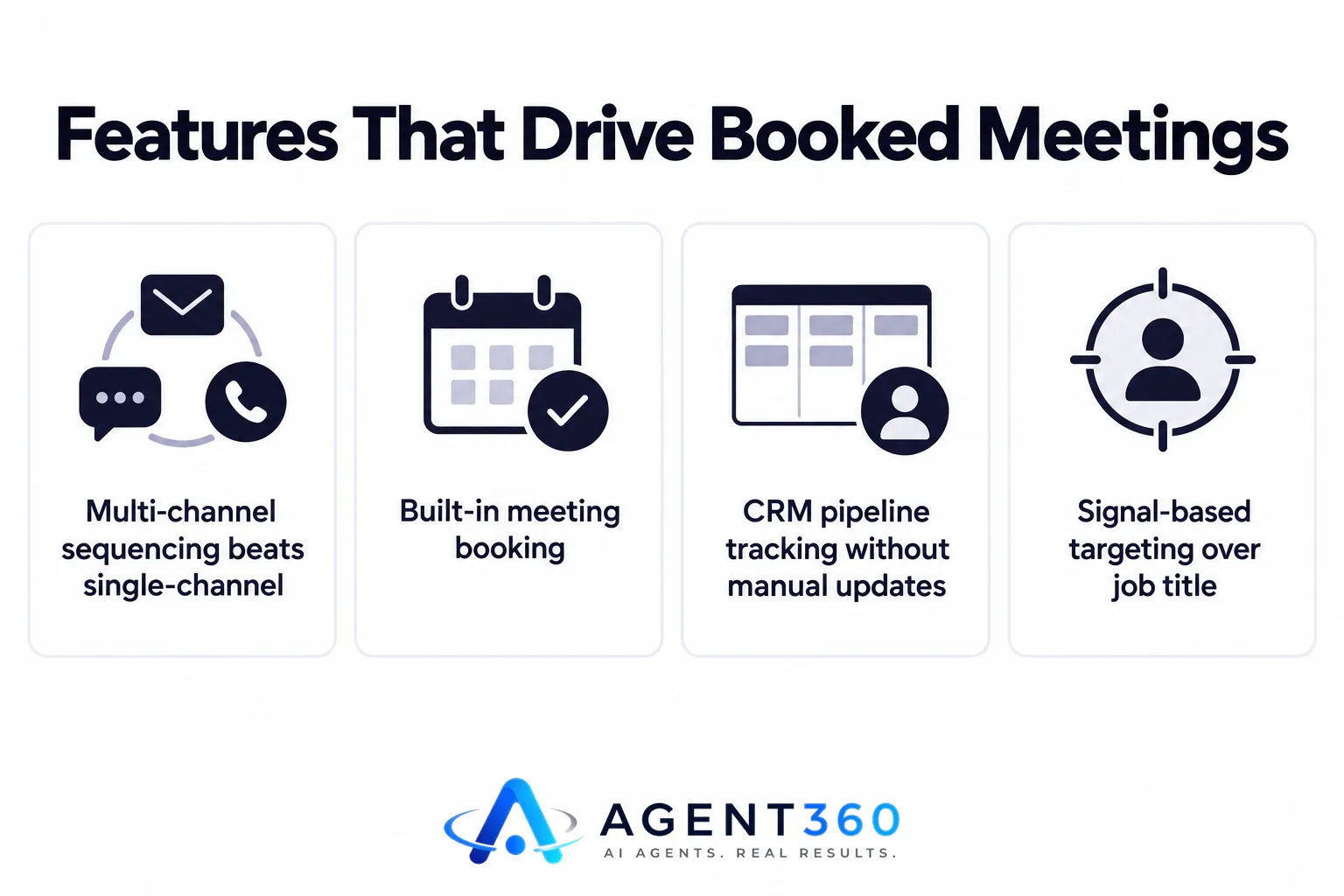
Multi-channel sequencing and meeting booking matter more than message templates. Clever copy helps, but the tools that consistently produce meetings are the ones built to get a reply onto a calendar without the prospect having to chase you back.
Why does multi-channel beat single-channel here?
Because reply behavior differs by channel and by person. Some prospects only check LinkedIn weekly. Some never open connection requests from strangers but do open email. A tool that only automates one channel is betting that every prospect behaves the same way — they don't.
What should the CRM side actually do?
At minimum, it should show you where each prospect sits in the pipeline without manual updates — who replied, who's booked, who went cold. Without that, a founder or small sales team ends up doing the tracking by hand in a spreadsheet, which defeats the point of automating the outreach in the first place.
What Are the Risks of Pure LinkedIn Automation Tools?
The main risk is account restriction, not low reply rates. LinkedIn enforces its own limits on connection requests and messages, and tools that push past them — or that don't account for them at all — can get a profile temporarily restricted. That stops lead generation entirely until the account is reinstated.

Before choosing a tool, check how it paces sending and whether it adjusts for a newer or lower-activity profile. A tool that sends at a fixed daily rate regardless of account history is riskier than one that ramps up gradually. For more on where those limits actually sit, see /blog/linkedin-outreach-limits.
How Do You Actually Choose Between Tools?
Compare them against your own list and your own reply rate, not a features page. Vendor comparisons are useful for narrowing options, but the only test that matters is what happens with your prospects.
- List your must-haves first. Decide if you need multi-channel, signal-based targeting, or CRM tracking before you look at any tool, so demos don't talk you into features you don't need.
- Run a small test list. Pick 50-100 real prospects and run the same sequence through two tools if possible, rather than trusting a demo account's sample data.
- Check how replies get handled. Confirm whether a positive reply triggers a next step automatically or whether someone has to notice it and act.
- Ask about account safety settings. Find out whether the tool paces sending based on account age and activity, not a flat daily number.
- Review the pipeline view. Make sure you can see, at a glance, who's been contacted, who replied, and who's booked — without exporting to a spreadsheet.
Standalone LinkedIn tools and full outbound platforms solve different problems; a comparison like /compare/agent360-vs-lemlist is a useful way to see what a single-channel tool leaves out.
Take the Next Step on LinkedIn Lead Generation
Agent360 combines AI prospecting with multi-channel outreach across LinkedIn, email, and phone, so a reply on one channel doesn't depend on a prospect checking the right inbox. Meetings get booked directly onto your calendar, and CRM tools track the pipeline without manual updates.
If LinkedIn alone has stalled, the fix is usually adding channels and signal-based targeting, not sending more messages on the same one. See how the full sequence works at /product/outreach.
Frequently Asked Questions
Is LinkedIn automation alone enough for B2B lead generation?
Usually not on its own. LinkedIn automation works best paired with email and sometimes phone, since prospects respond on different channels at different times, and relying on one caps how many replies you can get.
What's the biggest risk with LinkedIn automation tools?
Account restriction. LinkedIn enforces limits on connection requests and messaging, and tools that ignore account age or send at a fixed pace increase the chance of a temporary block, which halts lead generation entirely.
Do I need a separate CRM alongside a LinkedIn automation tool?
Not necessarily, if the tool includes pipeline tracking. Many standalone LinkedIn tools don't, which means reply tracking and follow-up end up managed manually in a spreadsheet.
How do I test a LinkedIn automation tool before committing?
Run it against a small, real prospect list first — 50 to 100 contacts — rather than relying on a demo. That shows actual reply behavior for your audience instead of a vendor's sample data.
Should targeting or sending volume matter more when choosing a tool?
Targeting matters more. Automating outreach to the wrong accounts just increases the speed at which you get ignored or reported; a tool that filters by buying signals first produces better reply rates at lower volume.
More articles
- What's the Safest LinkedIn Automation Tool Right Now?
- Expandi vs Heyreach: Which Is Better for Cold Outreach?
- Skylead vs HeyReach: Which LinkedIn Automation Tool Wins?
- What's the Best Alternative to HeyReach for Outreach?
- Who to Use for Outsourced SDR Instead of Hiring?
- What's a Good MSP Lead Generation Agency for Appointments?
- Cognism Alternative: What to Check Before You Switch
- ZoomInfo Alternative: What B2B Teams Need Beyond Data
