Skylead vs HeyReach: Which LinkedIn Automation Tool Wins?
Neither Skylead nor HeyReach wins outright at LinkedIn automation — the right pick depends on whether you need LinkedIn-only sequences or a tool that also carries the conversation to email and the calendar. Both run connection requests, follow-up messages, and basic personalization on autopilot. Where they split is in how they run, how much risk they put on your LinkedIn account, and what happens after a prospect says yes.
This comparison is for founders and sales leaders deciding where to put their LinkedIn outreach budget, not a feature-by-feature spec sheet. The honest answer is that LinkedIn automation alone rarely fills a calendar — it starts conversations. What closes the loop matters more than which tool sends the connection request.
Key Takeaways
- Skylead and HeyReach both automate LinkedIn connection requests and follow-ups, but check whether the tool runs in the cloud or through a browser extension before you commit an account to it.
- LinkedIn automation tools rarely include outbound email, calling, or a built-in CRM, so budget for what happens after the first reply.
- Account safety depends more on your daily activity limits and warm-up pace than on which brand name is on the dashboard — see our guide on LinkedIn outreach limits before you set either tool loose.
- If your goal is booked meetings rather than LinkedIn messages sent, weigh whether you need a single-channel tool or a sequencer that also covers email and phone.
Table of Contents
What's the core difference between Skylead and HeyReach?
Both automate LinkedIn messaging, but they're built around different levels of control and different places to run that automation. Skylead and HeyReach each let you build multi-step LinkedIn sequences — connection request, message, follow-up — with some degree of personalization pulled from a prospect's profile. The practical differences show up in setup complexity, how campaigns are managed day to day, and how much manual babysitting each one needs once it's running.
Which one is easier for a non-technical founder to set up?
If you're running outbound yourself without a dedicated ops person, the tool that needs the least configuration to get a first campaign live is the one that actually gets used. Read both tools' own setup documentation before buying, since onboarding friction is the single biggest reason founder-run outbound stalls in week one.
Does either tool work outside LinkedIn?
Check each vendor's current feature list directly — LinkedIn automation tools change their scope often, and neither is guaranteed to include email sending, phone calling, or CRM tracking out of the box. If your outbound plan depends on a prospect moving from a LinkedIn reply to a booked call, confirm how (or whether) that handoff is built in before you commit.
Which tool is safer for your LinkedIn account?
Safety comes down to your daily activity pace more than the brand name on the tool. LinkedIn restricts accounts that send too many connection requests or messages too quickly, regardless of which automation platform triggered them. A new or under-warmed account treated the same as a five-year-old Sales Navigator seat is how outreach tools get accounts restricted.
What should you check before turning either one on?
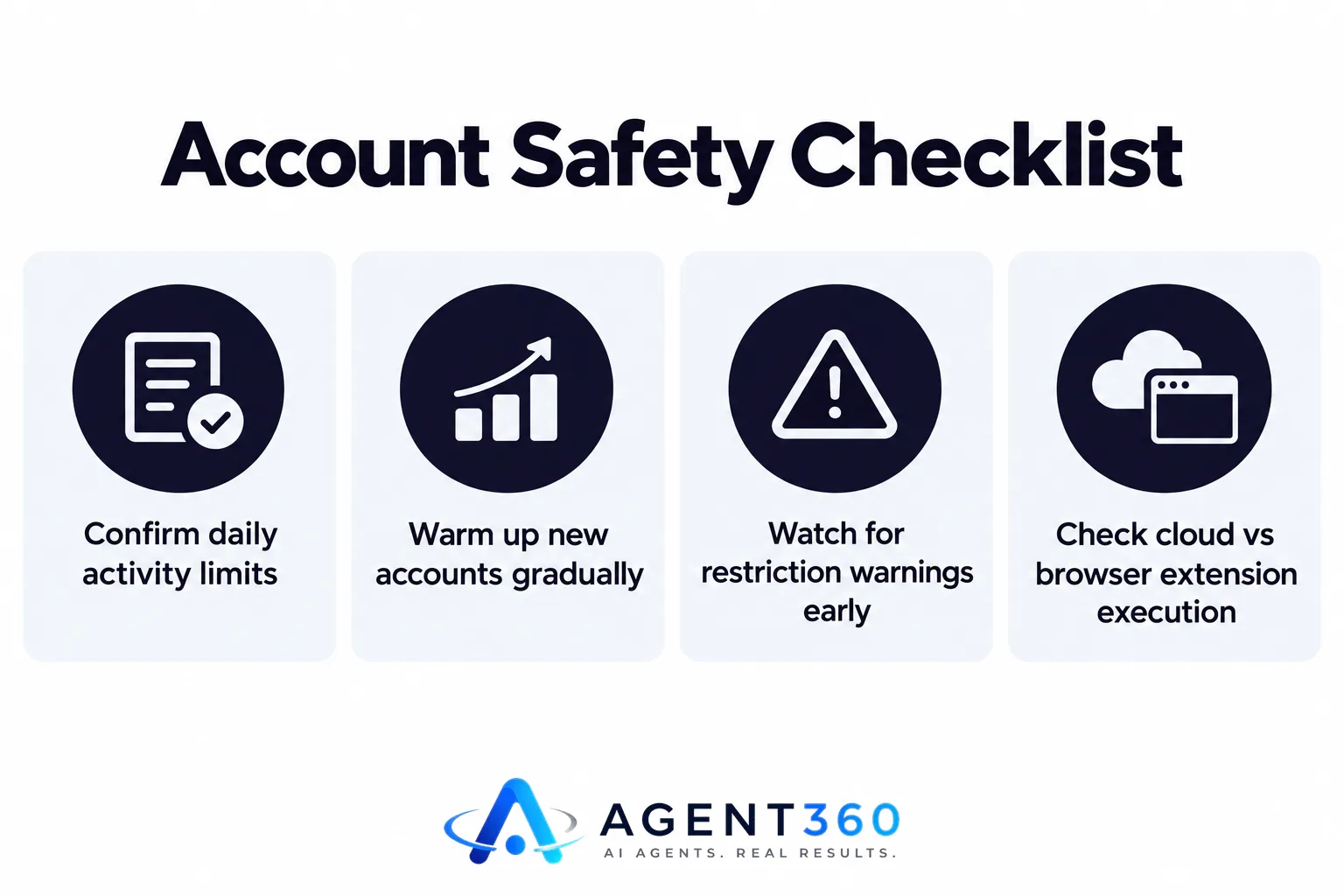
- Confirm the daily limits the tool enforces by default. Compare them against LinkedIn's own guidance on connection and messaging activity rather than assuming more automation is better.
- Warm up a new account gradually. Start well below any stated cap and increase volume over several weeks rather than launching at full speed on day one.
- Watch for restriction warnings early. A temporary limit on connection requests is LinkedIn's signal to slow down, not a bug to route around.
Does running automation from the cloud change the risk?
Where a tool runs — through a browser extension on your machine versus a cloud server — affects consistency and detection risk differently. Read each vendor's own explanation of how their automation executes, since this is exactly the kind of detail that changes between product versions and shouldn't be assumed.
Which one actually books more meetings?
Neither tool books meetings on its own — a human or a connected calendar still has to close the loop. A LinkedIn automation tool's job ends when a prospect replies. What happens next — qualifying the reply, proposing times, confirming on a calendar — is a separate step that these tools may or may not include.
What happens after a prospect says “interested”?
That depends entirely on what's downstream of the LinkedIn message: a human checking inboxes manually, a Zapier automation, or a built-in booking flow. If neither Skylead nor HeyReach closes that gap for your setup, you're effectively buying a message-sender and building the booking process yourself.
Do you need LinkedIn automation alone, or a full outbound stack?
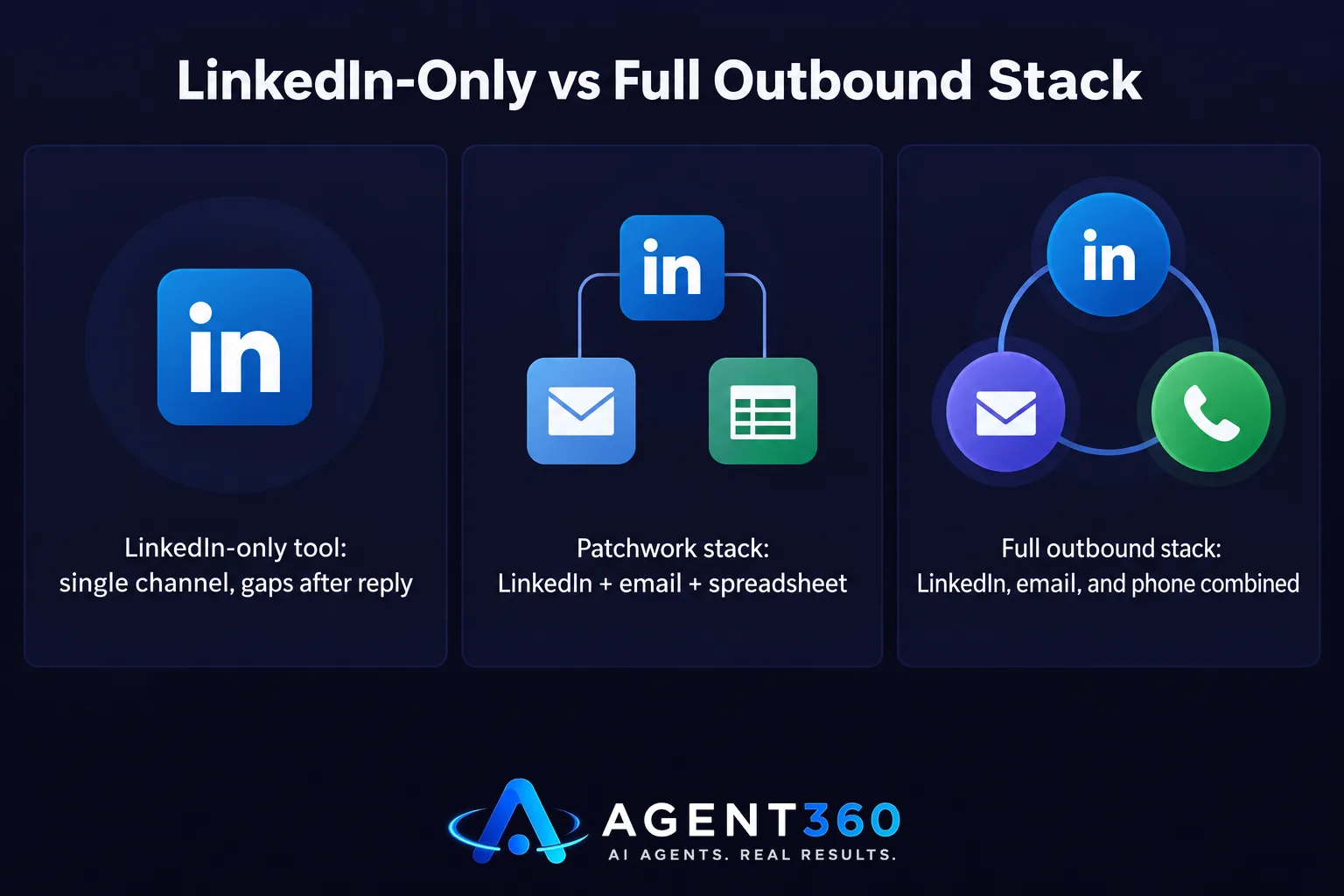
If your pipeline depends on more than LinkedIn, a single-channel tool will leave gaps. Most B2B buyers don't convert from one LinkedIn message — they need a sequence that moves across LinkedIn, email, and sometimes a phone call before they book. A tool scoped to LinkedIn only can be a fine first channel, but it's rarely the whole system.
What should replace a patchwork of single-channel tools?
If you're stitching together a LinkedIn tool, a separate email sender, and a spreadsheet for tracking replies, the maintenance cost adds up fast for a founder running this solo. See our broader rundown of LinkedIn automation tools and how they stack against multi-channel options before you lock into one channel.
Take the Next Step With Full-Funnel Outbound
We built Agent360 for exactly the gap LinkedIn-only tools leave open. Our AI prospecting finds the buyers who match your target market and flags the ones showing buying signals right now, then our multi-channel outreach engages them across LinkedIn, email, and phone instead of just one.

When a prospect replies, we book the meeting straight onto your calendar and track the whole pipeline in built-in CRM tools — no manual handoff between a LinkedIn tool and a separate booking process. If you're deciding between single-channel automation and a system that carries the conversation all the way to a booked call, see how it fits your outbound at book a demo.
Frequently Asked Questions
Is Skylead or HeyReach better for a solo founder running outbound?
Either can work for LinkedIn-only sequences, but a solo founder should weigh setup time and what happens after a reply just as heavily as the automation itself. Check each tool's current documentation on onboarding and reply handling before deciding.
Can I run both LinkedIn automation and cold email from one tool?
Some platforms scope themselves to LinkedIn only, while others combine channels — confirm directly with the vendor which channels are included in your plan. If you need both without stitching tools together, a multi-channel outreach platform avoids the gap.
How many connection requests is safe to send per day?
LinkedIn does not publish a fixed daily number, and any tool claiming an exact safe limit is estimating. Start conservatively on a new account and increase gradually — see our guide on LinkedIn outreach limits for the mechanics.
Does LinkedIn automation replace the need for a CRM?
No. LinkedIn automation tools track message status within their own dashboard, but most don't manage your full sales pipeline from first touch to closed deal. A separate or built-in CRM is still needed to track where each prospect stands.
What's the risk of using a browser-extension based automation tool?
Browser-extension tools run while your machine and browser session are active, which can affect consistency if your computer sleeps or the browser closes. Confirm with the vendor how their tool handles this before relying on it for daily volume.
More articles
- Expandi vs Heyreach: Which Is Better for Cold Outreach?
- What's the Best Alternative to HeyReach for Outreach?
- Who to Use for Outsourced SDR Instead of Hiring?
- What's a Good MSP Lead Generation Agency for Appointments?
- Cognism Alternative: What to Check Before You Switch
- ZoomInfo Alternative: What B2B Teams Need Beyond Data
- Smartlead Alternative: What to Look for Beyond Cold Email
- The Best Lemlist Alternative for Full-Funnel Outbound
