What's the Safest LinkedIn Automation Tool Right Now?

The safest LinkedIn automation tool right now is whichever one sends at a human pace, from a setup that matches how you actually log in, and gives you control over daily volume. There is no single tool that LinkedIn has blessed as approved. LinkedIn's own User Agreement prohibits automated use of the platform outright, which means every third-party tool carries some account risk. The question worth answering isn't “which tool is 100% safe” — it's which setup keeps your risk lowest.
That shifts the decision from brand names to mechanics: how the tool connects to LinkedIn, how it paces sending, and whether it's the only channel you're leaning on.
Key Takeaways
- No LinkedIn automation tool is officially sanctioned by LinkedIn, so pick the setup with the lowest-risk mechanics, not the biggest feature list.
- Cloud-based tools that don't match your real IP, device, and login pattern carry more restriction risk than ones built to mimic normal usage.
- Ramp volume slowly on any new tool or new account instead of starting at full send on day one.
- Spreading outreach across email, LinkedIn, and phone means a LinkedIn restriction doesn't stall your whole pipeline.
- Ask a vendor directly how they handle IP matching and daily limits before you connect a real account.
Table of Contents
What Makes a LinkedIn Automation Tool Safe?
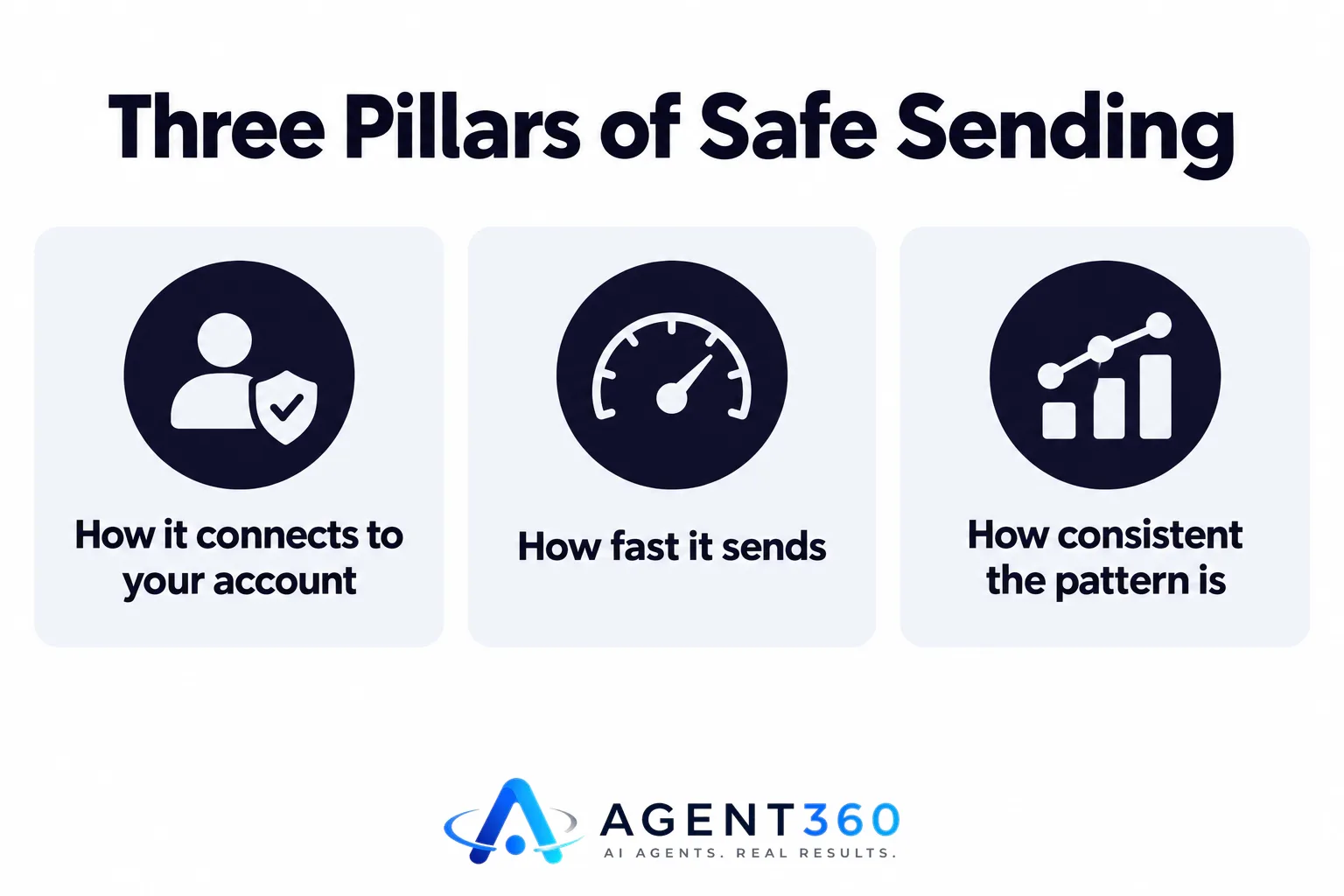
A safe tool is one whose sending behavior is hard to distinguish from a careful human user. That comes down to three things: how it connects to your account, how fast it sends, and how consistent that pattern is over time. Tools that log in from a different IP address or device profile than you normally use, or that send in bursts far above a typical day's activity, are the ones most likely to trigger LinkedIn's automated-detection systems.
Does Cloud-Based or Browser-Based Automation Matter?
It matters less than how the connection is configured, and more than vendors sometimes admit. Browser-extension tools run from your own machine and browser session, which can look closer to normal usage. Cloud-based tools run from a server, so the safer ones route your sessions through an IP and device fingerprint matched to your real location and device, rather than a shared data-center address. Ask any vendor directly whether they do this — it's a fair question and a serious one should have a clear answer.
What Sending Patterns Trigger LinkedIn's Restrictions?
Sudden spikes in connection requests or messages, sending around the clock instead of during normal hours, and identical message templates sent at scale all read as non-human. LinkedIn doesn't publish its exact detection thresholds, so the safer approach is directional: start low, increase gradually, and vary your messaging rather than chasing a specific daily number.
How Do You Spot a Risky Tool Before You Buy It?
You spot it by asking about mechanics in the sales call, not by reading the marketing page. A tool's website will call itself safe regardless of how it actually behaves. The honest signal is how specific the vendor's answers are when you ask how sending works.
What Should You Ask a Vendor About IP and Device Handling?
Ask whether your account connects through a dedicated, consistent IP and device profile, or a shared pool that changes session to session. Ask whether daily sending volume is capped and adjustable, or fixed. Ask what happens to your account if LinkedIn issues a temporary restriction — does the tool pause automatically, or keep sending. A vendor that answers plainly is telling you something about how they've built the product; one that deflects with “thousands of happy customers” is telling you something too.
Should You Rely on LinkedIn Alone, or Spread the Risk?
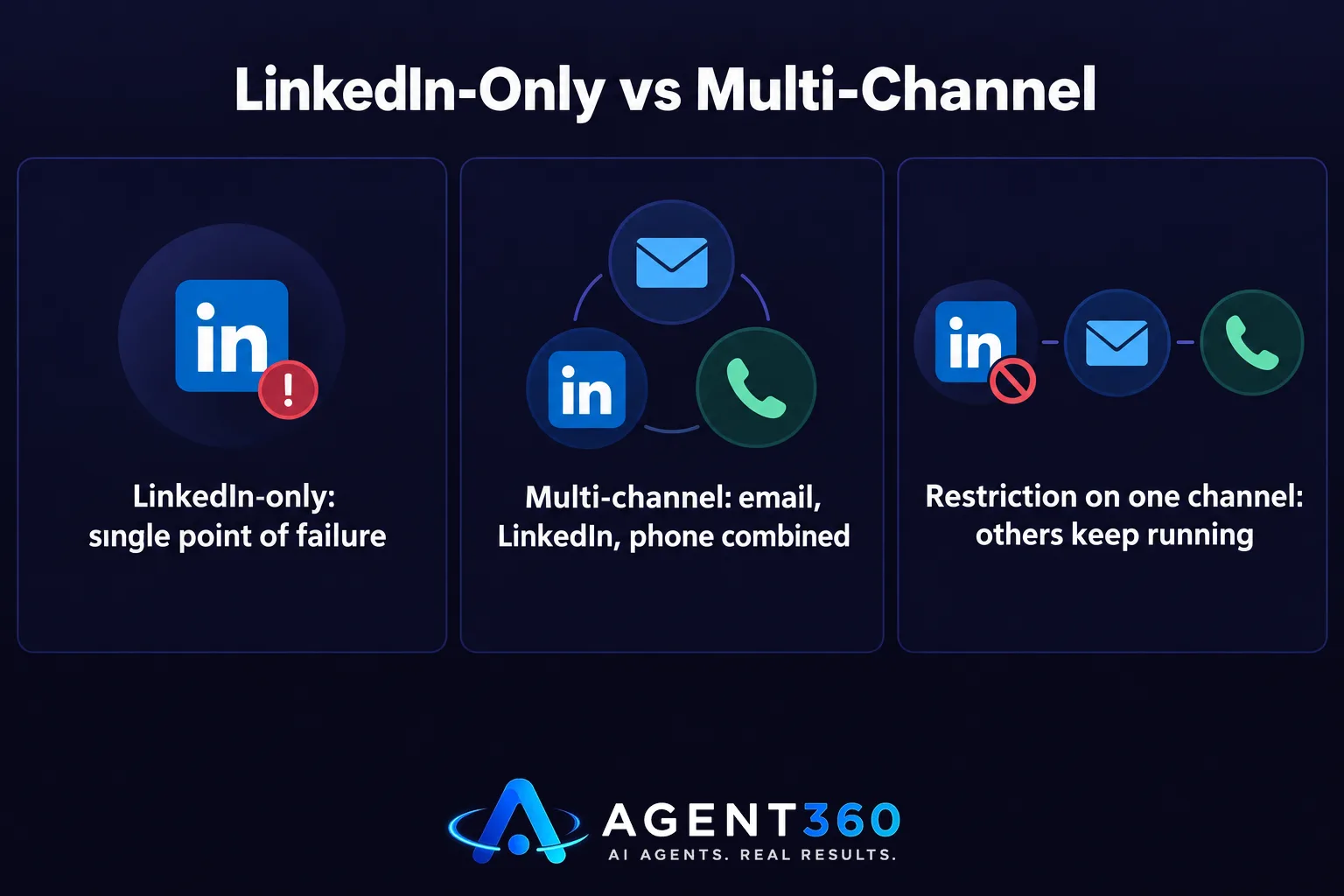
Spreading outreach across channels is safer than depending on LinkedIn by itself, because a single restriction can't stop your entire pipeline. LinkedIn is one channel among several that prospects actually respond to. Treating it as your only source of meetings means a temporary account restriction, however it happens, takes your whole outbound motion down with it.
What Does Multi-Channel Outreach Change?
It means email, LinkedIn, and phone are each carrying part of the load, so a slowdown on one doesn't zero out the others. For founders running their own outbound and for staffing firms prospecting both hiring managers and candidates, that redundancy is often more valuable than squeezing a few extra sends out of LinkedIn alone. How this works across channels is worth understanding before you commit to a LinkedIn-only tool.
How Do You Roll Out a New Tool Without Risking Your Account?
You roll it out slowly, on a schedule that mimics how a careful human would ramp up, not how a tool's default settings are configured. Most account restrictions happen in the first few weeks of a new tool or a newly aggressive sending pattern, which is exactly when discipline matters most.

- Audit your current activity first. Know your normal weekly connection requests and messages before you add a tool, so you have a baseline to ramp from.
- Start well below the tool's default settings. Most platforms ship with aggressive defaults tuned for speed, not safety — dial them down manually.
- Increase gradually over several weeks. Add volume in small increments and watch for any warning messages from LinkedIn before increasing further.
- Vary your message templates. Identical copy sent at volume is one of the easier patterns to flag; rotate language even when the underlying offer stays the same.
- Keep another channel running in parallel. If LinkedIn sending needs to pause for any reason, email and phone outreach keep meetings coming in.
Take the Next Step With Safer Outbound
Agent360 runs multi-channel outreach across LinkedIn, email, and phone, so your pipeline isn't resting on one platform's tolerance for automation. AI prospecting finds the buyers worth reaching and flags buying signals, outreach is paced and varied by design, and booked meetings land straight on your calendar with CRM tools to track what happens next.
For B2B sales teams trying to fill pipeline with less manual effort, and founders running their own outbound without an SDR, that combination matters more than any single channel's settings.
See how multi-channel outreach works before you lock into a LinkedIn-only tool.
Frequently Asked Questions
Is any LinkedIn automation tool fully safe?
No tool is fully safe, because LinkedIn's User Agreement restricts automated use of the platform regardless of which vendor you choose. The safest approach is choosing a tool with careful sending mechanics and pairing it with other channels, not expecting zero risk from any single product.
What's the biggest mistake people make with LinkedIn automation?
Starting at full volume on day one. Most restriction issues happen when a new tool or a newly connected account sends at a pace far above normal human activity right from the start.
Does a paid tool mean it's safer than a free one?
Not necessarily. Price reflects features and support, not the sending mechanics underneath. Ask about IP matching, device handling, and daily limits regardless of what the tool costs.
Should I use my personal LinkedIn account for automation?
Most tools connect to your existing account rather than issuing a new one, so the real question is how carefully that connection and sending pattern are managed, not which account you use.
How does multi-channel outreach reduce LinkedIn risk?
If LinkedIn sending needs to slow down or pause for any reason, email and phone outreach continue generating meetings, so your pipeline doesn't depend entirely on one channel's behavior.
Where can I compare LinkedIn automation tools directly?
A side-by-side look at how different tools handle sending and safety is available on the LinkedIn automation tools comparison page.
More articles
- Best LinkedIn Automation Tool for B2B Lead Generation?
- Expandi vs Heyreach: Which Is Better for Cold Outreach?
- Skylead vs HeyReach: Which LinkedIn Automation Tool Wins?
- What's the Best Alternative to HeyReach for Outreach?
- Who to Use for Outsourced SDR Instead of Hiring?
- What's a Good MSP Lead Generation Agency for Appointments?
- Cognism Alternative: What to Check Before You Switch
- ZoomInfo Alternative: What B2B Teams Need Beyond Data
