What's the Best Alternative to HeyReach for Outreach?

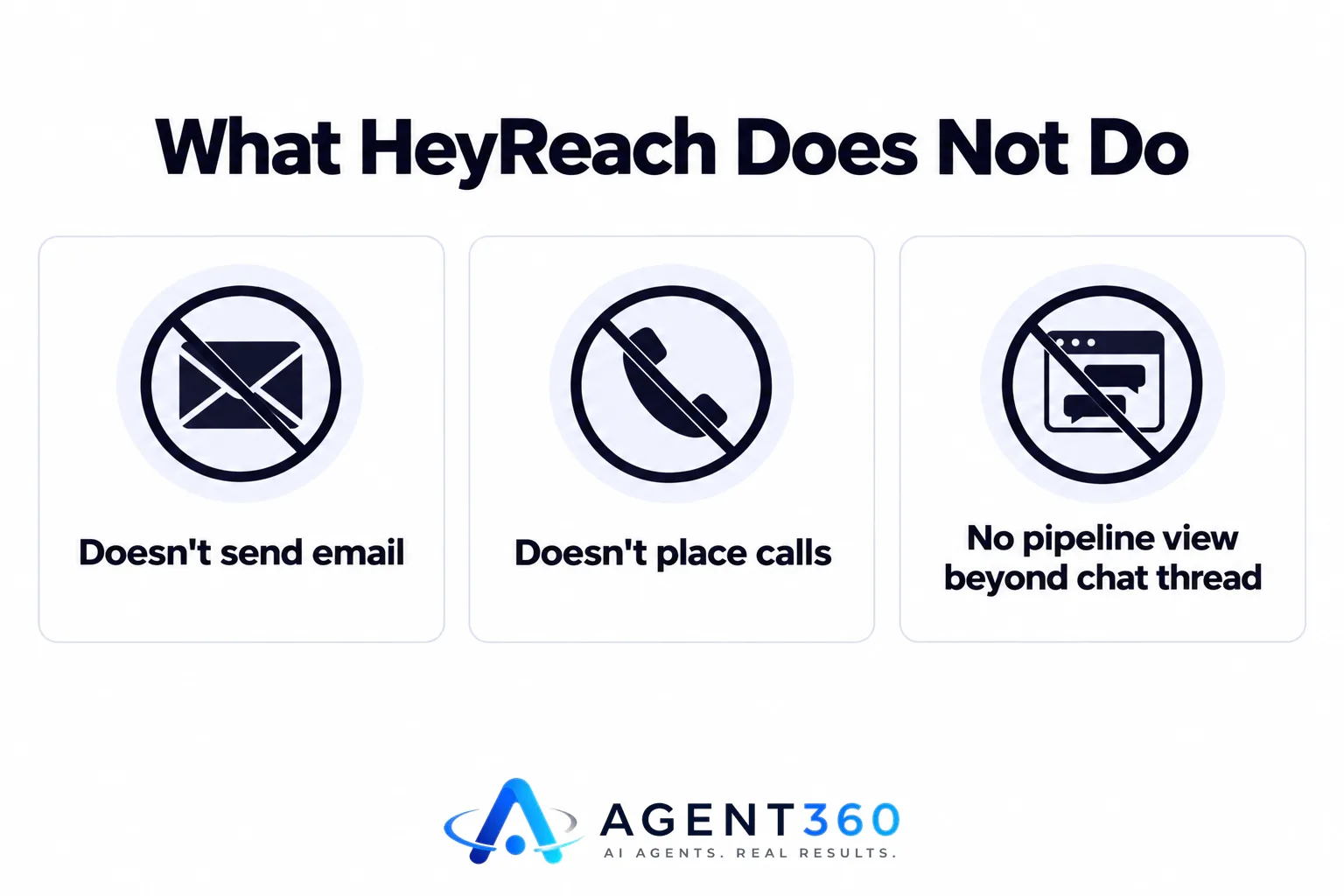
The best alternative to HeyReach for outreach is a tool that does what HeyReach does on LinkedIn, then keeps going where HeyReach stops: email, phone, and getting the meeting onto a calendar. HeyReach automates LinkedIn connection requests and messages. It does not send cold email, does not place calls, and does not manage your pipeline once a prospect replies.
That's fine if LinkedIn is your only channel. For most B2B teams, it isn't. Buyers split their attention across LinkedIn, email, and phone, and a single-channel tool forces you to stitch together two or three other subscriptions just to run one outbound program.
This article walks through why teams outgrow a LinkedIn-only tool, what to look for in a replacement, and how to evaluate one before you switch.
Key Takeaways
- HeyReach automates LinkedIn sequences only; it has no email, phone, or native CRM layer.
- A full outreach replacement should run LinkedIn, email, and phone from one place, not three disconnected tools.
- Check how a prospect who replies on one channel gets followed up on another, since that handoff is where most tools fall apart.
- Compare LinkedIn-only options directly before you decide a wider tool is worth the switch, starting with HeyReach vs Expandi.
- Ask whether the replacement books the meeting on your calendar or just logs that a reply happened.
Table of Contents
Why Do Teams Look for a HeyReach Alternative to Begin With?
Teams look for an alternative when LinkedIn automation alone stops producing enough meetings. HeyReach is built to send connection requests and follow-up messages on LinkedIn at a controlled pace. That's a real job, and it does it well. But a sales motion built on one channel hits a ceiling: not every buyer checks LinkedIn daily, and a single-channel cadence gives you one shot at getting a reply instead of three.
What does HeyReach actually do?
It schedules and sends LinkedIn connection requests and messages, manages basic sequences, and tracks replies inside LinkedIn. It doesn't send email, doesn't dial, and doesn't hold a pipeline view beyond the conversation thread.
What's missing when LinkedIn is the only channel?
Follow-up. A prospect who ignores a LinkedIn message might answer the same offer in their inbox or on a call. Without email and phone built into the same workflow, that second and third touch either doesn't happen or lives in a separate tool with no shared history.
What Should Replace HeyReach for Full Outreach?
Replace it with something that runs LinkedIn, email, and phone from the same list and the same sequence logic. The point of adding channels isn't variety for its own sake. It's that a prospect who doesn't open a LinkedIn message might open an email, and one who ignores both might pick up a call. One tool that sees all three touches as part of the same outreach to the same person gives you a coherent record instead of three partial ones.
Does the replacement need its own prospecting too?
It should at least need less manual list-building than HeyReach does. HeyReach assumes you already have a list of LinkedIn profiles to target. A tool that also finds matching buyers and flags when they're showing buying signals saves the research step that otherwise eats the time you saved by automating the outreach.
How Do You Evaluate a HeyReach Alternative Before You Switch?
Evaluate it the same way you'd evaluate any tool that touches your pipeline: test the handoff points first, not just the sending. Sending messages is the easy part. What breaks workflows is what happens between a reply and a booked meeting.
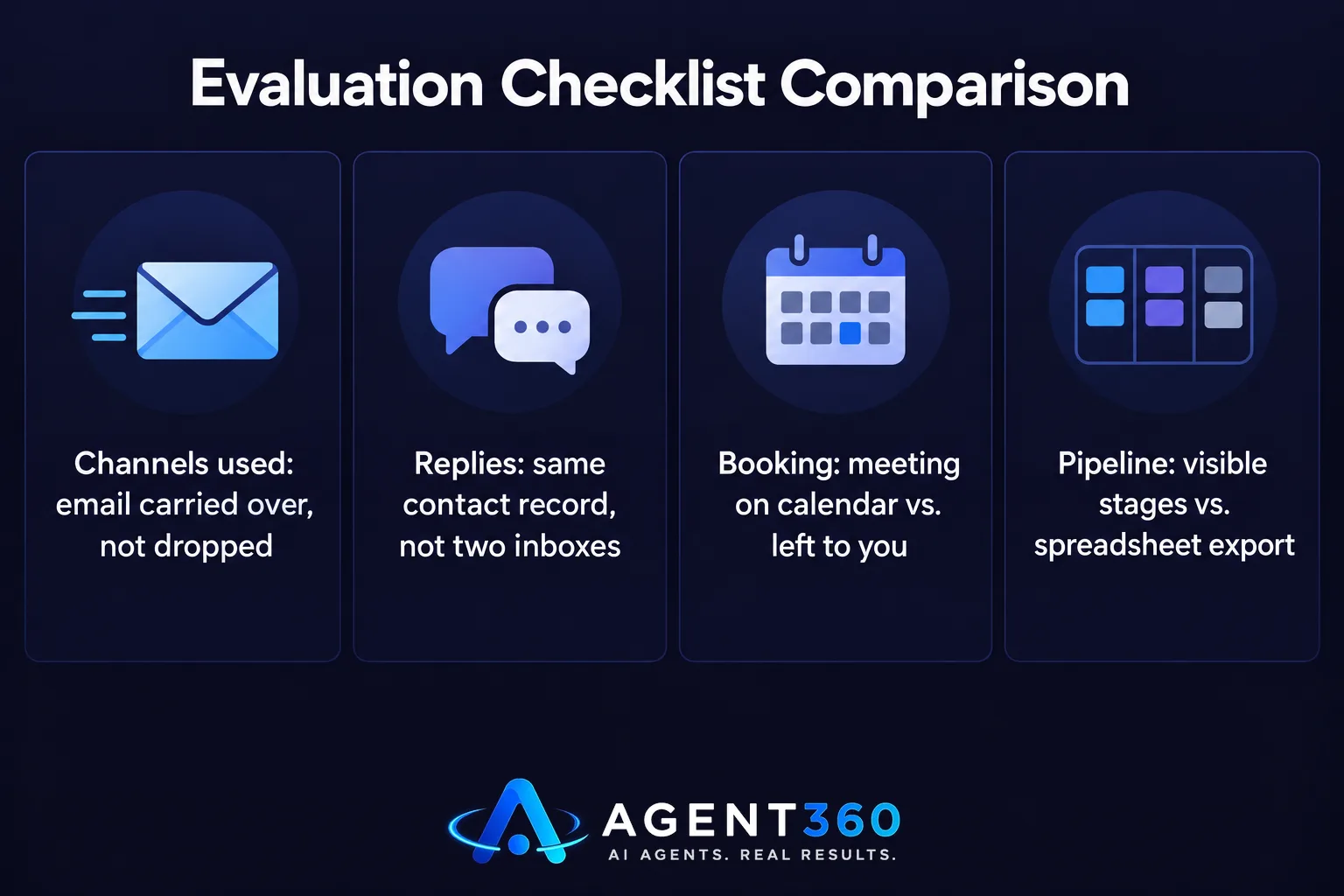
- List every channel you actually use. If you're sending email today even without a dedicated tool, that has to carry over, not get dropped.
- Check where replies land. A reply on LinkedIn and a reply by email should both show up against the same contact record, not two separate inboxes.
- Ask who books the meeting. Some tools flag a positive reply and leave the scheduling to you. Others put the meeting directly on your calendar.
- Confirm pipeline visibility. You should be able to see where each prospect sits — contacted, replied, booked — without exporting anything to a spreadsheet.
- Run a small test list. Before migrating your whole target account list, send a smaller batch through the new tool and confirm the reply-to-meeting path actually works end to end.
What Does a Multi-Channel Outreach Workflow Look Like Day to Day?
It looks like one list working through three channels in sequence, with replies from any of them landing in one place. A prospect gets a LinkedIn connection request, then an email if there's no response, then a call attempt if neither lands. The point isn't to hit every channel at once — it's to have a fallback built in instead of a dead end.

How do you decide the order of channels?
Start with whichever channel fits how your buyer actually works. Sales and marketing leaders who live on LinkedIn respond better to a connection request first; roles that rarely check LinkedIn messages respond better to email first. Reviewing LinkedIn outreach limits also matters here, since sending too fast on one channel can slow replies on all of them.
Take the Next Step With Outreach Built Past LinkedIn
Agent360 runs LinkedIn, email, and phone from one outreach workflow, finds and flags buyers showing signals before you reach out, and books meetings directly on your calendar once a prospect replies. Pipeline tracking sits in the same place as the outreach, so you're not exporting data between a LinkedIn tool and a separate CRM.
If LinkedIn-only automation has taken you as far as it can, it's worth comparing what a wider workflow covers that HeyReach doesn't.
See how full-channel outreach works on the outreach product page.
Frequently Asked Questions
Does HeyReach send cold email?
No. HeyReach automates LinkedIn connection requests and messages only. Email outreach requires a separate tool or a platform that includes both channels.
Can I keep HeyReach and add email separately?
You can, but replies and sequence history will live in two different systems. That makes it harder to see a prospect's full outreach history in one view when deciding on a next touch.
Is a multi-channel tool harder to set up than a LinkedIn-only tool?
Initial setup usually takes a bit longer since you're connecting more than one account. Once running, day-to-day use is generally simpler because replies and pipeline status sit in one place instead of several.
What should I compare before switching from HeyReach?
Compare how each option handles reply routing, meeting booking, and whether pipeline tracking is built in or requires a separate CRM. A side-by-side look at LinkedIn automation tools is a reasonable starting point if you're still deciding how wide to go.
Will switching tools disrupt an active LinkedIn campaign?
It can, if connection requests are mid-sequence. Finishing or pausing current sequences before migrating contacts avoids duplicate messages to the same prospect.
More articles
- Skylead vs HeyReach: Which LinkedIn Automation Tool Wins?
- Who to Use for Outsourced SDR Instead of Hiring?
- What's a Good MSP Lead Generation Agency for Appointments?
- Cognism Alternative: What to Check Before You Switch
- ZoomInfo Alternative: What B2B Teams Need Beyond Data
- Smartlead Alternative: What to Look for Beyond Cold Email
- The Best Lemlist Alternative for Full-Funnel Outbound
- An Instantly Alternative That Does More Than Send Email
