How Many Connection Requests Can You Send on LinkedIn?
There's no magic number LinkedIn hands out for connection requests, and that's genuinely the answer. The platform sizes up your sending allowance from your account history, your acceptance rate, and how new or active your profile looks — so a number that's fine for one account can get another one restricted. Stop hunting for a daily figure. Understanding how the restriction actually works is what keeps your account sending.
A restricted account doesn't just stop connection requests. It stops messages, replies, every conversation you had queued up. Founders running their own outreach and recruiters prospecting hiring managers both need LinkedIn to stay open — so the goal isn't finding the ceiling and sending right up to it.
Key Takeaways
- LinkedIn doesn't publish a universal daily cap; your safe volume depends on account age, activity, and acceptance rate.
- A low acceptance rate on your invitations is a stronger warning sign than any daily count.
- New or recently reactivated accounts should send fewer requests and build up slowly over several weeks, as detailed in this guide to LinkedIn outreach limits.
- Personalizing requests and targeting people genuinely relevant to your offer raises acceptance rate and lowers restriction risk.
- Spreading requests across the week, rather than bursts, matches how LinkedIn's own activity patterns look.
Table of Contents
How many connection requests can I send on LinkedIn?
There's no single published number; your safe volume depends on your account's standing, not a fixed quota. LinkedIn weighs several signals together — how long you've had the account, how often you log in and engage normally, how many past requests got accepted versus ignored or reported, and whether your recent activity looks like a sudden spike. Two accounts sending the same number on the same day can land in very different places, because their histories aren't the same.
What triggers a restriction?
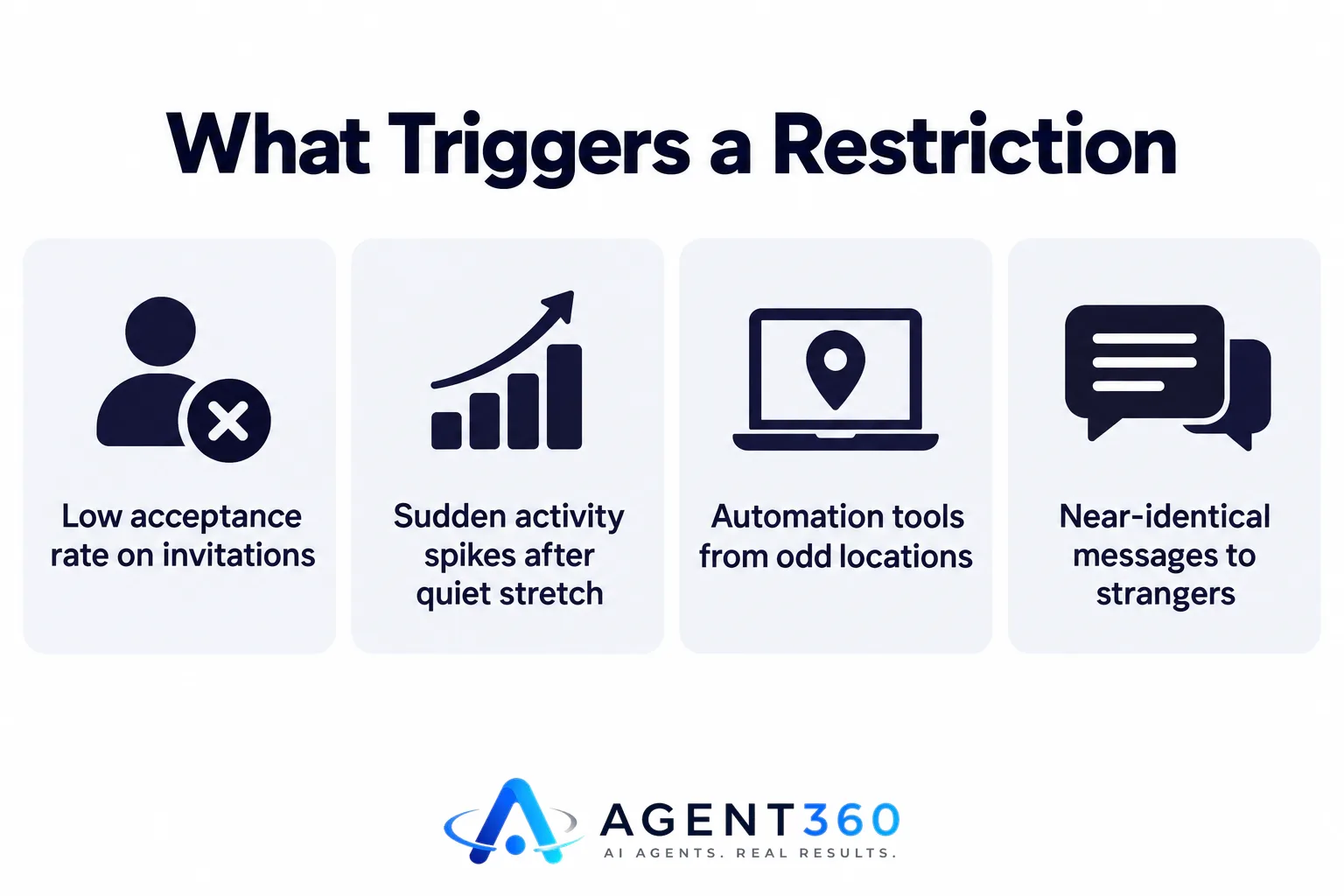
A low acceptance rate across your invitations is the biggest red flag — it tells LinkedIn you're reaching people who don't know you and don't want to hear from you. Bursts of activity after a quiet stretch, automation tools logging in from odd locations, near-identical message text sent to strangers: all of it raises risk. None of this comes down to one number. It's about the pattern looking like something a real person wouldn't do by hand.
How many connection requests should I send every day?
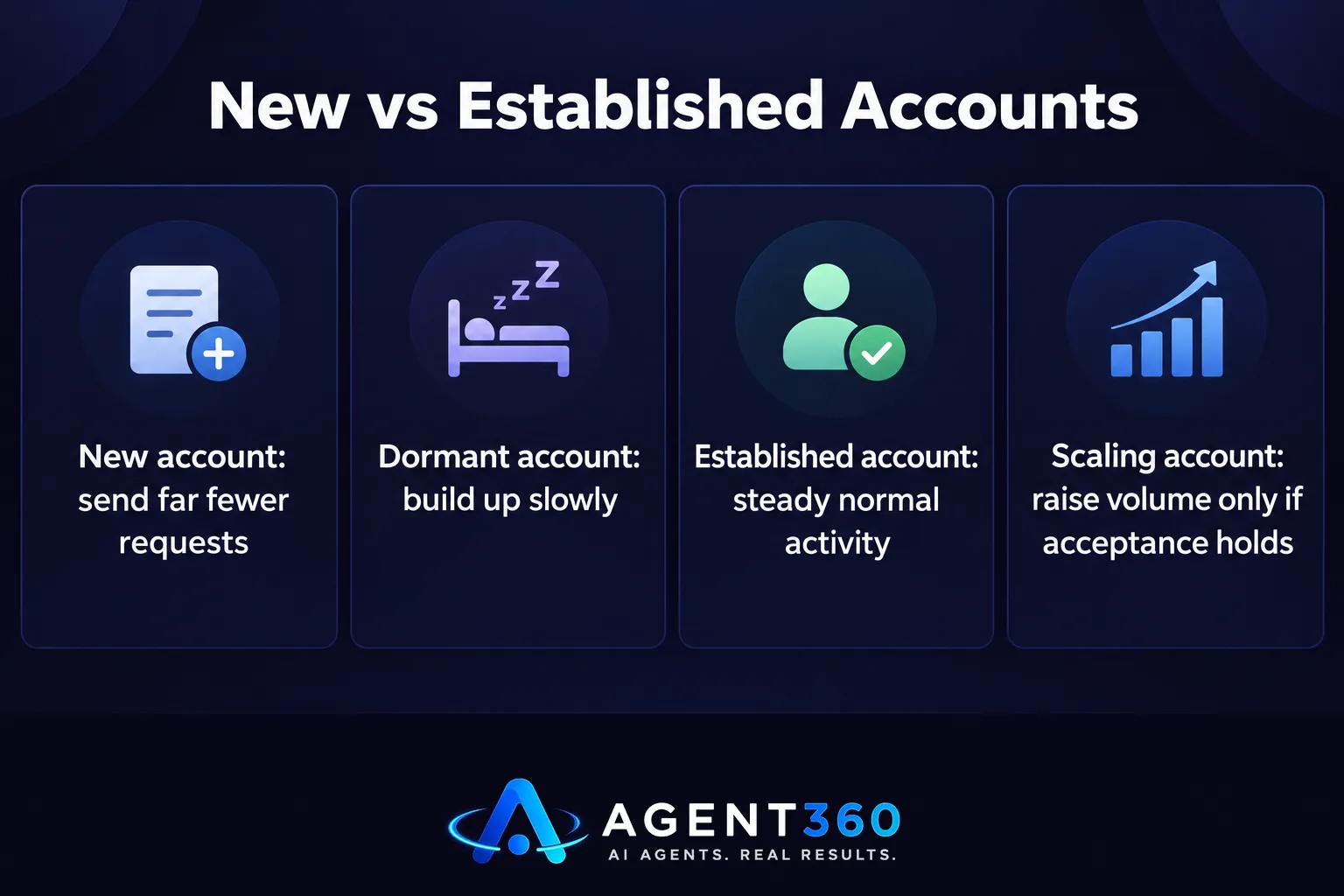
Start conservatively and let your acceptance rate tell you when to scale. A new or dormant account should send far fewer requests than one with months of steady, normal activity and people actually accepting. Pick a modest daily number, watch your acceptance rate for a week or two, then raise volume only if that rate holds up. If acceptance drops as you scale, pull back — don't push through.
Is there a weekly invitation limit on LinkedIn?
LinkedIn looks at activity over rolling periods, not just single days, so a quiet week followed by a heavy one looks odd even if no single day seems extreme. Spread your sending across the whole week, including the days you'd normally be less active. That keeps your pattern closer to how someone who actually uses LinkedIn for work behaves. Don't load everything into one or two days and leave the rest empty.
What should I do before I send a connection request?
Check that the person is actually relevant to your outreach and give them a reason to accept. A generic request to a stranger gets ignored more often, and a high ignore rate is exactly what triggers tighter limits down the line.

- Confirm the profile fits your target buyer. Sending to people outside your ideal customer profile wastes a request and drags down your acceptance rate.
- Add one line of personalization. Reference their role, company, or something specific rather than sending a blank or templated note.
- Space requests throughout the day. Sending all of them within a few minutes looks automated even if a person is doing it manually.
- Track acceptance weekly, not daily. One slow day doesn't matter; a declining weekly trend does.
- Pause and reassess if acceptance drops. Lowering volume for a week is far cheaper than a restricted account.
Take the Next Step With Safer LinkedIn Outreach
Building a sending cadence by hand, tracking acceptance rates, and adjusting volume week after week takes time most founders and staffing leaders don't have lying around. Agent360's multi-channel outreach engages prospects across LinkedIn, email, and phone from one place, so your LinkedIn activity sits alongside the rest of your pipeline instead of running off on its own. Every plan comes with unlimited seats and no per-user fees, so adding more people to outreach doesn't mean a bigger bill.
Whether you want to run outbound yourself with guardrails built in, or hand the whole thing to a dedicated team, compare both setups on pricing before you pick one.
Frequently Asked Questions
How many connection requests should I send everyday?
There's no fixed safe number that works for every account. A new or inactive one should send less and build up slowly over several weeks; an established account with a strong acceptance rate can usually handle more without trouble.
What's the limit on LinkedIn?
LinkedIn doesn't publish one universal limit — it adjusts allowances per account, based on account age, activity patterns, and how often invitations get accepted versus ignored.
Does LinkedIn have a weekly invitation limit?
LinkedIn seems to judge sending patterns over rolling periods rather than isolated days. A sudden spike after a quiet stretch can draw attention even if no single day crosses some hidden figure.
Will using automation tools get my LinkedIn account restricted?
Tools that log in from unusual locations, send at inhuman speed, or blast identical templated messages at scale raise your restriction risk. Check how different LinkedIn automation tools handle this before you pick one.
What's a good acceptance rate for connection requests?
LinkedIn hasn't published an exact threshold, but a consistently low acceptance rate is a stronger warning sign than volume alone. Personalizing requests and targeting people who actually fit is the most direct way to keep it healthy.
Should I slow down if my acceptance rate drops?
Yes. Cutting volume for a week while you fix targeting and personalization costs far less than digging out of a restricted account.
More articles
- Google Business Profile Optimization: A Practical Guide
- Agent360 vs Expandi: A Fair, Side-by-Side Comparison
- Apollo vs Smartlead: Built-In Data Versus Your Own Lists
- MSP Sales Leads & Appointments: A Practical Playbook
- AI Competitor Gap Analysis Agent: What It Actually Does
- Skylead vs Dripify: Which LinkedIn Tool Fits Your Team?
- Cold Email for Recruiters: What Actually Works
- MSP Lead Generation Services: What to Look For
