Agent360 vs Expandi: A Fair, Side-by-Side Comparison
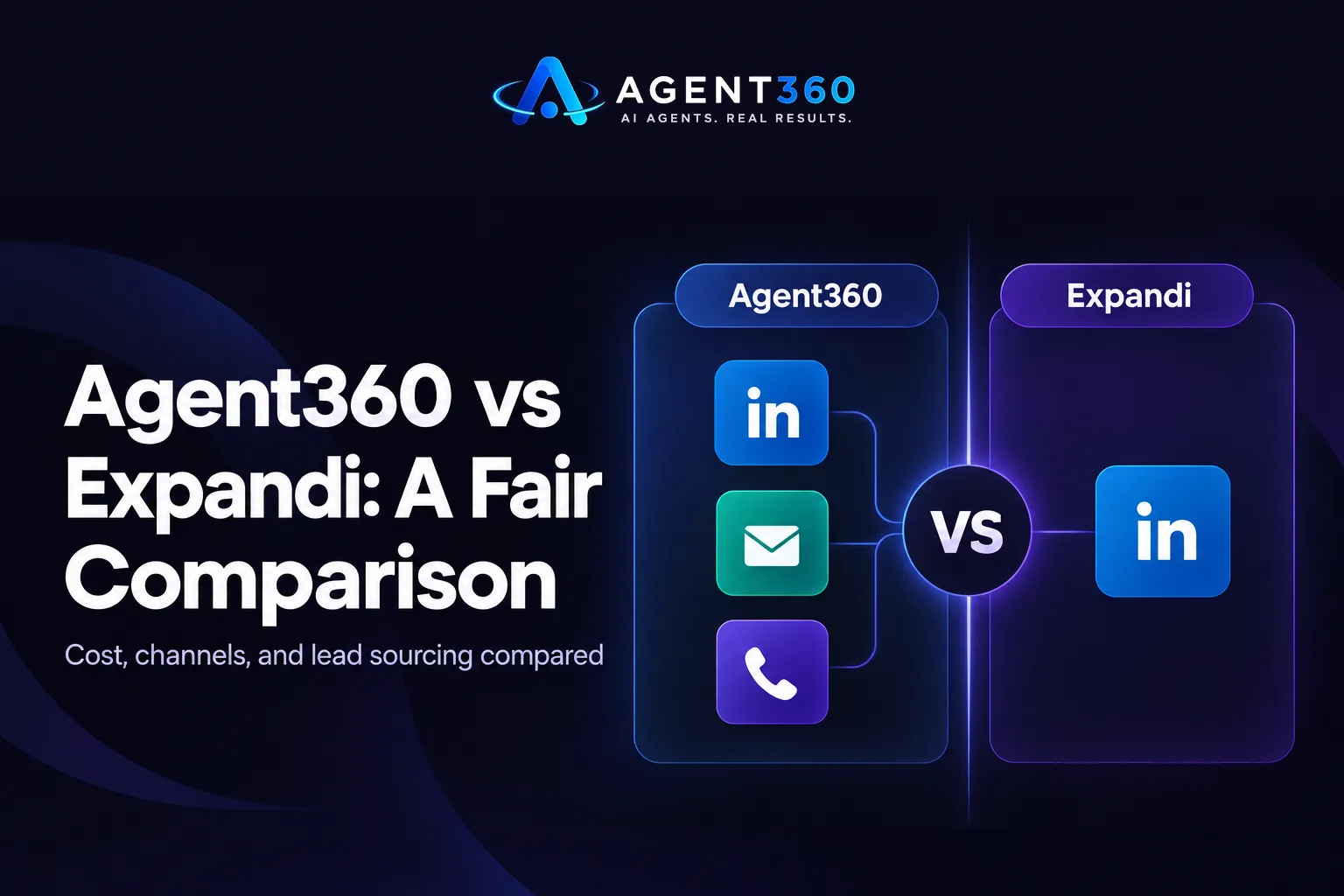
Agent360 vs Expandi comes down to one thing: Expandi automates LinkedIn actions through a browser-based tool, while a full outbound platform runs LinkedIn, email, and phone together with leads included. If connection requests and follow-ups on LinkedIn are all you need, Expandi can handle that job fine. Need email and calls in the mix too? You need something built to cover all three.
This comparison looks at cost structure, channel coverage, and where each tool pulls its leads from. Those three things decide which one actually fits a founder or a staffing agency running its own outbound.
Key Takeaways
- Expandi is a LinkedIn automation tool; it does not send cold email or make calls on its own.
- LinkedIn-only tools typically charge per seat and require a separate account per user running campaigns.
- Lead sourcing matters as much as the automation layer. A tool is only as good as the list behind it — see how AI prospecting finds and verifies buyers.
- Account safety on LinkedIn depends on daily action limits regardless of which tool you use.
- Compare total monthly cost including seats, proxies, and any data tool before deciding.
Table of Contents
How Much Does Expandi Cost?
Expandi charges a per-seat monthly license, so your total cost depends on how many people on your team need their own LinkedIn account connected. There is no single flat number that applies to every team here. Pricing scales with seats, and sometimes with add-ons like a dedicated proxy for each LinkedIn account. Check Expandi's own site for current tiers before comparing a price, since per-seat tools tend to shift pricing as they add features.
The more useful comparison is structure, not a single figure. A per-seat tool multiplies cost as a team grows. A platform priced with unlimited seats keeps the bill flat whether one person or five people are running campaigns — which matters most for staffing agencies where several recruiters each need outbound access.
Does Expandi Cover More Than LinkedIn?
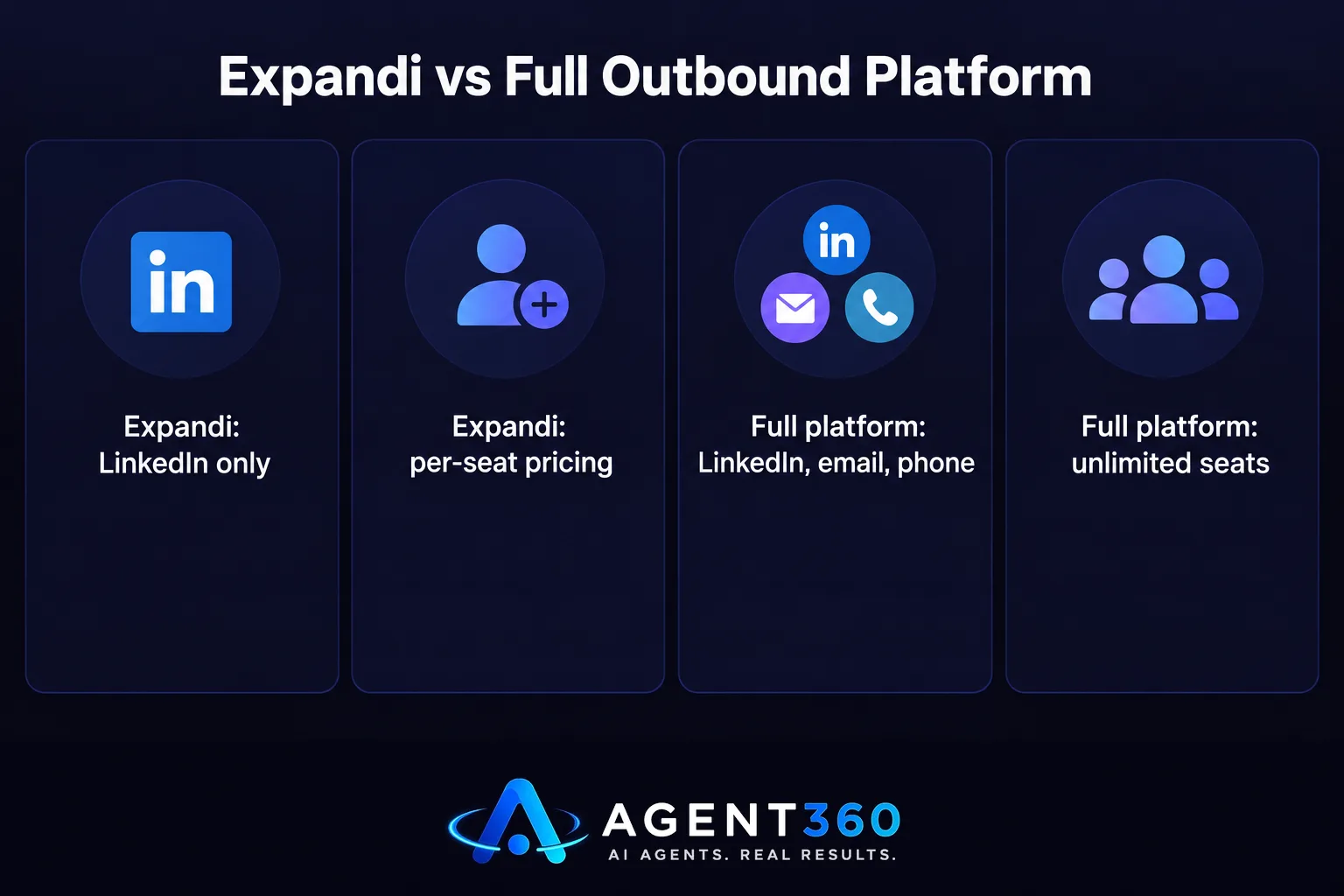
No. Expandi is built specifically for LinkedIn and does not send cold email or make calls. Teams that want email alongside LinkedIn have to connect a separate sending tool, then manage two systems, two sets of replies, and two places to check before following up again.
What Channels Does a Full Outbound Platform Add?
A platform built for multi-channel outbound runs LinkedIn, email, and phone from one sequence. A prospect who ignores a LinkedIn message gets an email a few days later, then a call — no one copying the contact between tools by hand. That matters most for founders running outbound solo, since checking three separate inboxes and dialers eats the time outbound was supposed to save.
What Is the Best LinkedIn Automation Tool?
The best LinkedIn automation tool is the one that matches your daily action volume to current platform limits and fits the rest of your outreach stack. There is no single best tool for every team. A recruiter sending LinkedIn messages alone needs different volume and safety settings than a five-person sales team already working email.
What Should You Check Before Choosing One?
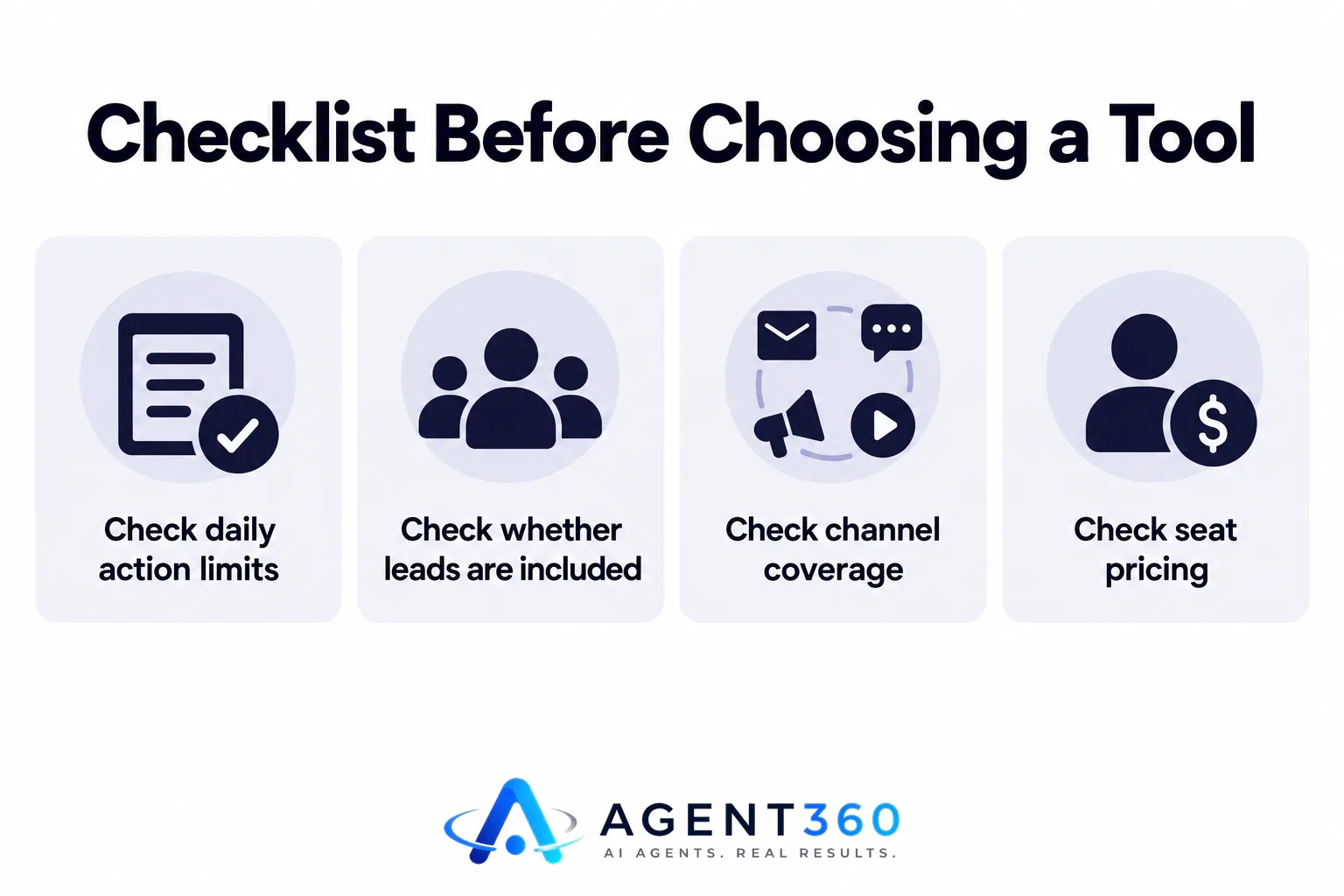
Run through the same checklist regardless of which tool you are evaluating.
- Check daily action limits. LinkedIn does not publish an official daily cap on connection requests or messages, and limits vary by account age and activity, so read current guidance on safe LinkedIn outreach limits before setting volume.
- Check whether leads are included. Some tools require you to upload your own list from a separate data source; others include verified leads as part of the plan.
- Check channel coverage. Decide whether LinkedIn alone is enough or whether you need email and calling in the same sequence.
- Check seat pricing. Add up the real monthly cost if your whole team needs access, not just the headline price for one seat.
What Are the Best Lead Generation Tools for LinkedIn?
The best lead generation tools for LinkedIn pair a verified contact source with an automation layer, since a tool is only as effective as the list it works from. Automation without accurate data just sends messages faster to the wrong people.
Which Is Better, Apollo or Sales Navigator?
Apollo and LinkedIn Sales Navigator solve different problems. Apollo is a contact database you can export from and run through outreach tools — useful for volume and firmographic filters outside LinkedIn. Sales Navigator is a search layer inside LinkedIn itself, good for precise title and company filters but not a data export tool on its own. Many teams use Sales Navigator to find the right people and a separate tool to verify emails and automate outreach. See how Apollo compares to ZoomInfo for contact-data depth if you are choosing a data source.
Take the Next Step With Agent360
Agent360 runs AI prospecting, LinkedIn, email, and phone from one platform, with a triple-verified lead included for every email sent. Every plan, including the entry tier starting at $99/mo, comes with unlimited seats and no per-user fees, so a staffing agency with several recruiters does not pay more as the team grows.

Teams that want outbound run end to end, without managing campaigns themselves, can use the VIP done-for-you option at $2,000/mo plus $250 per booked meeting, where a dedicated GTM engineer and strategist run outbound and hand over the meetings. Book a demo to see which setup fits your team.
Frequently Asked Questions
How much does Expandi cost?
Expandi uses per-seat monthly pricing, and the total depends on how many LinkedIn accounts are running campaigns. Check Expandi's current pricing page directly, since per-seat tools change tiers as they add features.
What is the best LinkedIn automation tool?
There is no single best tool for every team. The right choice depends on your daily volume needs, whether leads are included, and whether you also need email and calling in the same workflow.
Which is better, Apollo or Sales Navigator?
Apollo works as an exportable contact database for outreach at volume, while Sales Navigator is a precise search tool inside LinkedIn without a built-in export. Many teams use Sales Navigator to find people and a separate tool to verify contact details and run outreach.
What are the best lead generation tools for LinkedIn?
The strongest setups pair a verified contact source with an automation layer that also covers email and phone, so a non-response on LinkedIn does not end the sequence. Automation alone, without accurate data behind it, just sends more messages to the wrong people faster.
Is Expandi safe to use on LinkedIn?
Any LinkedIn automation tool carries account risk if daily actions exceed what the platform tolerates for an account's age and activity level. LinkedIn does not publish an official daily limit, so safety comes down to staying conservative and watching for warnings rather than trusting any tool's default settings.
Can I run LinkedIn and cold email from the same place?
Yes. Platforms built for multi-channel outbound run LinkedIn, email, and phone in one sequence, so a prospect moves to the next channel automatically instead of getting managed across separate tools and inboxes.
More articles
- Apollo vs Smartlead: Built-In Data Versus Your Own Lists
- MSP Sales Leads & Appointments: A Practical Playbook
- AI Competitor Gap Analysis Agent: What It Actually Does
- Skylead vs Dripify: Which LinkedIn Tool Fits Your Team?
- Cold Email for Recruiters: What Actually Works
- MSP Lead Generation Services: What to Look For
- AI Dialer: What It Actually Does and What to Check First
- Unlimited Seats Sales Software: What to Buy and Why
