Looking for a Clay Alternative? What to Check First
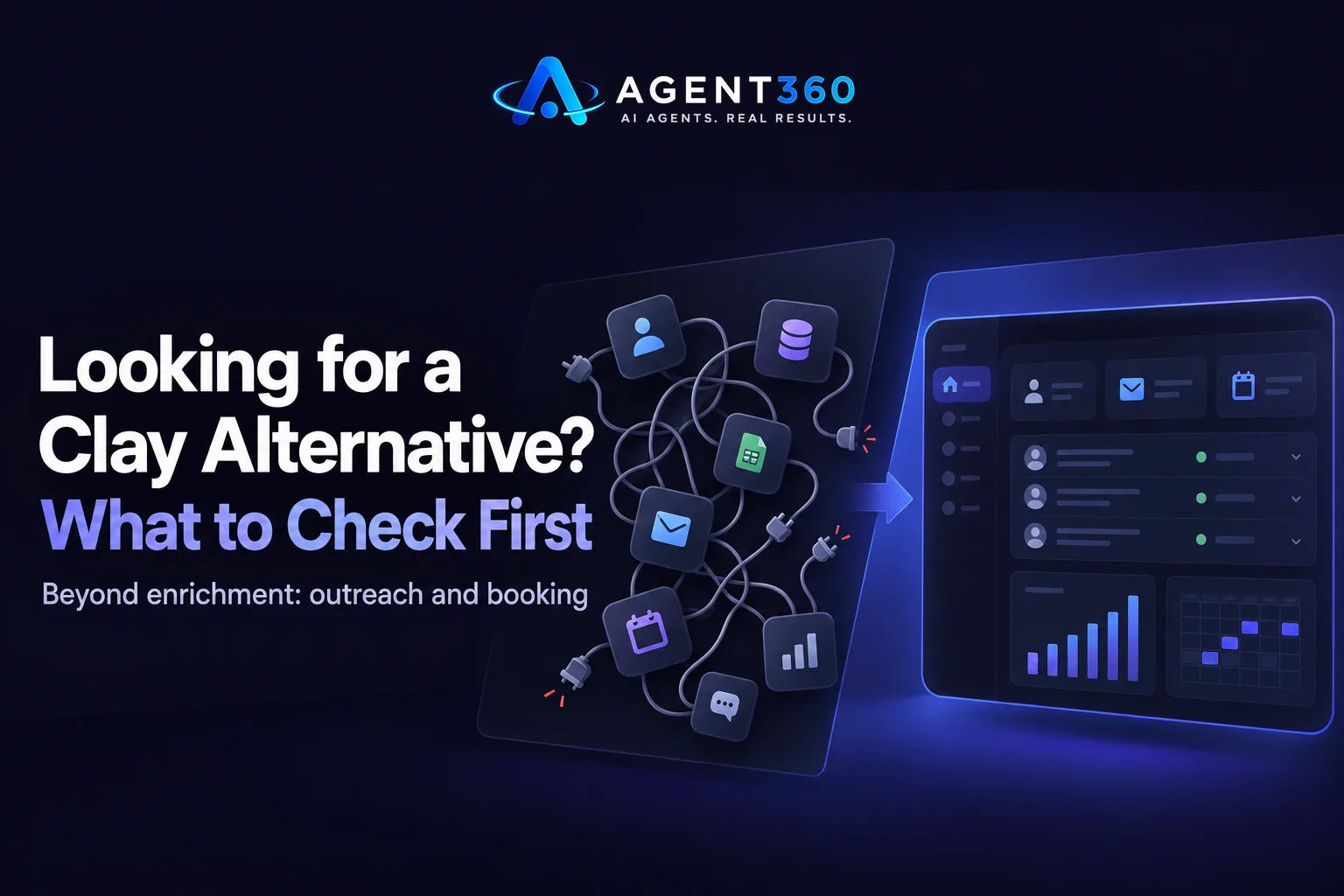
A Clay alternative is worth looking at when you need outreach and booked meetings, not just enriched lead lists and workflow building. Clay is built around connecting data sources and letting you assemble custom enrichment workflows, which works well if your team has someone to build and maintain those workflows. If you want data, messaging, and sending in one place without stitching tools together, the alternative you pick should cover the full path from finding a buyer to booking the meeting.
Founders running outbound alone and staffing agencies prospecting for new client meetings usually hit the same wall: enrichment is only step one. The lead still has to go into a sequence, get a message, and show up on a calendar. That's where the gap between a data tool and an outbound platform matters most.
Key Takeaways
- Decide whether you need enrichment alone or enrichment plus outreach and booking before comparing tools.
- Check if the alternative includes multi-channel sending, not just data export.
- Confirm how pricing scales with seats and volume, since that changes total cost fast.
- Look for built-in CRM tracking so replies and meetings don't live in a separate system; see CRM tools built for this.
- Compare a few options directly, including a side-by-side look at Clay, before committing.
Table of Contents
What Is Clay Used For, and Why Do Teams Look for Alternatives?
Clay is a data enrichment and workflow tool, and teams look elsewhere when they need the outreach and booking steps built in too. It pulls from multiple data providers and lets you chain enrichment steps together, which is useful for building a custom lead list. But a list isn't a meeting. Once the data is enriched, someone still has to write the sequence, send it across channels, and track replies through to a booked call.
Who outgrows a data-only tool first?
Founders doing their own outbound usually outgrow it first, because they don't have time to build workflows and run outreach separately. Staffing and recruiting agencies run into the same issue when they need new client meetings but can't justify a dedicated business development hire just to manage the handoff from data to outreach.
What Should a Clay Alternative Include Beyond Data Enrichment?
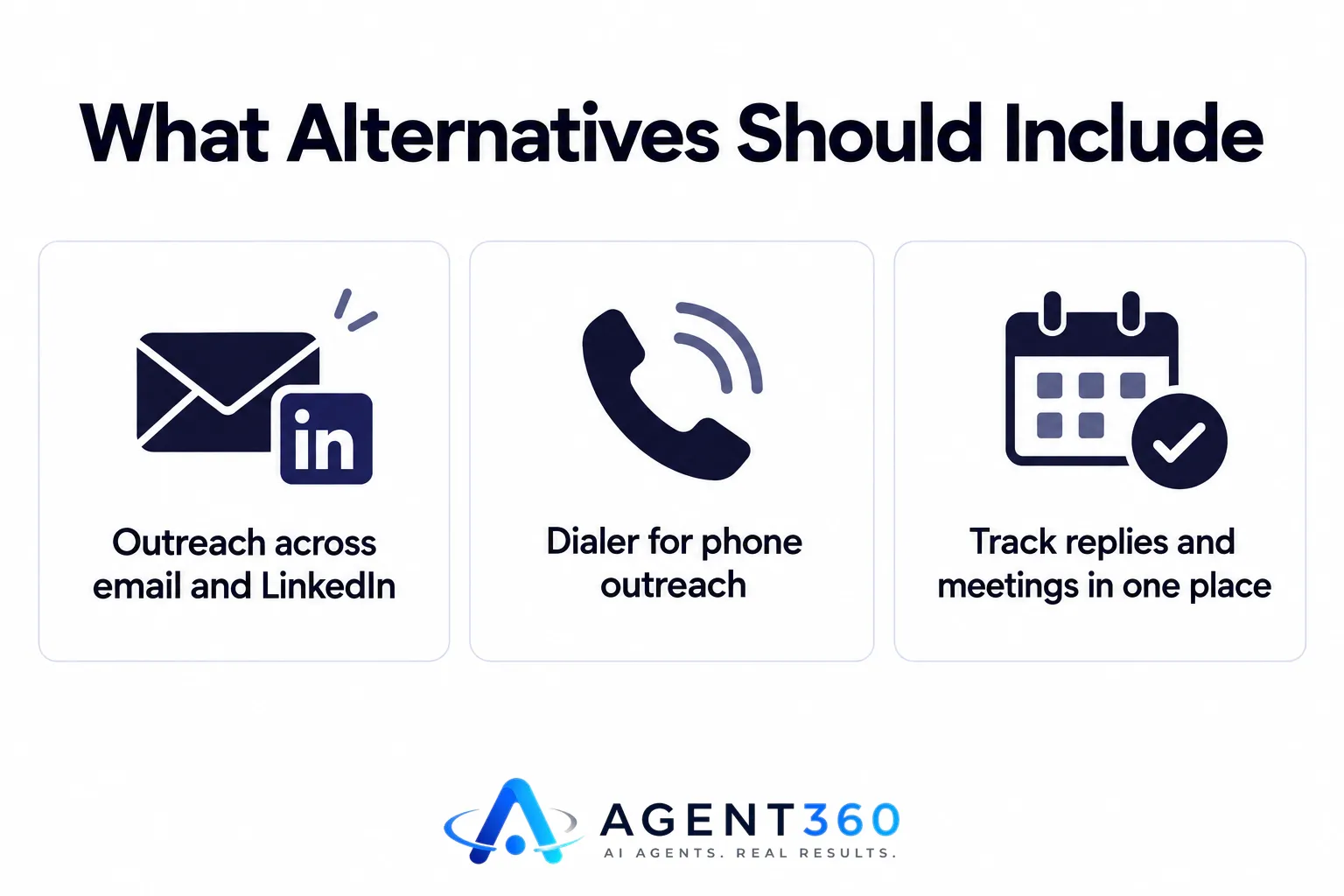
It should include outreach across the channels your buyers actually use, plus a way to track replies and meetings in one place. Enrichment without sending is half a product. The other half is a sequencer that works across email and LinkedIn, and ideally a dialer if phone is part of your mix.
Does it need to cover phone as well as email and LinkedIn?
It depends on who you're selling to. B2B sales teams and staffing agencies booking meetings with hiring managers often get faster responses by adding a call to the sequence, so an alternative that handles outreach across LinkedIn, email, and phone in one workflow saves you from managing three separate tools.
How Do Clay Alternatives Differ on Pricing and Seats?
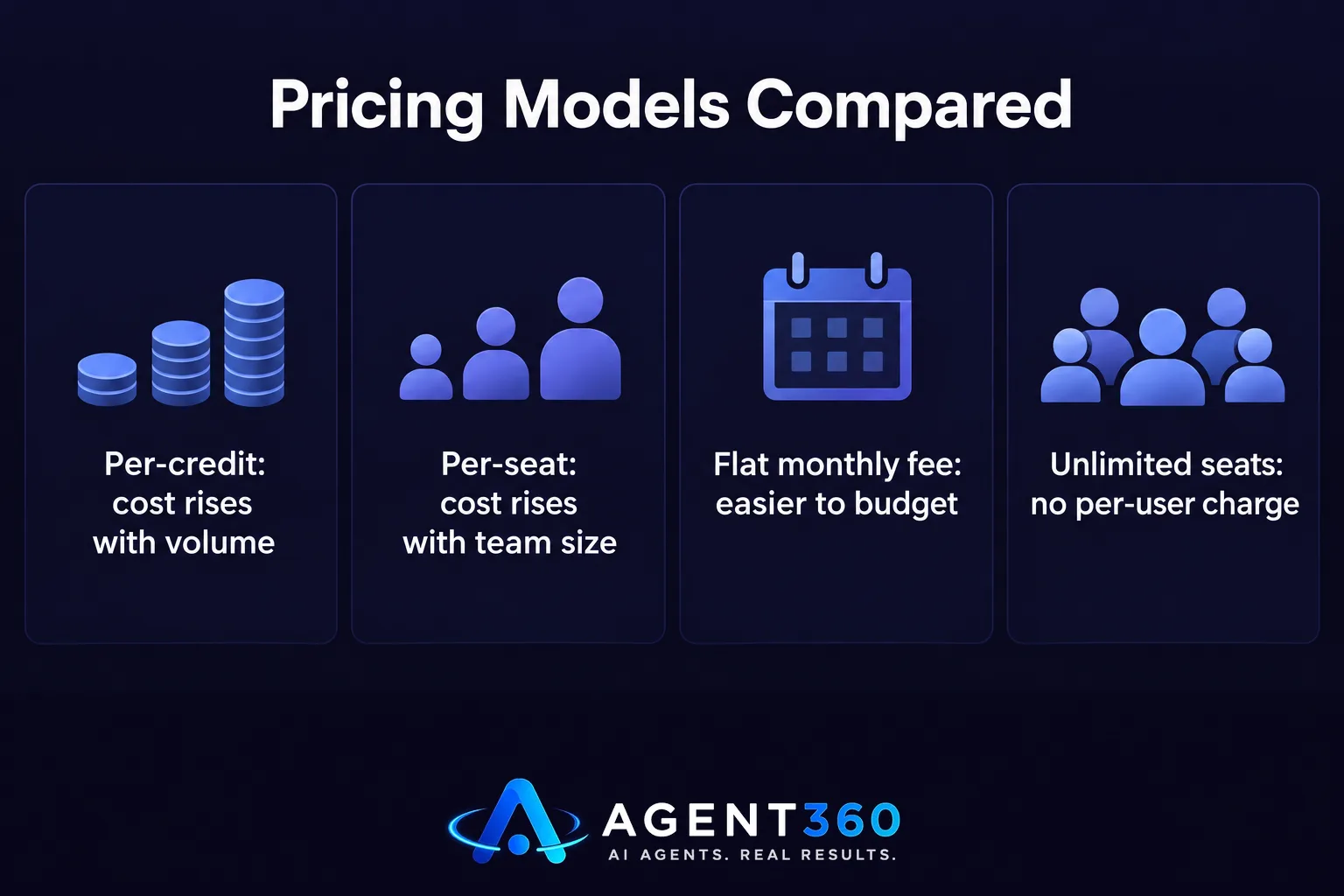
Pricing models vary from per-credit enrichment costs to flat monthly platform fees, and seat limits can change your real cost as the team grows. A tool priced per credit or per contact enriched gets expensive fast once volume goes up. A flat monthly fee with no per-seat charge is easier to budget against, especially if more than one person on your team needs access.
- List what you're paying for today. Separate the cost of data enrichment from the cost of sending and tracking, since Clay-style tools usually only cover the first.
- Check seat limits on any alternative. Some platforms charge per user, which adds up quickly for a staffing team where several recruiters need to see the pipeline.
- Compare against a flat-fee option. Review pricing for a platform with unlimited seats before you assume more users means more cost.
- Factor in the lead cost. Some platforms include verified leads in the price instead of charging separately for data.
Which Type of Alternative Fits Your Team?
The right fit depends on whether you're building outbound in-house or want it handled for you. A founder comfortable running sequences and checking a dashboard daily wants a self-serve platform. A staffing agency owner who's already splitting time between client calls and recruiting usually wants the outreach run for them, with meetings landing on the calendar.

What if you don't have time to run outreach yourself?
Done-for-you outbound is built for that case: someone else manages the sequences, the follow-ups, and the handoff, and you take the meeting. It costs more per meeting than running it yourself, but it removes the daily management.
Take the Next Step With a Full Outbound Platform
Agent360 covers prospecting, multi-channel outreach, meeting booking, and CRM tracking in one platform, so you're not pairing a data tool with separate sending software. The Agent360 Platform starts at $99/mo with unlimited seats on every plan and one triple-verified lead included for every email sent. If you'd rather hand outbound off entirely, the VIP Done-For-You option runs it end to end with a dedicated GTM engineer and strategist for $2,000/mo plus $250 per booked meeting, and you just take the calls.
Staffing agency owners who need new client meetings without adding recruiters, and founders who need pipeline without hiring SDRs, both start the same way: by comparing what a single platform replaces. See how it works before you decide what to switch.
Frequently Asked Questions
Is Clay a CRM?
No. Clay is built for data enrichment and workflow automation, not pipeline tracking. Teams that need to track replies and meetings alongside enrichment usually pair it with a separate CRM or outreach tool.
Can a Clay alternative also handle LinkedIn outreach?
Some can. Look specifically for a platform that includes LinkedIn as a native channel in its sequencer rather than requiring a separate LinkedIn automation tool on top.
Do I need enrichment and outreach in the same tool?
Not strictly, but running them separately means managing two systems and manually moving data between them. A combined platform removes that handoff.
What's the real cost difference between a data tool and a full outbound platform?
A data-only tool charges for enrichment and leaves sending as a separate cost. A full platform folds lead sourcing, sending, and tracking into one price, which is easier to compare against a flat monthly fee with no per-seat charge.
Is done-for-you outbound a Clay alternative too?
It solves the same underlying problem, getting from a target list to a booked meeting, but by having someone else run the process instead of handing you software to run yourself.
More articles
- Gong Alternative: What to Check Before You Switch Tools
- Agent360 vs Clay: A Fair, Side-by-Side Comparison
- Agent360 vs HeyReach: A Fair, Side-by-Side Comparison
- Is Smartlead Better Than Instantly for Cold Email Outreach?
- What's the Best Done-for-You Outbound Agency for Agencies?
- Who Offers Pay-for-Meetings Outbound Without an SDR Team?
- What's the Safest LinkedIn Automation Tool Right Now?
- Best LinkedIn Automation Tool for B2B Lead Generation?
