Multiple LinkedIn Accounts for Outreach: Help or Ban Risk?
Running outreach from more than one LinkedIn account doesn't scale your pipeline on its own. It scales whatever pattern you already have, good or bad. Add a second account to a healthy cadence and you get more meetings. Add a second account to a volume problem and you get two accounts getting restricted instead of one.
The question isn't whether to use multiple accounts. Most teams past three reps will. The question is which structure actually holds up.
One Rep, One Account — Never Split or Share
The failure mode that shows up most often isn't too many accounts. It's one account shared across two reps, or one rep juggling logins for a role they just inherited. Shared accounts mean inconsistent behavior patterns on a single profile: different typing cadence, different reply timing, different connection request volume from day to day. That inconsistency reads as automated to any system watching for it.
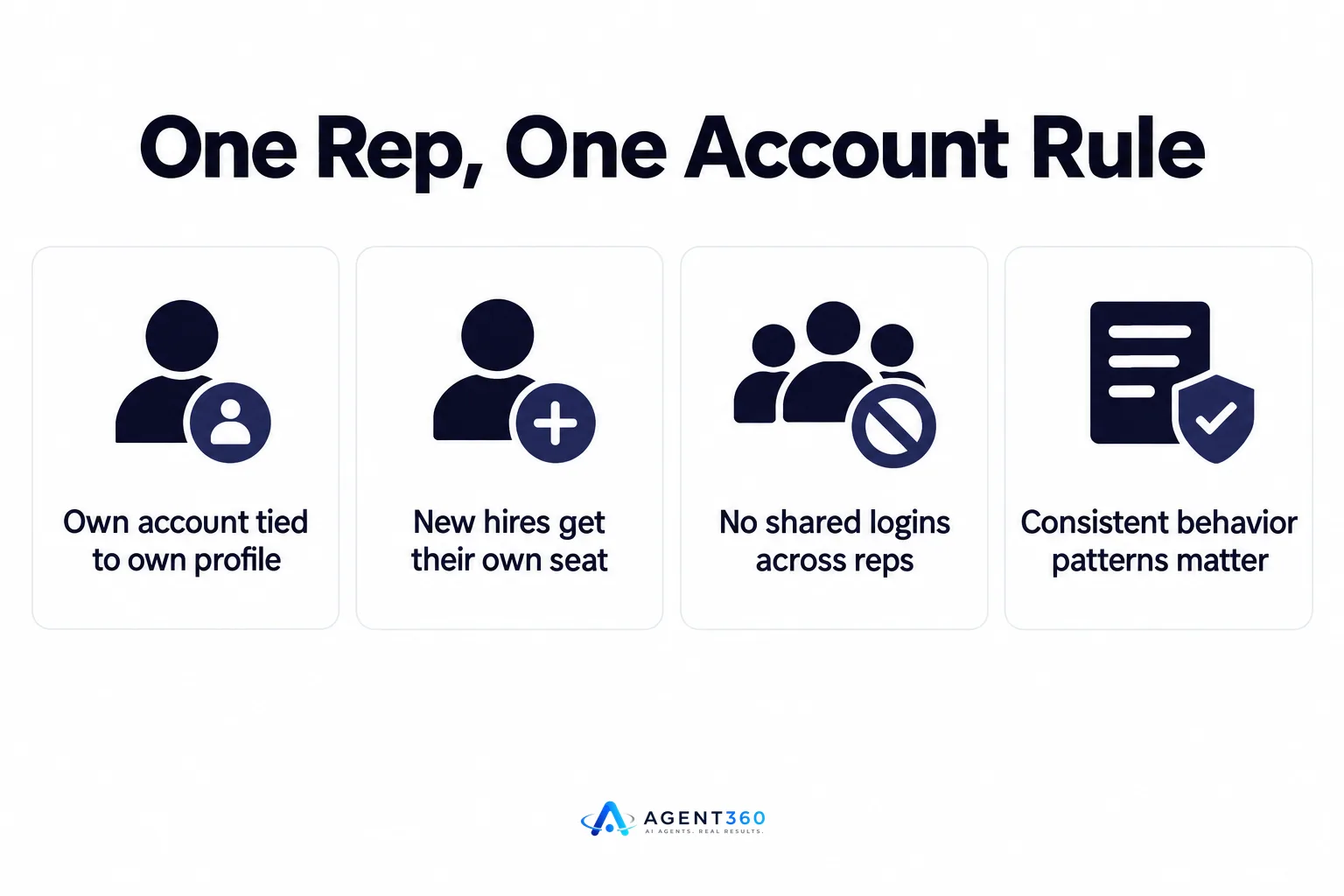
The fix is structural, not behavioral. Every rep gets their own account, tied to their own real profile, with its own history. If you're adding a new hire, give them their own seat from week one rather than folding them into an existing account's queue — the same logic that applies to adding your first hire as an agent, not an admin applies here: new people need their own identity in the system, not someone else's.
Rented or Bought Accounts Don't Fix a Volume Problem — They Multiply It
Buying aged accounts or renting profiles to run outreach is a workaround for a volume ceiling, not a solution to it. The logic sounds reasonable: one account can only send so much before it gets flagged, so run five accounts and send five times as much. In practice, five accounts behaving identically — same message templates, same send times, same target list pulled from the same source — are five accounts showing the same pattern. Platforms that watch for coordinated behavior don't need to catch one account to flag a cluster; similarity across accounts is itself a signal.
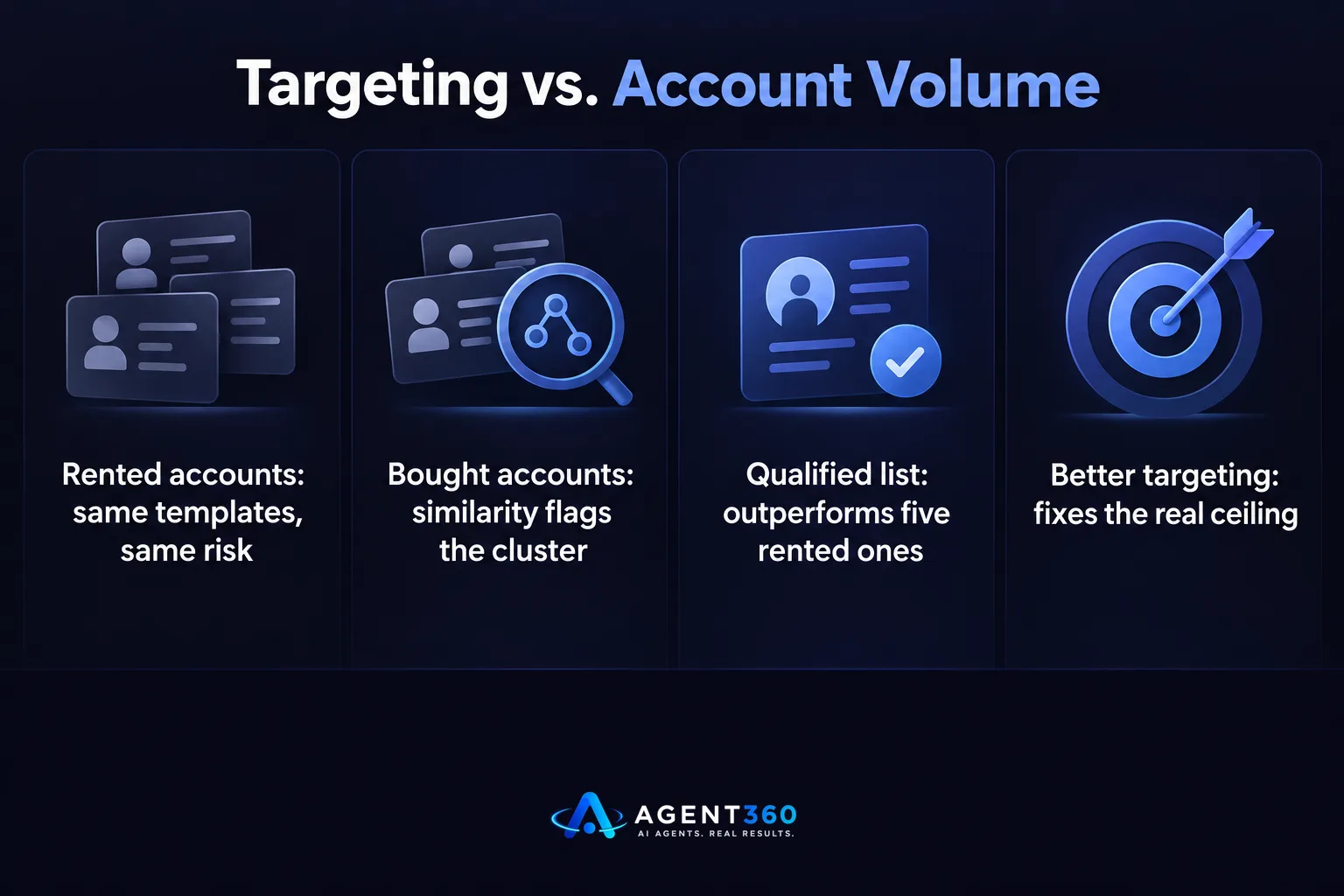
If the actual problem is that one rep's account hits a ceiling, the answer is usually to fix targeting before adding accounts. A smaller, better-qualified list sent from one well-aged account outperforms a large list sprayed across five rented ones. That's the same principle behind cutting your prospect list using buying signals instead of outreaching everyone who technically fits a title.
New Accounts Need Weeks of Ordinary Behavior Before Automation Touches Them
LinkedIn doesn't publish its exact detection thresholds, and anyone who states a precise daily number as fact is guessing. What's consistent across teams that avoid restrictions is the direction: an account that goes from zero activity to automated outreach volume in its first week gets flagged far more often than one that ramps slowly.

A new account should look like a new employee for the first few weeks — accepting connections, viewing profiles, posting occasionally, commenting on a handful of posts — before it sends any outbound sequence at all. Only after that baseline is established should automation start, and even then it should start below whatever volume the account will eventually run at. This is the same warm-up logic covered in skipping day-one emails in favor of a LinkedIn warm-up period — the account needs a track record before it gets asked to carry load.
Sales Navigator Seats Don't Multiply Your Safe Send Volume
A common assumption is that buying more Sales Navigator seats proportionally raises how much outreach you can safely run. Seats control search and InMail access. They don't change how a platform evaluates whether an individual account's messaging pattern looks human. Five Navigator seats run with identical cadence still produce five accounts with the same risk profile as one account run five times as hard.
If the goal is genuinely more reach, the lever that matters is account count paired with distinct behavior per account — different send windows, different message variation, different connection pacing — not seat count. Teams that treat seats as a volume dial end up with several restricted accounts and a support ticket instead of more meetings. The full mechanics of where these limits actually bite are laid out in more detail on the page covering LinkedIn outreach limits.
Where a Tool Like Agent360 Fits
We built Agent360 around the assumption that outreach needs to run across more than one account and more than one channel without turning into a management headache. Our multi-channel outreach engages prospects on LinkedIn, email, and phone from each rep's own identity, paired with AI prospecting that finds buyers and flags signals so accounts aren't sending to cold, poorly-qualified lists in the first place. Meetings land straight on your calendar, and our CRM tools keep every account's pipeline visible in one place instead of scattered across logins. If you're running outbound through your own LinkedIn and email accounts already, the FAQ on using your own accounts covers exactly how that works inside the platform.
Frequently Asked Questions
How many LinkedIn accounts does a sales team actually need?
One per rep who's doing outreach, not one per campaign. Splitting a single rep's work across multiple accounts creates the inconsistent behavior patterns that get flagged, and it fragments pipeline visibility for no real benefit.
Is it safe to buy or rent aged LinkedIn accounts for outreach?
It carries more risk than it solves. Aged accounts run with the same automated template and cadence as every other account in a batch tend to show the same pattern, which is what detection systems look for, regardless of account age.
Does adding more accounts mean I can send more messages overall?
Only if each account is warmed up individually and behaves distinctly. Volume added faster than an account's history supports is the single most common reason new accounts get restricted within their first month.
More articles
- Scale LinkedIn Outreach Safely – Avoid Bans and Boost Meetings
- Over‑Automating LinkedIn Kills Your Pipeline – Here’s Proof
- Tag Agent Roles Consistently or Your Pipeline Reports Lie
- Reassign Leads Before You Remove an Agent or Deals Go Cold
- Test a New Role on One Rep Before You Roll It Out
- One Agent Seat Per Recruiter or Clients Get Double-Messaged
- Add Your First Hire as an Agent, Not an Admin
- Give Each Rep One Role, Not Five, in Your Outbound Stack
