Email Domain Warm-Up: How Long It Actually Takes

Email domain warm-up takes two to four weeks for most new sending domains, assuming you follow a gradual send schedule and the domain has no prior history. Some domains are ready in under two weeks. Others — especially ones with no sending history at all, or ones sending into mailbox providers that are slow to trust new senders — take longer than a month before full volume is safe.
There's no fixed countdown you can set and walk away from. Warm-up ends when your sending reputation says it's ready, not when a calendar date arrives. That's why two domains started on the same day can finish warm-up weeks apart.
Key Takeaways
- Plan on two to four weeks minimum before a new domain can handle full cold email volume.
- Reputation, not the calendar, decides when warm-up is done — opens, replies, and bounces all feed into it.
- Buy or register domains at least a month before you need them sending at volume.
- Rushing volume on an unestablished domain risks the spam folder and can set your whole outbound push back, so check what sending limits actually look like before you scale.
- Running more than one domain means running more than one warm-up schedule, which is easier to manage with a tool built for it.
Table of Contents
How Long Does Email Domain Warm-Up Take?
Most domains need two to four weeks of gradual, increasing send volume before they're ready for full-scale cold outreach. The first week or two sends low volume to a small, engaged list — often internal addresses or contacts likely to open and reply. Volume increases gradually from there as the domain builds a track record with mailbox providers.
Does a Brand-New Domain Take Longer Than an Aged One?
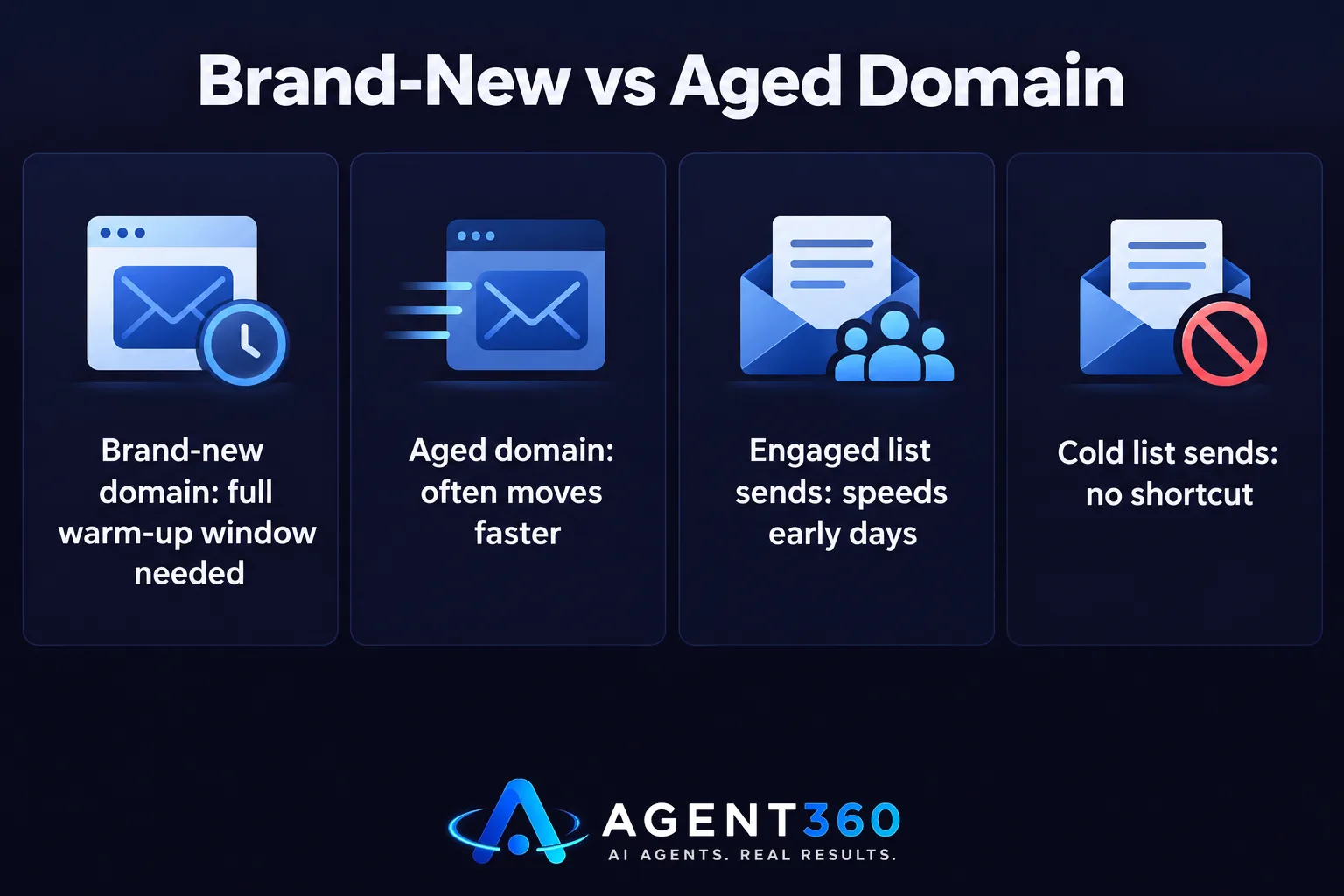
Yes. A domain registered yesterday with no sending history starts from zero and typically needs the full warm-up window. A domain that's been registered for months or years, even if it hasn't sent much mail, often moves faster because its age alone signals it isn't a throwaway spam domain.
Can You Shorten the Warm-Up Window?
You can speed up the early days by sending to contacts who reliably open and reply, which builds positive signal faster than sending to a cold list. You can't skip the window entirely — mailbox providers build trust in your domain over time, not instantly, regardless of how clean your list is.
What Determines How Fast a Domain Warms Up?
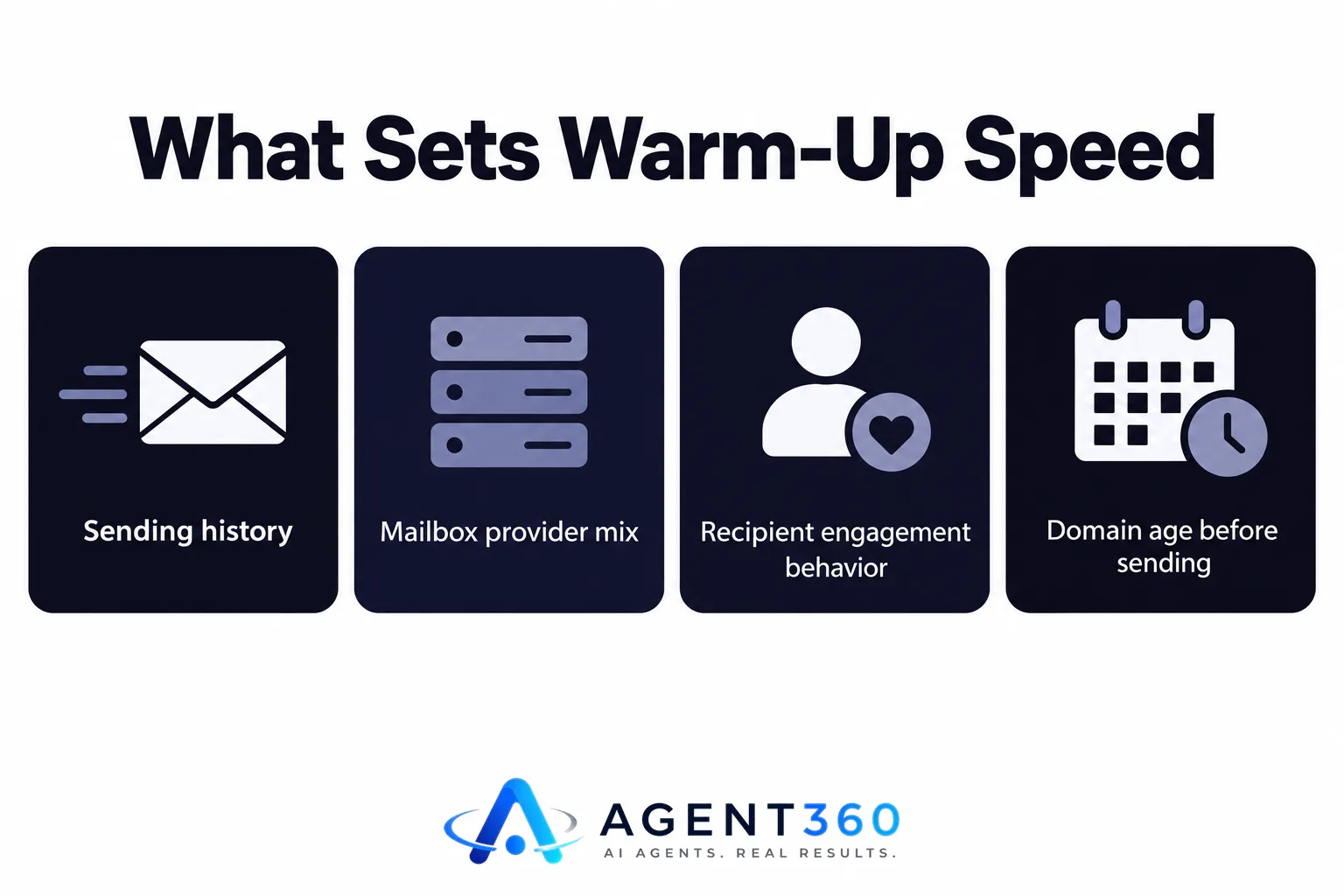
Sending history, mailbox provider mix, and recipient behavior set the pace more than any fixed schedule does. Two domains following the identical send plan can finish warm-up at different speeds because the mail they're sending gets treated differently by the inboxes receiving it.
Does the Mailbox Provider Matter?
It does. Major providers each run their own reputation systems, and they don't publish exact thresholds for how much mail a new domain can send before it's flagged. What's consistent across providers is the direction: slow, steady increases in volume with good engagement build trust; sudden spikes or a wave of bounces and spam complaints undo it.
Does Domain Age Matter Before You Even Start?
Yes. Buying a domain and sending from it the same day is the slowest path. Registering domains ahead of your outbound push — and ideally pointing a basic website and DNS records at them before sending — gives you a head start on reputation before warm-up even begins.
How Do You Warm Up a New Domain, Step by Step?
- Register and configure the domain early. Set up SPF, DKIM, and DMARC records before sending a single message, and let the domain sit for a few days to weeks if your timeline allows it.
- Start with low, steady volume. Send a small number of messages per day to contacts likely to open and reply, not a cold list.
- Increase volume gradually. Add sending volume in small increments over the following weeks rather than jumping straight to target levels.
- Watch engagement and bounces. Opens and replies signal trust; bounces and spam complaints signal risk, and either should change your pace.
- Hold volume steady once you hit target. Consistent sending maintains reputation; long gaps or erratic spikes can undo warm-up progress even after it's "done."
If you're running several domains for one outbound push, each one needs its own version of this schedule. How many inboxes you need for cold email is really a question of how many domains and warm-up schedules you're willing to manage at once.

What Happens if You Skip Warm-Up or Rush It?
Rushing volume on an unestablished domain pushes mail to spam folders and can damage the domain's reputation before it ever has a chance to build one. Mailbox providers treat sudden high-volume sending from a new domain as a signal associated with spam, regardless of how good the message content is.
Can a Flagged Domain Recover?
Sometimes, with a period of reduced volume and clean sending, but recovery takes longer than warm-up would have in the first place. For most senders, it's faster to retire a damaged domain and start warm-up fresh on a new one than to try to repair reputation on a flagged one.
Ready to Stop Managing Warm-Up Yourself?
Domain warm-up is one of the quieter jobs behind every cold email campaign, and it's easy to get wrong when you're also writing copy, building lists, and booking your own meetings. Agent360's multi-channel outreach handles sending across email, LinkedIn, and phone, so domain and inbox management isn't something you're tracking in a spreadsheet alongside everything else.
We pair the sending infrastructure with AI prospecting to find the right buyers and human oversight to keep messages landing where they should, so pipeline keeps moving while the technical side runs in the background.
See how the full stack fits together on how Agent360 works.
Frequently Asked Questions
How long should I warm up a new domain before cold outreach?
Plan on two to four weeks of gradually increasing send volume before a new domain is ready for full cold email volume. Domains with no sending history or that are brand new registrations often need the longer end of that range.
Do I need a separate domain for cold email?
Most senders use a dedicated domain, separate from their main company domain, so cold email volume and any deliverability issues don't affect core business email. This also lets you retire a domain without losing your primary email address if reputation ever takes a hit.
Can I warm up multiple domains at the same time?
Yes, and it's common once you're sending at volume, but each domain runs its own warm-up clock and needs its own gradual send schedule. Running several domains in parallel multiplies the oversight required, which is where dedicated outreach tooling helps.
Does domain warm-up ever really end?
Not completely. Reputation is maintained, not finished — long gaps in sending, sudden volume spikes, or a jump in bounces can set a "warmed" domain back even after weeks of good sending.
What's the fastest way to get a domain ready without hurting deliverability?
Register the domain early, configure SPF, DKIM, and DMARC before sending, and start with low volume to engaged contacts before scaling up. There's no shortcut that removes the gradual increase — the goal is steady, not sudden, growth in volume.
More articles
- An Instantly Alternative That Does More Than Send Email
- Apollo Alternative: What to Look for Beyond Contact Data
- Can One Person Run Outbound Sales? Yes, With the Right Setup
- When Should I Stop a Cold Email Campaign?
- How Long Does Cold Email Take to Work? A Real Timeline
- How Long Does Outbound Take to Work? A Realistic Timeline
- Outbound Software Without Per Seat Pricing: What to Buy
- Sales Software With No Per User Pricing: What to Buy
