What a Refresh Agent Actually Does (and When to Use One)

A refresh agent is whoever — or whatever — catches a page before it decays out of its ranking and rewrites the specific parts that caused the slide. It's a job, not a job title. Some teams hand it to a junior writer with a spreadsheet. Some hire a contractor who touches twenty pages a month. Increasingly, teams split it: software does the watching, a person does the editing. What matters isn't who holds the job. It's whether the trigger for action is a real signal or a guess.
Most teams get this wrong the same way: they refresh on a calendar instead of on evidence. Quarterly refresh of “the top 20 pages” sounds disciplined. It's actually a coin flip. A page decaying in week 3 gets no attention until week 12. A page that's perfectly fine gets rewritten anyway because its number came up.
The trigger is decay, not a date on a calendar
Decay shows up in Search Console before it shows up in your traffic report, and it shows up as a pattern, not one bad week. Watch for three consecutive weeks where impressions fall while position holds steady — that means the query itself is cooling, or a SERP feature is eating the click before the user reaches your result. Watch separately for position sliding while impressions hold — that means a competitor republished, or Google re-evaluated your page against newer content nearby. Different problems, different fixes. A calendar-based schedule treats them as the same thing, which is exactly the mistake.
There's a third trigger, and it's quieter. A Google AI Overview or a ChatGPT answer starts citing a competitor for a question your page used to own. That's not a ranking drop at all — the blue link might not move an inch — but it's the same decay, one layer up. A refresh agent that only watches rank position misses it entirely.
Refreshing means five specific edits, not a rewrite
“Refresh” gets used loosely enough to mean anything from changing a date stamp to deleting the page and starting over. Neither extreme does much. What actually moves a decaying page back up is narrower than that:
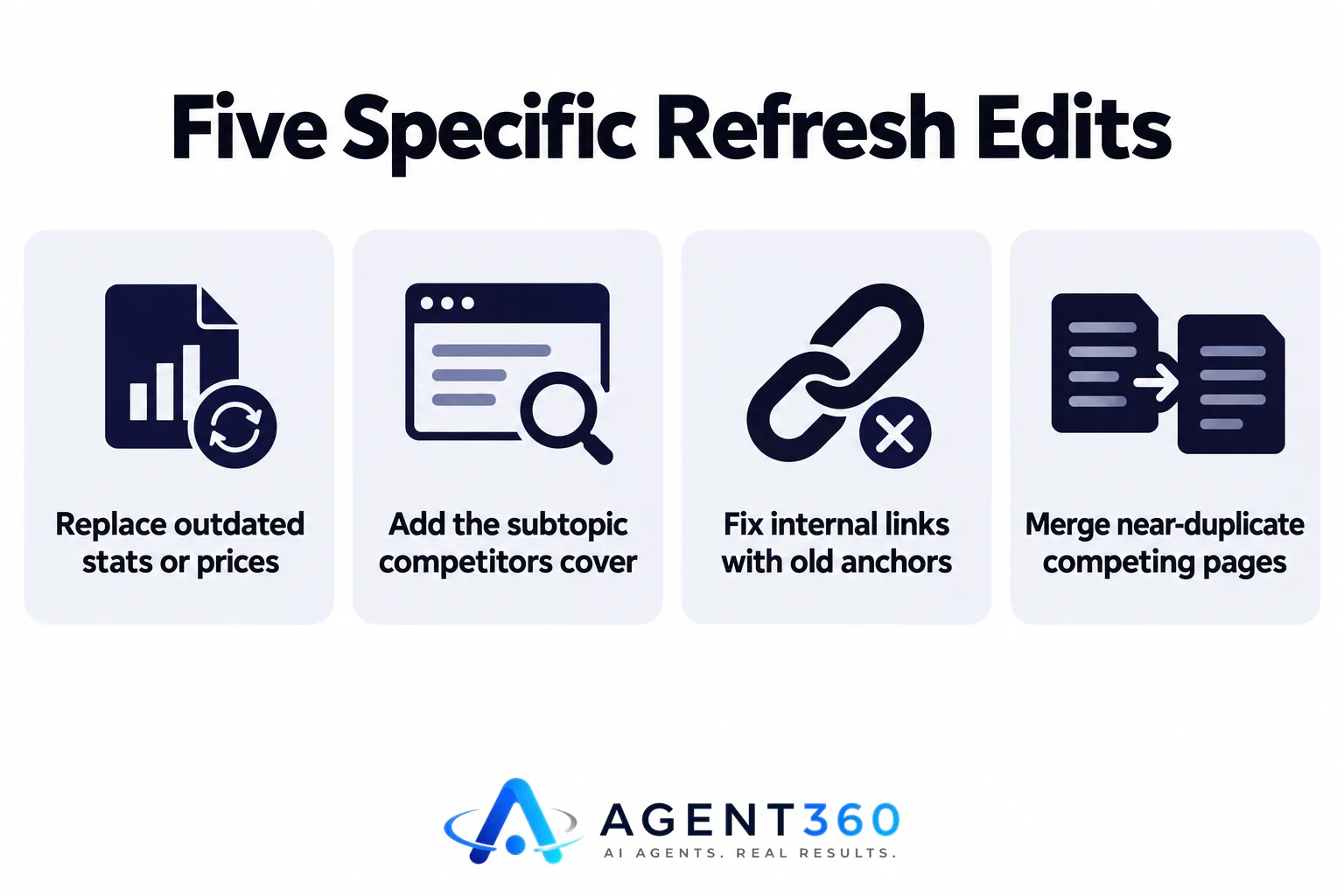
- Replace any stat, price, or “as of [year]” claim that is now wrong — these are the fastest trust signal to lose and the cheapest to fix.
- Add the subtopic a competitor now covers that you don't. Pull their top-ranking page, note what's new since you last wrote, and answer it in two or three paragraphs, not a bolt-on list.
- Fix internal links pointing at the page — if three other posts link to it with old anchor text, that mismatch is itself a weak signal to Google.
- Check for a near-duplicate page on your own site competing for the same query. If one exists, merging the two usually beats refreshing either alone — see the mechanics of that in our breakdown of competing pages.
- Re-check structure for the SERP feature you're trying to win — a table for comparison queries, a numbered list for “how to” queries, a direct one-sentence answer in the first 50 words for anything an AI Overview might quote.
None of these require touching the whole article. A page that needs all five is rare. Most decaying pages need one or two.
Weekly beats monthly, but only past a certain volume of live pages
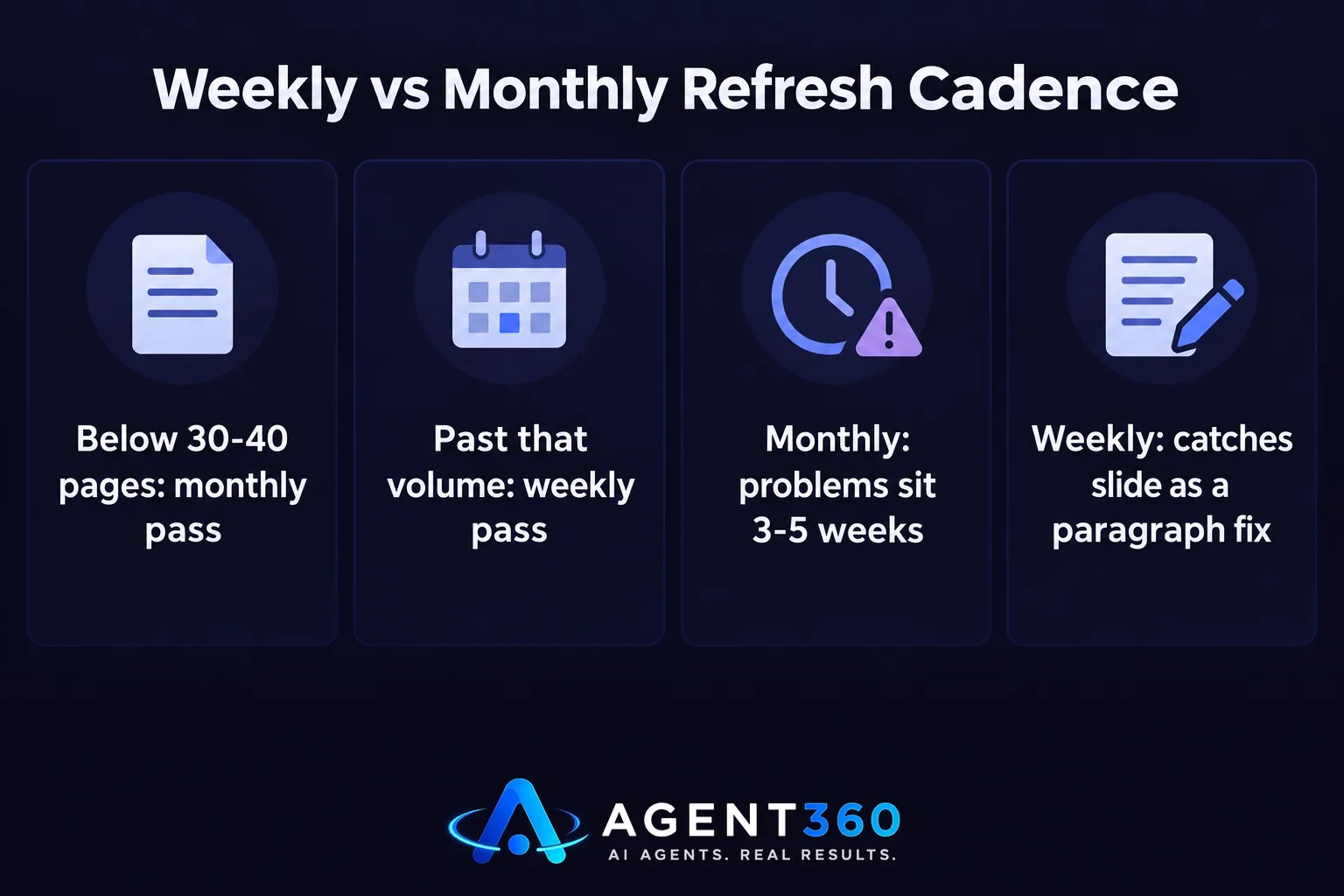
Below roughly 30 to 40 published articles, a monthly pass is defensible. There simply aren't enough pages decaying at once to justify a tighter loop, and one person can hold the state of each page in their head. Past that volume, decay starts happening continuously and in parallel: one page slides from a competitor republish, another from a seasonal shift in the query, a third from an AI Overview appearing where none existed last month. A monthly cadence means some of these sit broken for three to five weeks before anyone looks. A weekly pass catches the slide early enough that the fix is small — a paragraph, not a rewrite.
The honest cost of weekly refresh isn't tooling. It's attention. Someone has to actually read the Search Console delta every week and decide which three or four pages earned a look. Skip that step and refresh “whatever's oldest” instead, and you're just doing calendar-based refresh with extra steps.
Where this gets automated
The monitoring half of this job is mechanical enough to hand off: reading Search Console nightly, flagging the impression and position patterns above, and queuing the pages that match. SearchAgent's Refresh Agent does that part on a weekly cycle on paid plans, rewriting the flagged pages and leaving each one checked before it goes live. It won't replace the decision to merge two competing pages or retire one outright — that call still needs a person who knows which page the business actually wants to win. For a wider look at what refreshing changes in practice, this piece on content refresh covers the mechanics in more depth.

Questions
What is a refresh agent? It's the role — human, software, or both — responsible for detecting when a published page is losing rank or AI citations, and editing the specific parts causing the loss, rather than rewriting the page wholesale on a fixed schedule.
How do you know when to refresh versus write something new? Refresh when the page already ranks or ranked recently and the topic hasn't fundamentally changed. Write new when the gap is a question nobody on your site answers yet, or when two of your existing pages already compete for the same query — in that case, merge rather than add a third.
How often should refreshing actually happen? Weekly once you're past 30 to 40 live articles, because decay happens continuously and a monthly check lets problems sit for weeks. Below that volume, monthly is enough to catch most slides before they matter.
More articles
- Keyword Gap Meaning: What It Is and How to Find Yours
- How to Appear in AI Search Results, Step by Step
- How to Show Up in AI Search Results, Not Just Google
- Whitelabel GEO: What to Check Before You Sign a Vendor
- An AI Competitor Gap Analysis Agent: What to Expect
- How to Get Found on Google AI: What Actually Works
- How to Show Up in AI Overviews When Rivals Don't
- How Long Does SEO Take? The Honest Timeline
