Social Media Scheduling Tools Won't Fix Your Empty Calendar

A social media scheduling tool for small business does exactly one job: it takes a post you already wrote and fires it off at a set time on a set platform. That's the whole function. Type the post, pick the slot, walk away — the tool publishes it while you're doing something else. What it will not do is write the post, design a picture to sit next to it, or tell you what to say next Tuesday. That part stays yours, every week, forever, unless you solve for content and not just timing.
Most small businesses looking for a scheduler actually have the opposite problem. Posting at 9am was never the hard part. Having forty decent posts a month to schedule in the first place — that's the hard part.
A scheduling tool publishes what you already made
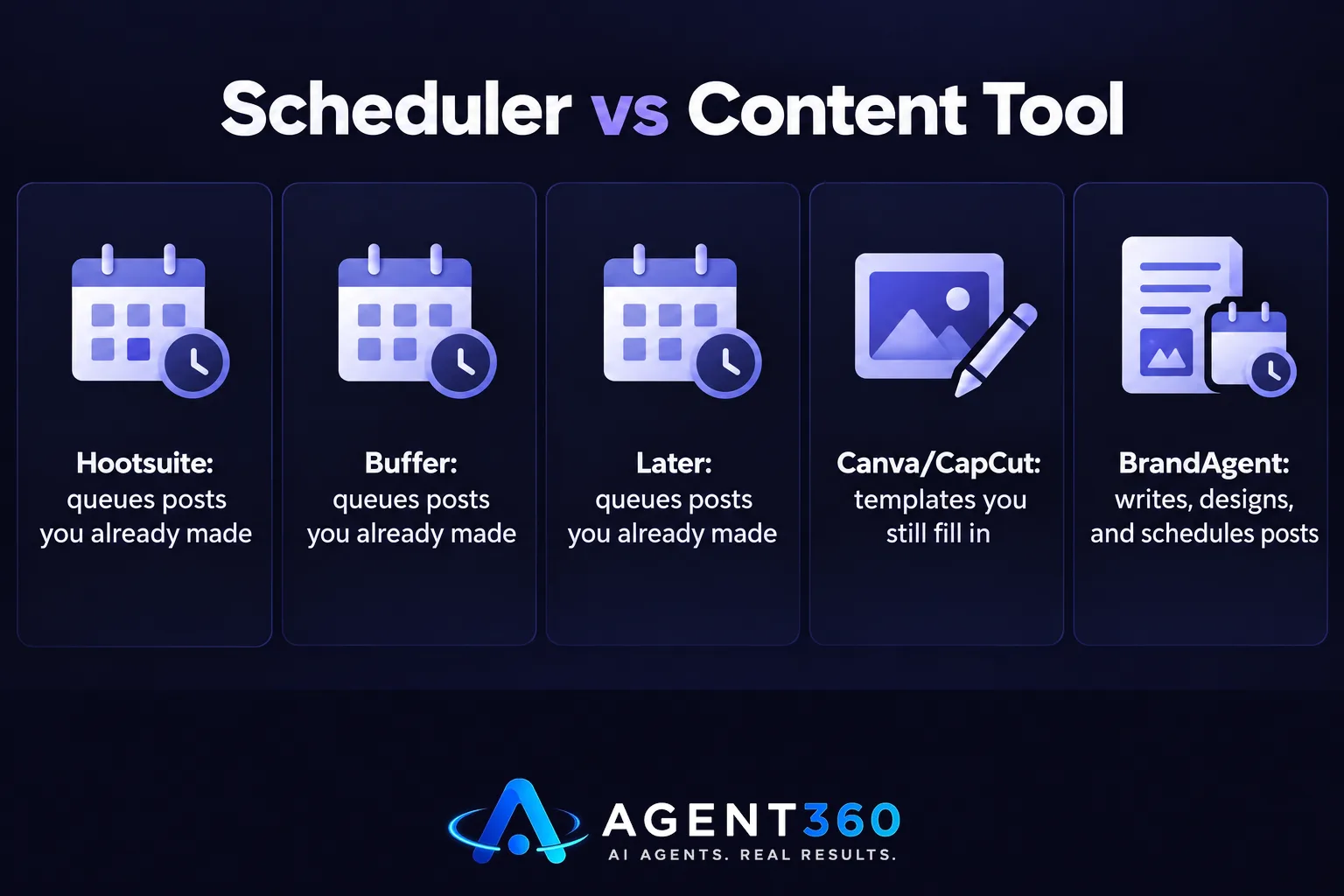
Hootsuite is the name most people land on first. It's a dashboard that connects to your LinkedIn, Instagram, X and other accounts, lets you queue posts in advance, and shows a calendar view of what's going out and when. Buffer and Later do a close version of the same thing. All three run on one assumption: you arrive with content. None of them draft the post, draw the picture, or cut the video. You bring the raw material. They hold it and release it on schedule, nothing more.
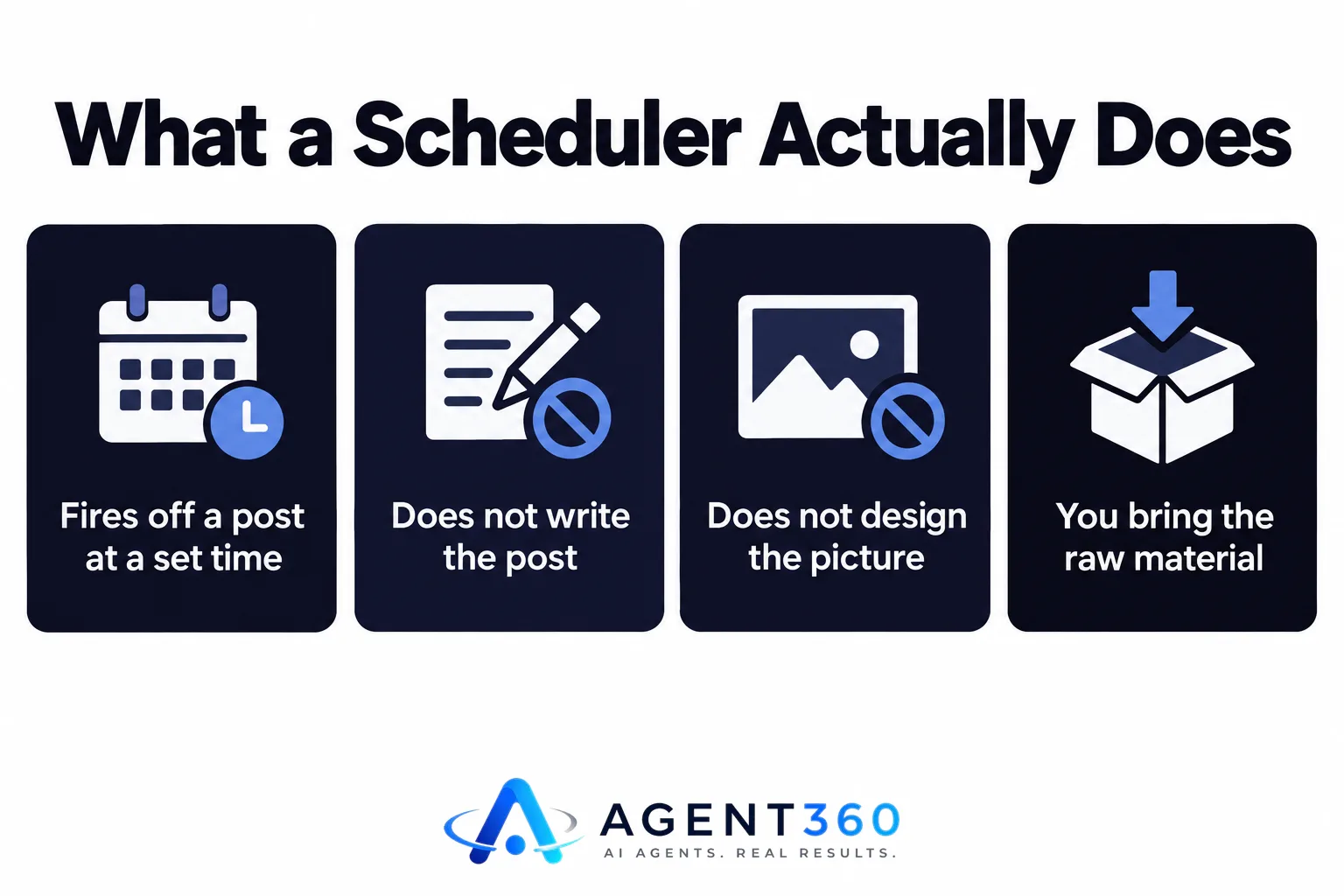
That's a fine trade if writing and designing posts is the part you enjoy, or the part someone on your team has real time for every single week. For plenty of small businesses, it isn't. So the scheduler sits empty, or gets filled once a month in a rushed batch that reads like it was written in a rushed batch — because it was.
If you're weighing a pure scheduler against something that also writes and designs the posts, it's worth seeing the gap laid out plainly: a scheduler publishes what you give it, and that's where its job ends.
How to plan a social media schedule: start from your backlog, not a grid
Most advice on planning a schedule hands you a weekly grid — Monday is a tip, Wednesday is behind-the-scenes, Friday is a customer story — and tells you to fill it in. That grid dies within three weeks because it assumes an endless supply of ideas on demand. It rarely exists.
Plan the other way around. Count how many finished, approved posts you actually have sitting ready right now. Zero or one? Then this week's job is decided: make content before you worry about timing it. Twelve? You've got roughly three weeks at four posts a week, and your real task is making more, not picking slots.
Once there's a backlog, the scheduling part gets simple: pick two or three fixed times a week you can actually hit, and hold that line instead of posting in bursts when you remember and going dark when you don't. A calendar that shows scheduled posts next to your actual meetings makes the gaps obvious before they turn into a dead week. Consistency at a lower volume beats burst-and-silence every time — the platforms, and the people following you, both reward accounts that show up on a rhythm.
Free tools get you templates, not finished posts
Canva and CapCut are usually the honest answer to “what's the best free tool for creating content for social media.” Canva gives you a design template to drop your own photo and text into; CapCut gives you a video template with the cuts and captions already placed. Both are genuinely useful. Both still require you to show up, open the tool, write the copy, pick the photo, and format it for each platform's shape, every single time you want a post out.

That's the part that quietly eats a founder's Sunday night — not the idea, the production. A free tool removes the cost of the software. It does not remove the hours of using it well, week after week, in a voice that still sounds like your business by week four. If production is the bottleneck, a better free tool isn't the fix. Removing the step where a human sits down and builds each post from a blank template is.
The gap between scheduling and content is where small teams quit
This is the one place worth naming the product directly: BrandAgent is built to close that exact gap. It writes the posts in your brand's voice, draws a matching picture or cuts a short video, scores each draft against the platform's own rules before you ever see it, then schedules the approved ones to LinkedIn, Instagram, YouTube and X at the time you set — instead of handing you an empty queue and calling it done. Plans start at $97 a month with no contract, which puts it closer in price to a scheduling subscription than to hiring help, and the full breakdown by plan shows what each tier includes.
If you run the business and don't have hours a week to spare on content, that's who it's built for — see how it fits founders and executives who have the opinions but not the production time. The mix of what you post matters too: a feed of nothing but offers stops getting shown, which is why balancing value posts against pitches is worth getting right before you worry about the posting time at all.
What is Hootsuite?
Hootsuite is a social media management dashboard that lets you connect multiple accounts, queue posts in advance, and view everything on one calendar. It schedules and publishes content you give it; it does not write or design that content for you.
What's the real difference between a scheduler and a content tool?
A scheduler holds a finished post and releases it at a set time. A content tool makes the post itself — the words, the picture, sometimes the video — so there's something to schedule in the first place. Small businesses that stall usually have a content problem dressed up as a scheduling problem.
Can I schedule social media posts for free?
Yes — most scheduling platforms, including Hootsuite, offer a limited free tier for a small number of accounts and posts. The limit sits on volume and accounts, not on whether you still have to write every post yourself first. That part never got free.
More articles
- How Often to Post on LinkedIn: The Rules That Actually Matter
- Social Media Content for Small Business: The Rules That Work
- Brand Voice AI: What It Means and What It Can’t Fake
- What an AI Short Video Maker Needs to Actually Work
- The Honest Guide to AI Video Generators for Social Media
- LinkedIn Ghostwriting: What It Really Costs and How It Works
- An AI Content Calendar Only Works With Rules Behind It
- The AI LinkedIn Post Generator That Doesn't Sound Like AI
