A Dripify Alternative That Adds Email, Calls and CRM
A Dripify alternative is worth looking for when your pipeline depends on more than LinkedIn connection requests. Dripify automates LinkedIn actions well, but it does not call prospects, does not send cold email on its own, and does not give you a place to track deals once a reply comes in. If your outbound plan needs more than LinkedIn, you need a tool built for more than LinkedIn.
This matters most for founders running their own outbound and for sales teams who cannot afford a tool that only covers one-third of the funnel. Before you switch, it helps to know exactly what a true alternative needs to do.
Key Takeaways
- Check whether the alternative sends email and makes calls, not just LinkedIn actions.
- Confirm the tool respects LinkedIn's daily and weekly limits before you connect your account.
- Look for a built-in CRM so replies do not sit in three different inboxes.
- Founders running their own outbound should weigh setup time against a done-for-you option before committing.
- Ramp any new tool slowly on your LinkedIn account to avoid a restriction mid-campaign.
Table of Contents
What should you look for in a Dripify alternative?
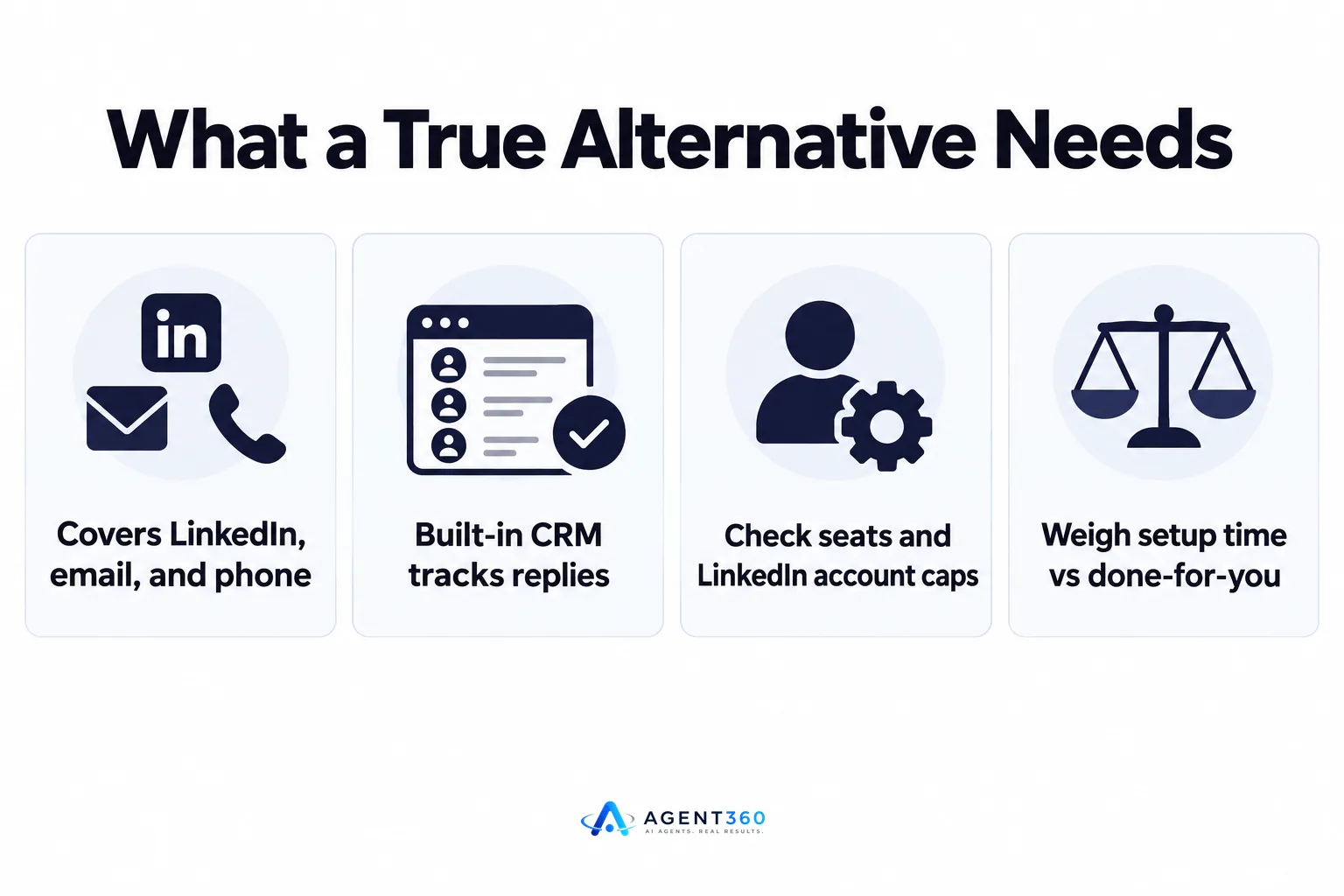
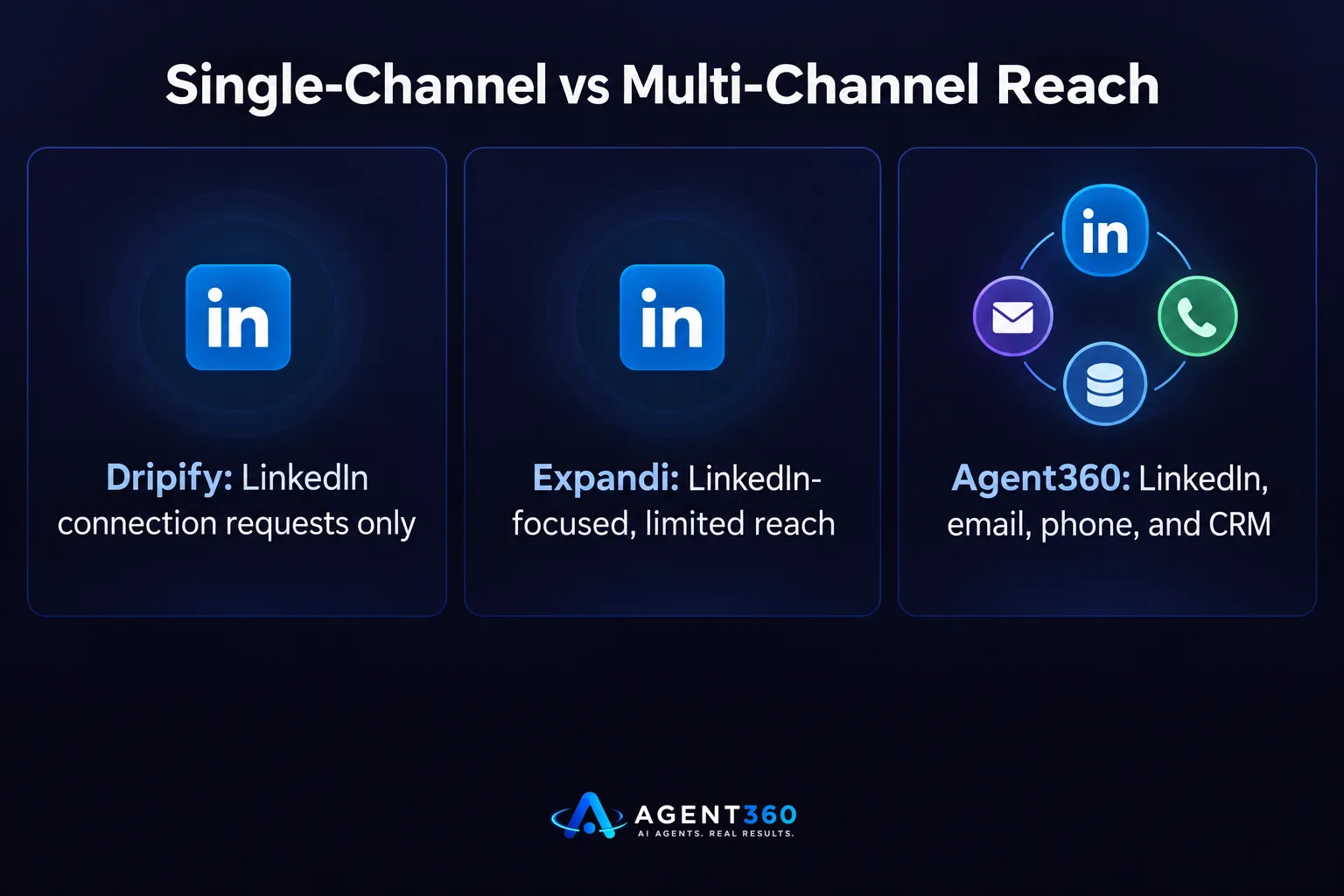
Look for a tool that covers LinkedIn, email, and phone from one place, with a CRM to track what happens after the first touch. Dripify automates LinkedIn connection requests, follow-ups, and profile views. That covers one channel. A prospect who ignores a LinkedIn request might still answer a call or open an email, so a tool limited to one channel caps how many of your prospects you can actually reach.
Does it need to work beyond LinkedIn?
If your buyers only live on LinkedIn, maybe not. But most B2B buyers check email daily and answer calls from numbers they recognize after a LinkedIn touch. A side-by-side look at tools that mix channels, such as this comparison of Dripify and Expandi, shows that even LinkedIn-focused tools differ in how far they stretch past connection requests.
How many seats and accounts can you run?
Check the pricing model before you switch. Some tools charge per seat and cap how many LinkedIn accounts you can run per license, which matters if you plan to add a second rep or scale past founder-led outbound.
Does a LinkedIn-only tool still fill your pipeline?
It can, but only up to the volume LinkedIn itself allows, and that volume is lower than most founders expect. LinkedIn enforces weekly limits on connection requests and daily limits on messages, and these limits apply no matter which automation tool sends them. A tool that promises to “send more” than LinkedIn allows is promising a restriction, not more meetings.
What happens when connection requests get capped?
Your outreach stalls until the next week's quota resets. This guide to LinkedIn outreach limits breaks down how those caps work and why staying under them protects the account you are using to prospect.
How do you avoid getting restricted when you switch outreach tools?
Ramp up slowly on the new tool instead of running it at full volume from day one. LinkedIn's systems flag accounts that show a sudden jump in connection requests or messages, especially right after a new automation tool connects. A gradual increase over the first one to two weeks looks far more like normal behavior than an immediate spike.
What is a safe ramp-up schedule?
Start at a fraction of your target daily volume, increase gradually over the first two weeks, and watch for warnings in your LinkedIn account before pushing further. The mechanics behind why slow ramp-up matters are covered in this piece on whether LinkedIn automation is safe for B2B teams.
What does switching from Dripify actually involve?
Switching means exporting your existing lead list, reconnecting your LinkedIn account under the new tool's limits, and rebuilding your sequences in the new system. None of this is hard, but skipping steps causes duplicate messages to the same prospect or a gap where no outreach runs at all.

- Export your current lead list and sequence data. Keep a record of who has already been contacted so you do not message the same person twice from two tools.
- Pause the old tool before connecting the new one. Running two automation tools on the same LinkedIn account at once is one of the fastest ways to trigger a restriction.
- Reconnect LinkedIn and ramp volume slowly. Treat the first two weeks on the new tool like a new account, even if your LinkedIn profile is established.
- Add email and phone to the same sequence. If the new tool supports more than LinkedIn, build the follow-up touches now instead of bolting them on later.
- Route replies into one CRM view. Decide where a “yes” or a question lands so no reply sits unanswered across separate inboxes.
Take the Next Step With Multi-Channel Outbound
Agent360 runs AI prospecting, multi-channel outreach across LinkedIn, email, and phone, and books meetings straight onto your calendar, backed by CRM tools to track every deal in one place. If your current setup stops at LinkedIn connection requests, that gap is where prospects who would have answered a call or opened an email simply disappear from your pipeline.
Founders running their own outbound and sales teams trying to fill pipeline without adding headcount both run into the same wall with single-channel tools: a ceiling on reach that has nothing to do with how good the message is. Switching to a tool that combines channels and keeps a human eye on the outreach removes that ceiling without adding to your workload.
See how AI prospecting and multi-channel outreach work together on the outreach product page.
Frequently Asked Questions
Is Dripify good for LinkedIn-only outreach?
Dripify automates LinkedIn connection requests, follow-up messages, and profile views, which covers LinkedIn-only campaigns reasonably well. It does not send cold email or make calls, so teams relying on more than one channel need a separate tool or a combined platform.
What is the main difference between Dripify and cloud-based outreach tools?
Dripify runs as a browser extension tied to your LinkedIn session, while cloud-based tools run outreach from their own servers independent of your browser being open. The practical difference shows up in reliability and in whether the tool can also handle email and calls from the same sequence.
Can I keep my LinkedIn account safe when switching outreach tools?
Yes, by pausing the old tool first, waiting a few days before connecting the new one, and ramping up sending volume gradually rather than starting at full speed. Running two automation tools on the same account simultaneously is a common cause of restrictions.
Do I need separate tools for email and LinkedIn?
Not necessarily. Some platforms combine LinkedIn, email, and phone outreach into one sequence, which keeps replies in one place and avoids maintaining logins and lead lists in two separate systems.
How long does switching outreach tools usually take?
Exporting lead lists and rebuilding sequences can take a few hours, but the safe ramp-up period on the new tool typically runs one to two weeks before you reach full sending volume. Rushing that ramp-up is the step most likely to cause a LinkedIn restriction.
More articles
- Looking for an Aimfox Alternative? Check This First
- The Best HeyReach Alternative for Full B2B Outbound
- Aimfox vs HeyReach: Which LinkedIn Tool Fits Your Outbound?
- Waalaxy vs Dripify: Which LinkedIn Tool Books More Meetings?
- Dripify vs Expandi: Which LinkedIn Tool Fits B2B Outbound?
- Expandi vs Skylead: Which Fits Your B2B Outbound Team?
- How to Find LinkedIn Profiles Worth Outreach
- Skylead vs HeyReach: Which LinkedIn Tool Books More Meetings?
