Expandi vs Skylead: Which Fits Your B2B Outbound Team?
Expandi and Skylead are both cloud-based LinkedIn automation tools built to send connection requests and follow-up messages on autopilot. The real difference shows up in how each one paces activity, what it costs as you add seats, and how much manual setup it demands from you before a single message goes out.
If you're comparing the two because you need meetings booked, not just messages sent, the choice depends less on features and more on how much time you have to babysit the tool.
Key Takeaways
- Expandi leans on conservative, pre-set daily limits to protect your LinkedIn account; Skylead gives you more manual control over pacing.
- Solo founders running their own outbound usually want fewer settings to manage, not more.
- Staffing firms with several recruiters sending outreach need per-seat pricing and account-safety settings that hold up at volume, which is worth checking against a full side-by-side before you commit.
- Neither tool replaces email or phone outreach, so factor in what you'll use to cover those channels.
- Account restrictions from LinkedIn are the biggest hidden cost of either tool if daily activity isn't paced correctly.
Table of Contents
What's the core difference between Expandi and Skylead?
Expandi is built around safety defaults; Skylead gives you more dials to turn yourself. Both run LinkedIn sequences from the cloud, meaning your laptop doesn't need to stay open, but they differ in how much they decide for you versus how much you configure.
How do their automation approaches differ?
Expandi ships with built-in pacing rules meant to mimic human behavior and keep daily actions under thresholds LinkedIn tends to flag. Skylead exposes more granular controls, including options to run multiple campaigns with separate messaging logic per segment. The tradeoff is setup time: more control means more decisions before the tool starts working.
Which one handles LinkedIn connection limits better?
Neither Expandi nor Skylead publishes LinkedIn's exact daily caps, because LinkedIn doesn't publish them either and changes them without notice. What matters more is whether the tool lets you slow down fast when a warning appears. If you want a clearer picture of how these limits move and what a safe pace looks like, this breakdown of outreach limits is a better starting point than any single tool's marketing page.
Which tool fits your outbound volume and team size?
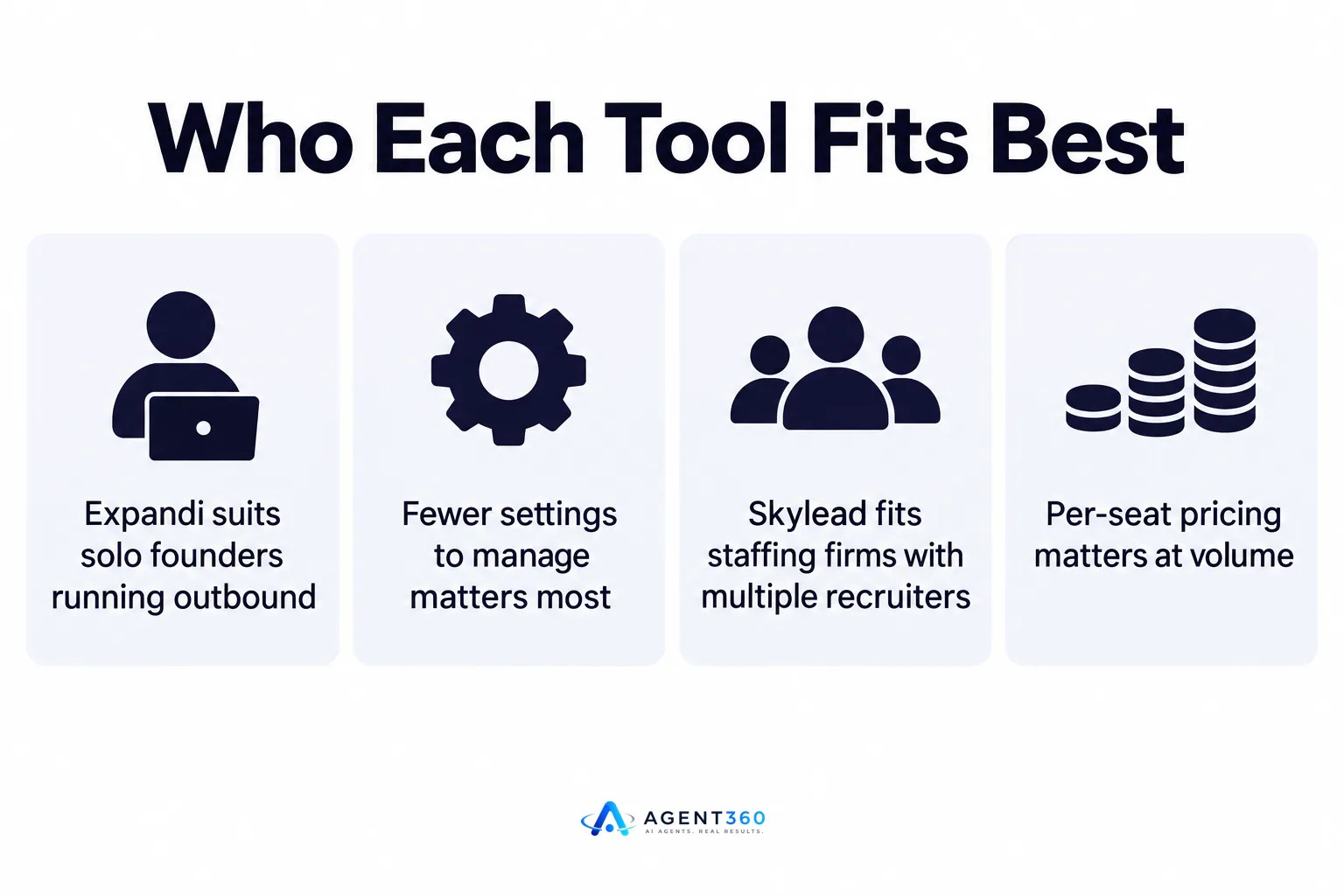
Expandi tends to suit smaller, single-operator accounts; Skylead is built for teams running several campaigns at once. Volume and headcount should drive the decision more than any individual feature.
What if you're a solo founder running outbound yourself?
If you're the only person sending outreach, you want a tool that makes safe decisions for you so you can spend your time on calls and follow-up, not campaign tuning. Fewer settings to manage means fewer ways to accidentally trip a LinkedIn restriction while you're focused on closing deals.
What if you're a staffing firm with multiple recruiters sending outreach?
With several recruiters messaging from separate accounts, you need consistent pacing rules across the team and visibility into who's running what. Per-seat pricing structures matter here too, since a tool priced for a single user gets expensive fast once you add five or ten recruiter seats.
What are the pricing and compliance tradeoffs?
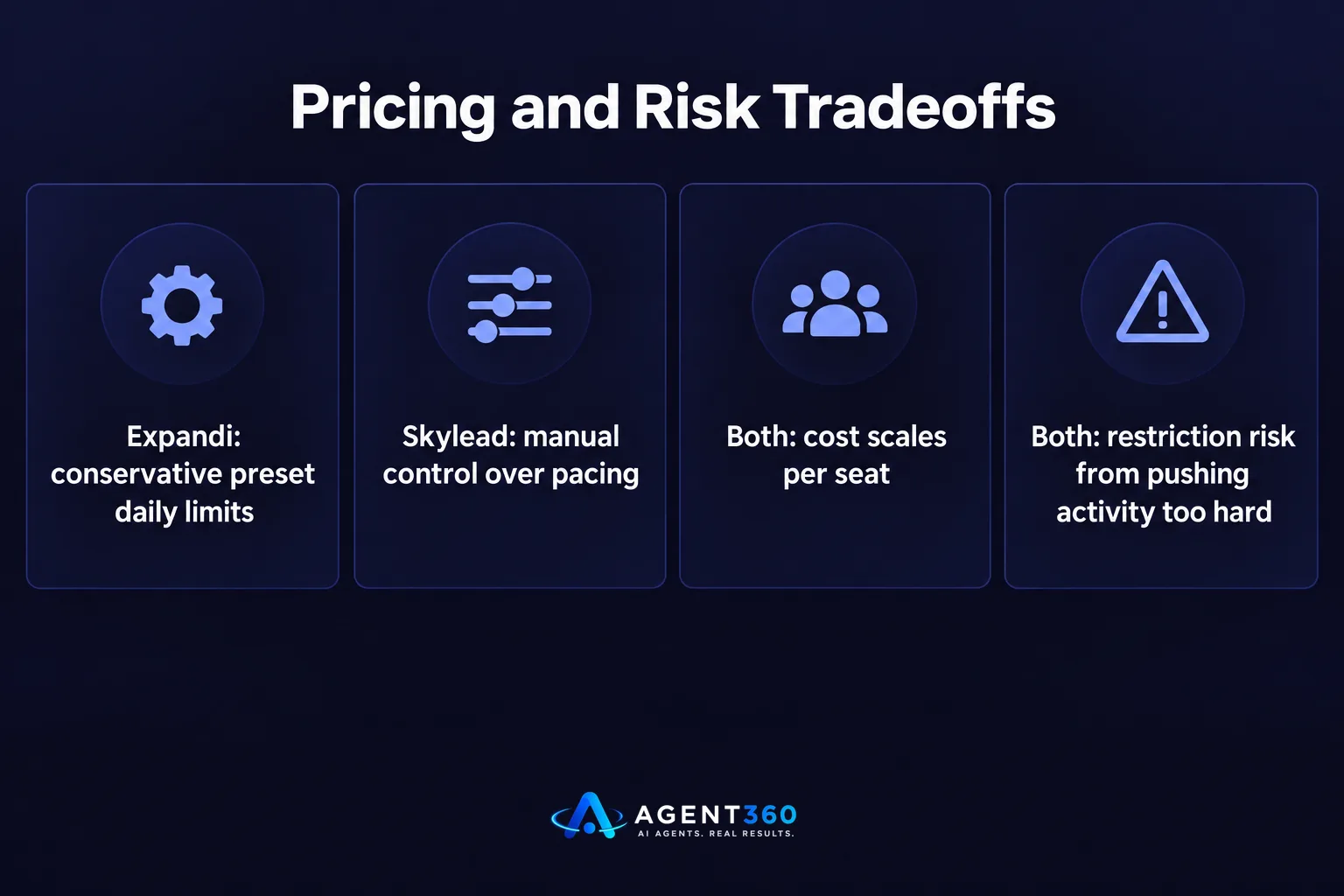
Pricing scales by seat on both tools, but compliance risk scales with how aggressively you push daily activity, not with which tool you pick. A cheaper plan run too hard will cost you more in restricted accounts than a pricier plan run conservatively.
How does pricing scale with seats?
Both tools charge per LinkedIn account connected, which means cost grows linearly as you add recruiters or reps. Before committing, map your expected headcount over the next two quarters, not just today's team size, since migrating mid-year is disruptive.
What happens if LinkedIn flags your account?
A flagged account can mean a temporary restriction on connection requests or, in repeat cases, a permanent review of the profile. Neither Expandi nor Skylead can reverse a LinkedIn decision once it's made, so the pacing settings you choose going in are the only real protection you have.
Should you consider multi-channel alternatives?
If LinkedIn is your only channel, you're leaving replies on the table from prospects who prefer email or a phone call. Expandi and Skylead are LinkedIn-only, which means you'll need a separate tool, or a separate process, to cover the rest of your outreach.

- Map your current channels. List where your best replies actually come from today, not where you send the most volume.
- Check for gaps. If you're LinkedIn-heavy and email-light, or vice versa, that gap is costing you meetings you'd otherwise book.
- Decide if one tool or two tools is the right setup. Running two separate platforms for LinkedIn and email adds coordination overhead that a combined platform avoids.
Take the Next Step on Your Outbound Stack
We built Agent360 around the gap that LinkedIn-only tools like Expandi and Skylead leave open. Our AI prospecting finds the buyers worth messaging, our multi-channel outreach engages them across LinkedIn, email, and phone from one system, and our meeting booking puts the result straight on your calendar, backed by CRM tools to track the pipeline as it moves.
If you're currently on Skylead and weighing whether to add channels instead of switching tools entirely, this guide on what to check before you switch covers the tradeoffs in more depth.
See how the full approach works on our outreach page.
Frequently Asked Questions
Is Expandi or Skylead better for beginners?
Expandi's built-in pacing defaults generally require less manual tuning, which suits someone new to LinkedIn automation. Skylead's added controls reward teams that already know how they want campaigns paced.
Can I run Expandi and Skylead at the same time?
Running both tools on the same LinkedIn account at once is not recommended, since overlapping automation increases the chance of triggering a restriction. Pick one per account and keep activity consistent.
Do Expandi and Skylead include email outreach?
No. Both are LinkedIn-focused automation tools and do not natively send cold email sequences, so teams needing email typically pair them with a separate email tool or platform.
How many LinkedIn messages per day is safe with either tool?
Neither Expandi, Skylead, nor LinkedIn itself publishes a fixed public number, and the safe pace shifts based on account age and recent activity. Starting conservative and increasing gradually is safer than starting at a high volume.
What happens to my campaigns if my LinkedIn account gets restricted?
Active campaigns typically pause automatically once a restriction hits, and neither tool can lift the restriction for you. Appeals go through LinkedIn directly, and the timeline for resolution varies.
Which tool handles multiple recruiter accounts more cleanly?
Skylead's per-campaign controls make it easier to differentiate messaging across several recruiter accounts at once. Expandi can run multiple accounts too, but with less per-campaign customization.
More articles
- Aimfox vs HeyReach: Which LinkedIn Tool Fits Your Outbound?
- Waalaxy vs Dripify: Which LinkedIn Tool Books More Meetings?
- Dripify vs Expandi: Which LinkedIn Tool Fits B2B Outbound?
- How to Find LinkedIn Profiles Worth Outreach
- Skylead vs HeyReach: Which LinkedIn Tool Books More Meetings?
- A LinkedIn Outreach Tool That Books Meetings, Not Just Sends
- How to Choose a LinkedIn Lead Generation Tool That Books Meetings
- How to Export LinkedIn Post Comments for Warm Leads
