Dripify vs Expandi: Which LinkedIn Tool Fits B2B Outbound?
Dripify vs Expandi comes down to one question: do you want a simple drip-campaign tool, or a platform built around avoiding LinkedIn restrictions? Both are cloud-based LinkedIn automation tools that send connection requests, follow-up messages, and track replies without you keeping a browser tab open. The difference shows up in how each one handles account safety, team management, and what happens after a prospect replies.
This comparison looks at where each tool is strongest, where it falls short, and what to check before you commit a contract to either one.
Key Takeaways
- Dripify leans toward simple, linear drip sequences; Expandi leans toward configurable safety settings and account warm-up.
- Neither tool publishes its exact daily sending caps, so test conservatively and watch your account health before scaling — see LinkedIn outreach limits for how to think about pacing.
- Agency users managing multiple client accounts should compare white-label options and per-seat pricing before choosing either tool.
- Both tools stop at LinkedIn; if your outbound also needs email and phone, you'll be stitching together a second and third tool.
- Check how each tool routes replies into your CRM before you buy, not after.
Table of Contents
What is the core difference between Dripify and Expandi?
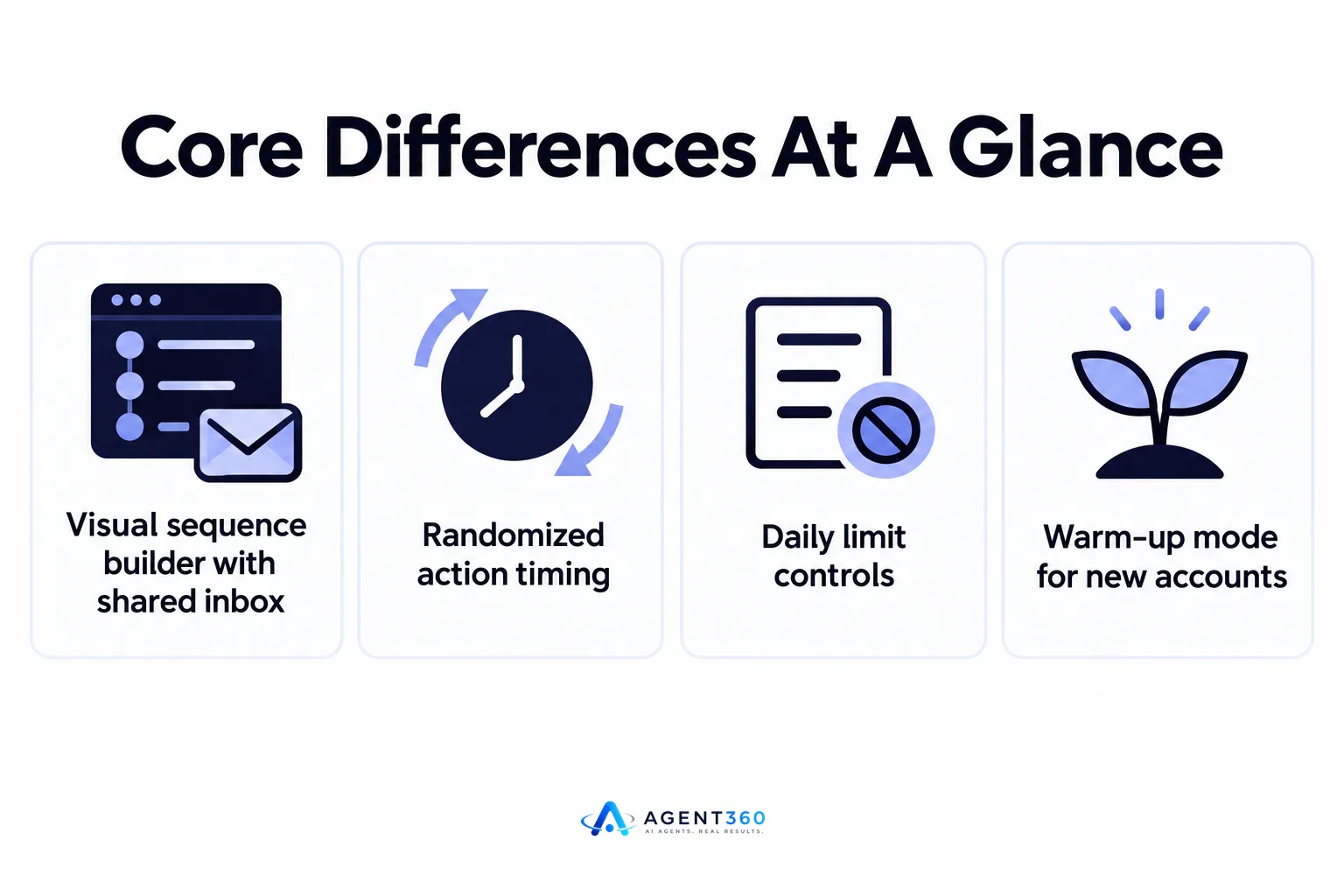
Dripify is built for straightforward drip sequences on LinkedIn; Expandi is built around safety controls and account warm-up. Dripify's interface centers on a visual sequence builder — connection request, delay, follow-up, delay, final message — with a shared team inbox and basic reporting. Expandi adds more dials: randomized action timing, daily limit controls, and a warm-up mode meant to ease new accounts into activity gradually rather than starting at full volume.
Does one of them do email too?
Both tools offer some email-sending capability alongside LinkedIn, but neither is built as a true multi-channel platform the way a combined LinkedIn-plus-email-plus-phone system is. If email is a bolt-on feature rather than a core channel, treat it as a convenience, not a replacement for dedicated cold email infrastructure.
Which tool is safer for LinkedIn outreach?
Expandi's design puts more emphasis on account safety out of the box; Dripify leaves more of that responsibility to the user. LinkedIn does not publish its automation detection rules, so no third-party tool can promise immunity from restrictions. What you can control is pacing: starting new accounts slow, spacing actions throughout the day instead of bursting them, and watching for warning signs like a sudden drop in acceptance rate.
How does account warm-up work?
Warm-up means starting a new or recently-restricted LinkedIn account at low activity and increasing it gradually over one to two weeks, rather than running it at full volume from day one. Expandi builds this into its settings; with Dripify you would need to configure conservative limits manually and increase them yourself over time.
Which tool fits agencies vs in-house teams?
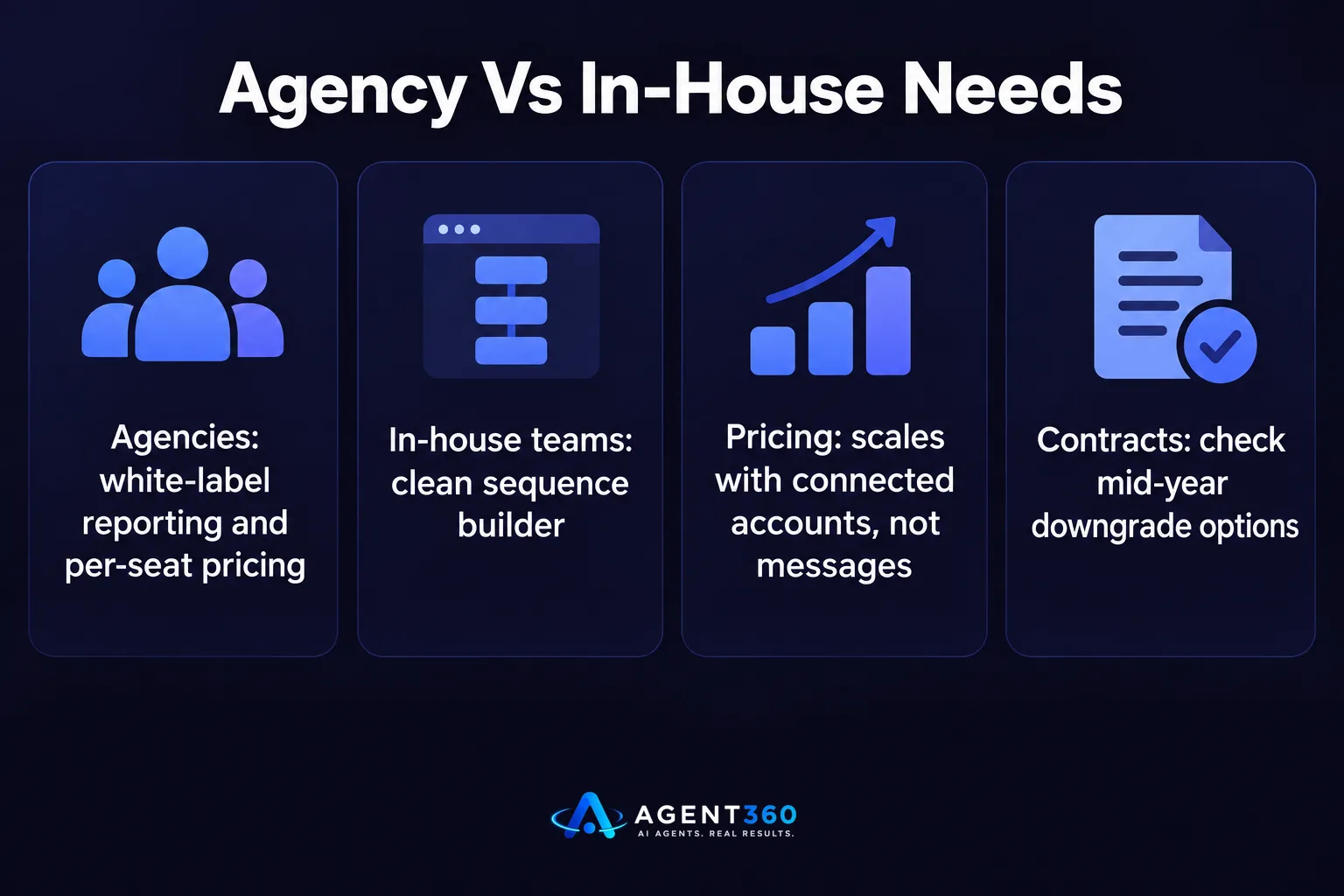
Agencies managing several client LinkedIn accounts tend to need white-label reporting and per-seat pricing that scales; in-house teams running one or two accounts usually just need a clean sequence builder. If you're reselling LinkedIn outreach as a service, check whether the tool lets you brand reports for clients and whether adding a new seat is priced per account or per user.
What about pricing and seats?
Pricing tiers on both tools are usually built around number of connected LinkedIn accounts rather than number of messages sent, so cost scales with headcount, not volume. Before signing an annual contract, confirm whether downgrading mid-year is possible if a client account gets paused or a hire leaves.
What should you check before choosing either tool?
- Test on one account first. Run either tool on a single LinkedIn account for two to three weeks before connecting your whole team, and watch acceptance rates and any warning messages from LinkedIn.
- Confirm CRM handoff. Ask how replies get routed — into a shared inbox, a CRM, or nowhere without manual export — before your team is relying on it daily.
- Check support response time. LinkedIn restrictions and account flags need fast troubleshooting, so test how quickly support responds to a real ticket, not a sales question.
- Price out your actual seat count. Multiply the per-seat cost by your real team size, including planned hires, before comparing final numbers.
If you've already weighed these two against a third option, HeyReach vs Expandi covers a different pairing worth checking before you sign anything.

Need More Than LinkedIn Automation?
Dripify and Expandi both solve the LinkedIn piece. Neither one books the meeting, engages a prospect by phone, or keeps your pipeline organized once a reply comes in — that's a separate problem, and most teams end up patching it with a spreadsheet or a second tool.
Agent360 runs LinkedIn, email, and phone outreach from one system, with AI prospecting to find the right buyers and buying signals, and meeting booking that lands directly on your calendar instead of in an inbox you have to check manually. CRM tools come built in, so replies don't disappear into a separate app.
See how the full channel mix works on the outreach product page.
Frequently Asked Questions
Is Dripify or Expandi better for a solo founder running their own outreach?
Dripify's simpler setup suits a founder who wants one sequence running without much configuration. Expandi suits a founder willing to spend time tuning safety settings for a long-term, higher-volume account.
Can I run both tools on the same LinkedIn account?
Running two automation tools on one account at the same time is not recommended, since overlapping actions make it harder to diagnose what triggered a restriction if one occurs. Pick one tool per account.
Do either of these tools replace a sales rep?
No. Both automate the sending and sequencing of LinkedIn outreach, but qualifying replies, handling objections, and closing still need a person or a system built to route conversations to one.
What happens if my LinkedIn account gets restricted while using one of these tools?
Neither tool can lift a LinkedIn restriction directly, since that decision sits with LinkedIn. Support teams for both tools can advise on reducing activity and waiting out a cooldown period, but recovery time is not guaranteed.
Should I choose based on price alone?
Price matters, but the bigger cost is a restricted account mid-campaign, which erases weeks of pipeline-building work. Weigh safety settings and support responsiveness alongside the monthly fee.
More articles
- Aimfox vs HeyReach: Which LinkedIn Tool Fits Your Outbound?
- Waalaxy vs Dripify: Which LinkedIn Tool Books More Meetings?
- Expandi vs Skylead: Which Fits Your B2B Outbound Team?
- How to Find LinkedIn Profiles Worth Outreach
- Skylead vs HeyReach: Which LinkedIn Tool Books More Meetings?
- A LinkedIn Outreach Tool That Books Meetings, Not Just Sends
- How to Choose a LinkedIn Lead Generation Tool That Books Meetings
- How to Export LinkedIn Post Comments for Warm Leads
