Waalaxy vs Dripify: Which LinkedIn Tool Books More Meetings?
Waalaxy and Dripify are both LinkedIn automation tools, but they're built for different jobs. Waalaxy runs as a browser extension with a light email add-on, aimed at solo users and small teams who want a low-cost way to send connection requests and follow-ups. Dripify is a cloud-based LinkedIn automation tool built for sales teams who want sequences to keep running without a browser tab open. Neither one calls prospects, books meetings on your calendar, or gives you a shared pipeline view out of the box.
The real question isn't which tool has more features. It's whether a LinkedIn-only tool can carry your whole outbound motion, or whether you need something that also covers email, phone, and a CRM.
Key Takeaways
- Waalaxy is browser-based and lighter on setup; Dripify runs in the cloud and keeps sequences going without your laptop open.
- Neither tool places phone calls or books meetings directly on a calendar, so you'll still need a separate step for that.
- LinkedIn enforces weekly invitation caps that apply no matter which automation tool you use, so check LinkedIn outreach limits before you commit to a daily volume.
- Staffing and recruiting firms running two-sided outbound usually need more than LinkedIn-only coverage.
- If multi-channel outreach and meeting booking matter more than LinkedIn automation alone, compare options before you buy.
Table of Contents
What's the core difference between Waalaxy and Dripify?
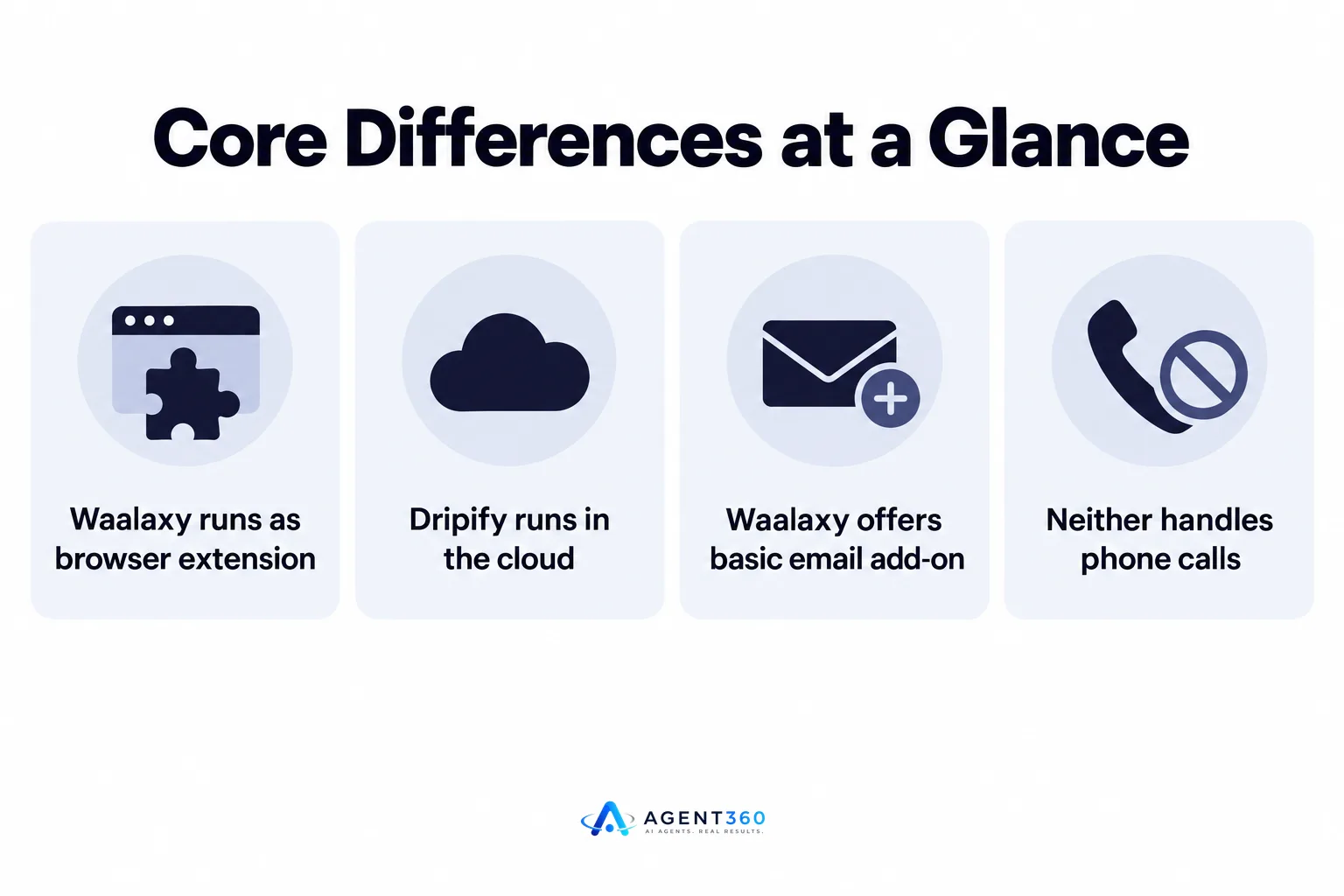
Waalaxy runs through a browser extension; Dripify runs in the cloud. That one difference shapes almost everything else about how each tool behaves day to day.
Does either tool handle email or phone?
Waalaxy offers basic email sending as an add-on to its LinkedIn sequences. Dripify is built around LinkedIn actions and doesn't extend into phone calling. If your outbound plan includes calls as a channel, neither tool covers that step on its own.
Do they integrate with a CRM?
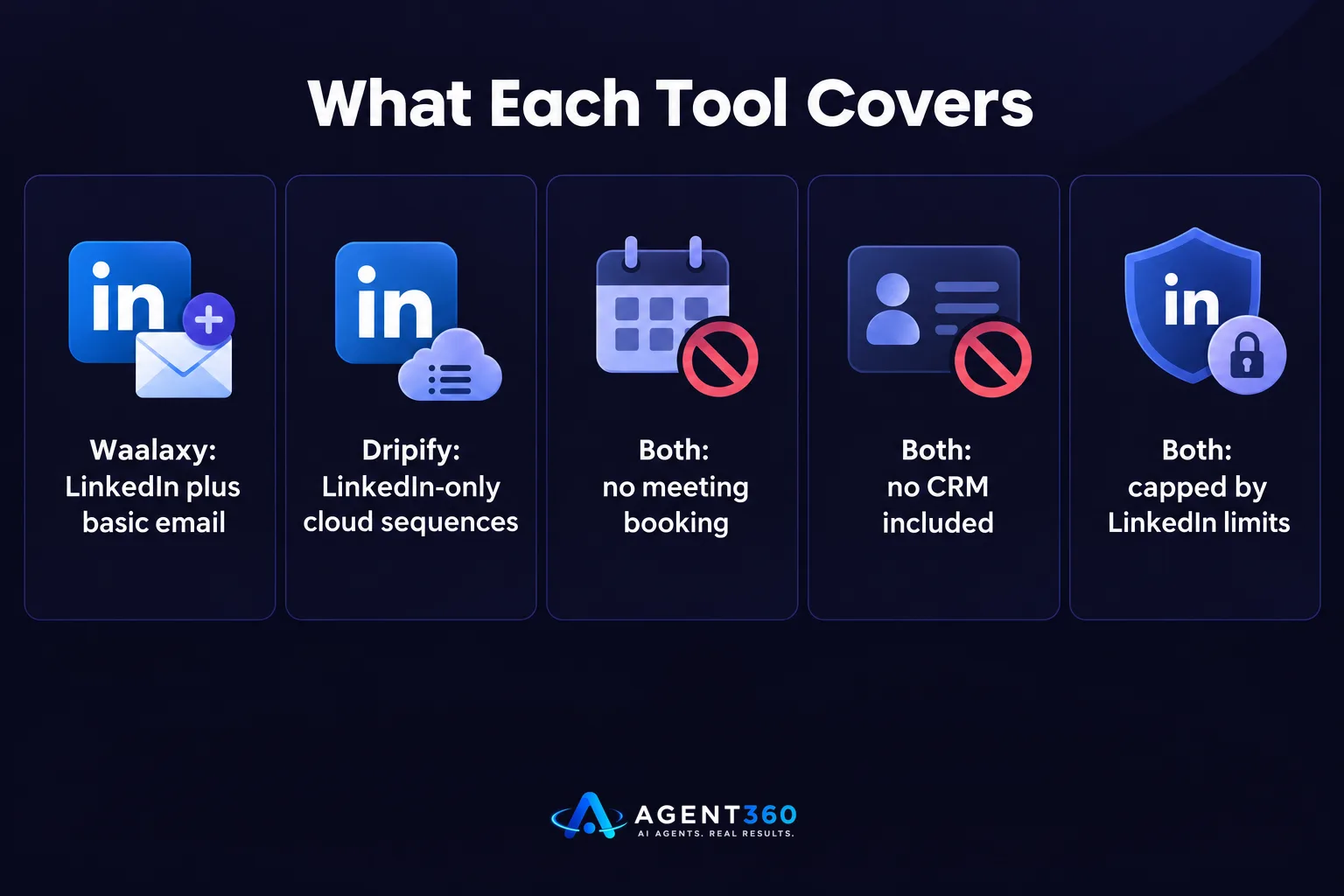
Both tools offer some level of export or integration with third-party CRMs, but neither one is a CRM itself. You'll be moving data between your automation tool and wherever you actually track deals, which adds a manual step every rep has to remember.
Which tool fits a solo founder doing outbound?
Either can work for light volume, but both leave a gap once replies start coming in. A founder running outbound alone needs the tool to do more than send messages — it needs to help sort replies, keep sequences from overlapping, and get a meeting on the calendar without extra manual work.

What happens when LinkedIn limits kick in?
LinkedIn caps how many connection requests and messages an account can send in a given period, and that cap applies regardless of which automation tool is running underneath it. Pushing past it risks a temporary restriction or a flagged account, which stalls the campaign you were trying to speed up.
Which tool fits a staffing or recruiting firm working two sides of the market?
Neither tool is built for the two-sided outbound a staffing firm runs — sourcing candidates while also selling to hiring managers. Waalaxy and Dripify both assume a single outbound motion aimed at one type of buyer. A staffing firm needs separate sequences, separate signals, and a shared view of both pipelines, which a LinkedIn-only tool doesn't give you.
Can either tool book meetings directly?
No. Both tools can get a prospect to reply, but getting from reply to a booked meeting on your calendar is a separate step you'll handle manually or connect through another integration.
What should you check before picking either tool?
- Confirm the channels you actually need. If your plan includes email or phone alongside LinkedIn, check whether the tool covers that natively or requires a second subscription.
- Ask where replies land. A tool that only automates sending leaves you to track replies and follow-ups somewhere else, which gets messy past a handful of active sequences.
- Check how meetings get booked. If a prospect agrees to a call, find out whether that step is automated or left to you.
- Map it against LinkedIn's own limits. Any tool you choose still operates inside LinkedIn's invitation and messaging caps, so plan your volume around LinkedIn outreach limits, not around the tool's marketing claims.
Take the Next Step With a Tool That Covers the Whole Outbound Motion
Waalaxy and Dripify both automate LinkedIn actions. Neither one finds buying signals, runs email and phone alongside LinkedIn, or books the meeting once a prospect says yes. Agent360 combines AI prospecting with multi-channel outreach across LinkedIn, email, and phone, then books meetings straight onto your calendar and tracks the whole pipeline in built-in CRM tools.
If LinkedIn automation is only one piece of what you're trying to solve, it's worth seeing the full picture before you commit to a single-channel tool.
See how the two approaches stack up on our Waalaxy vs Dripify comparison page.
Frequently Asked Questions
Is Waalaxy or Dripify better for LinkedIn automation?
Waalaxy is browser-based and lighter to set up; Dripify runs in the cloud so sequences keep going without your browser open. Which is {better} depends on whether you want a lower-friction start or a tool that runs unattended.
Do Waalaxy or Dripify book meetings automatically?
No. Both tools can get a prospect to respond on LinkedIn, but getting that reply converted into a scheduled meeting is a manual step with either tool.
Can I run email and LinkedIn together with these tools?
Waalaxy offers a basic email add-on; Dripify is focused on LinkedIn actions. Neither one runs phone outreach alongside LinkedIn and email in one sequence.
Will LinkedIn automation get my account restricted?
LinkedIn enforces its own limits on connection requests and messages, and exceeding them can trigger a temporary restriction regardless of which tool you use. Staying within published caps and ramping volume gradually reduces that risk.
What should a staffing firm use instead of a LinkedIn-only tool?
A staffing firm running outbound to both candidates and hiring managers generally needs separate sequences and a shared pipeline view that a single-channel LinkedIn tool doesn't provide. Multi-channel platforms built for two-sided outbound cover that gap more directly.
More articles
- Aimfox vs HeyReach: Which LinkedIn Tool Fits Your Outbound?
- Dripify vs Expandi: Which LinkedIn Tool Fits B2B Outbound?
- Expandi vs Skylead: Which Fits Your B2B Outbound Team?
- How to Find LinkedIn Profiles Worth Outreach
- Skylead vs HeyReach: Which LinkedIn Tool Books More Meetings?
- A LinkedIn Outreach Tool That Books Meetings, Not Just Sends
- How to Choose a LinkedIn Lead Generation Tool That Books Meetings
- How to Export LinkedIn Post Comments for Warm Leads
