Expandi Alternative: What B2B Teams Should Check First
An Expandi alternative is a LinkedIn outreach tool that replaces Expandi's cloud-based sequencing with different channel coverage, account safety limits, or support. Most teams start looking because they want more than LinkedIn automation alone, because a connected account got restricted, or because pricing no longer fits a growing seat count.
Before you switch, it helps to know what actually changes between tools and what stays the same no matter which one you pick. LinkedIn's own restrictions on daily connection requests and messages apply regardless of the software sitting on top of them.
This piece walks through what to compare, not which single tool wins, so you can match a replacement to how your team actually prospects.
Key Takeaways
- Decide if you need LinkedIn-only automation or multi-channel outreach across LinkedIn, email, and phone before comparing tools.
- Check how each tool handles daily sending limits, since LinkedIn's own restrictions apply no matter which platform you use.
- Look at what happens after a prospect replies, not just how messages get sent.
- Confirm whether the tool includes a CRM or requires a separate one for pipeline tracking.
- Test support responsiveness during a trial, since account issues need fast answers.
Table of Contents
Why are teams looking for an Expandi alternative?
Most teams switch because they need more than LinkedIn sequencing, or because they've hit account restrictions. Expandi runs campaigns from the cloud and connects to a single LinkedIn account per seat, which works for teams doing LinkedIn-only outreach. Teams that also need email and phone in the same cadence, or that manage outreach for several reps at once, often look for a tool that covers more ground without stitching together separate platforms.
Is a LinkedIn restriction a reason to switch?
A restriction usually points to sending volume or message pacing, not the tool itself. Any automation platform connected to your LinkedIn account has to respect the same daily limits LinkedIn enforces, so switching tools without changing pacing can produce the same result. Read how pacing affects account health before assuming the software is the problem, covered in Scale LinkedIn Outreach Safely.
Does price alone justify switching?
Price matters, but seat structure matters more for growing teams. Some tools charge per seat with hard caps on how many accounts you can run; others price differently as you add reps. Check the math at your projected headcount, not just your current one.
What should you check before switching tools?
Compare channel coverage, safety limits, reply handling, and CRM functionality side by side. A feature list alone won't tell you how a tool behaves once you're sending real volume to real prospects.
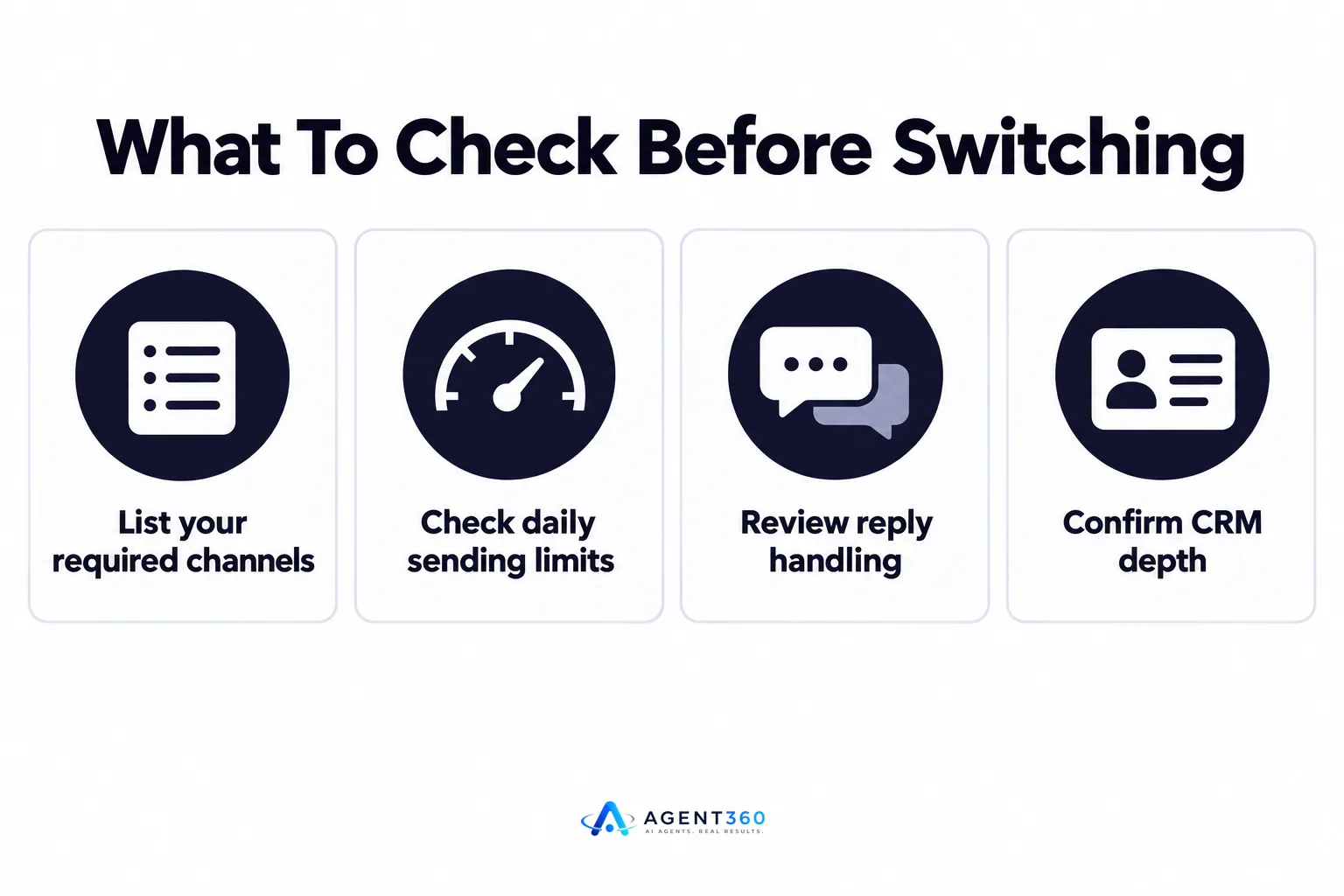
- List your required channels. Decide if LinkedIn alone covers your outreach or if you also need email and phone in the same sequence.
- Check daily sending limits. Ask how the tool paces connection requests and messages against LinkedIn's own restrictions.
- Review reply handling. Find out whether the tool routes replies into a pipeline view or leaves that work to you manually.
- Confirm CRM depth. Decide if a built-in CRM covers your pipeline stages or if you'll still need a separate tool.
- Test support during a trial. Send a support question in week one and time the response before committing.
Does multi-channel outreach replace LinkedIn-only tools?
Not for every team, but it removes a step for many. Running LinkedIn, email, and phone from one sequence means a prospect who doesn't respond to a connection request can still get a call or an email without you rebuilding the list in a second tool. Teams running founder-led outbound often prefer this because it cuts the number of tools they have to watch.
Which channels matter most in a replacement?
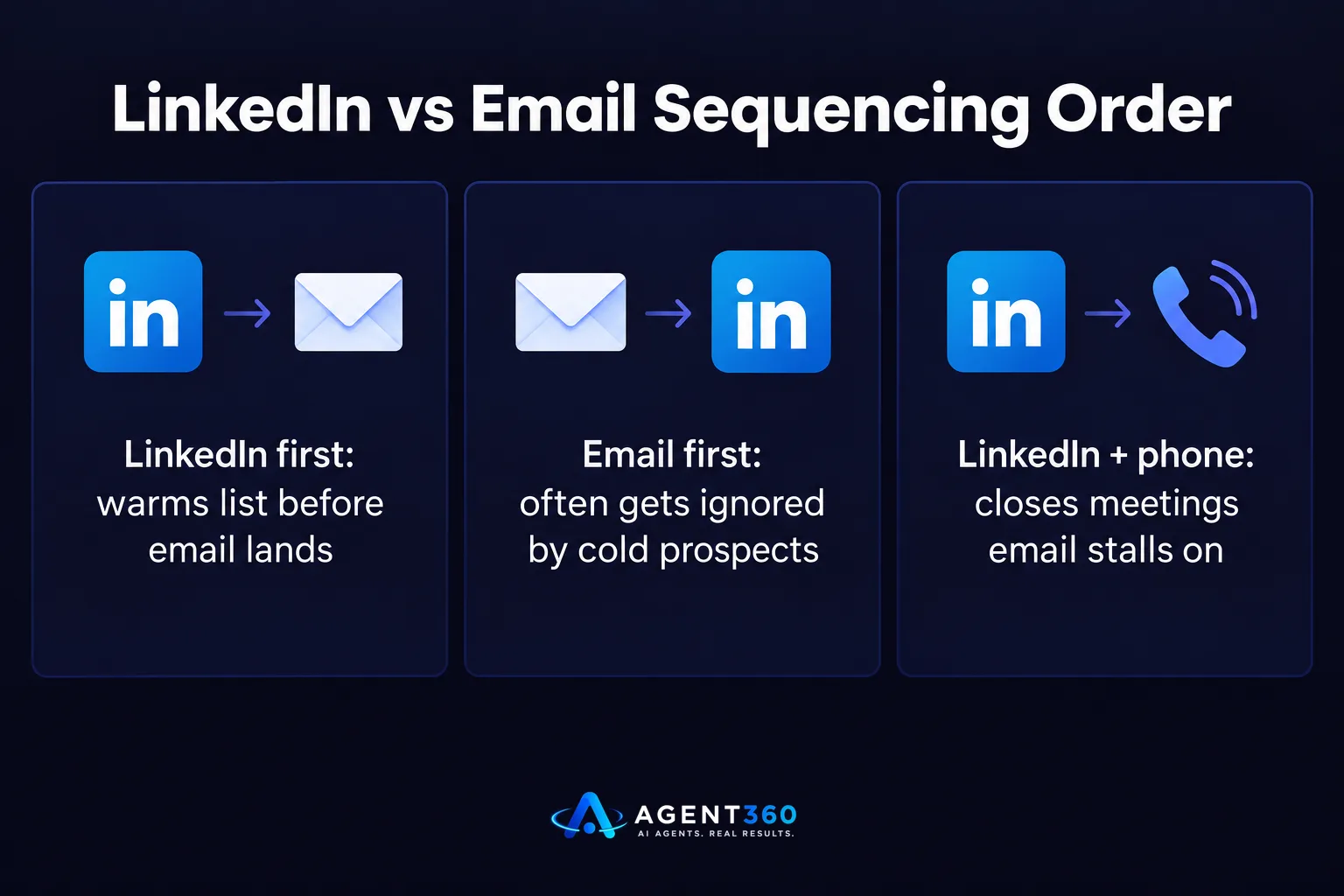
The right mix depends on how your buyers respond, not on which channel feels modern. LinkedIn works well for warming up a cold list before an email lands. Phone still closes meetings that email alone stalls on. A replacement tool should support the sequence you actually run, not just the channel Expandi specialized in.
Should email come before or after LinkedIn?
Many B2B teams see better reply rates warming a prospect on LinkedIn first, then following with email once there's some recognition. The reverse order — cold email first — often gets ignored by a prospect who has never seen your name before.
Take the Next Step With a Multi-Channel Replacement
If an Expandi alternative needs to cover more than LinkedIn, Agent360 runs AI prospecting, multi-channel outreach across LinkedIn, email, and phone, meeting booking straight onto your calendar, and CRM tools to track the pipeline — all from one account structure.

Instead of running LinkedIn automation in one tool and email sequencing in another, your team works from a single pipeline view, and meetings land on the calendar without a manual handoff.
See how the channels and booking flow fit together on the outreach product page.
Frequently Asked Questions
What is the main difference between Expandi and a multi-channel tool?
Expandi focuses on LinkedIn automation run from the cloud against a connected LinkedIn account. A multi-channel tool adds email and phone to the same sequence, so a prospect can be reached across channels without rebuilding the list elsewhere.
Will switching tools fix a LinkedIn restriction?
Not on its own. Restrictions usually stem from sending volume or message pacing, which any tool connected to your account has to respect, so the underlying pacing needs to change along with the tool.
Do I need a separate CRM with an Expandi alternative?
It depends on the tool. Some outreach platforms include CRM functionality for tracking pipeline stages, while others expect you to export data into a separate CRM.
How long does it take to set up a replacement tool?
Setup time varies by provider and depends on how many accounts and sequences you're migrating. Ask any vendor you're evaluating for a specific timeline before you commit, rather than assuming it matches your previous tool.
Should a small team prioritize LinkedIn or email first?
Many small B2B teams see stronger reply rates warming prospects on LinkedIn before sending a cold email, since a prospect who recognizes a name is more likely to open a message from it.
More articles
- Clay vs LeadSwift: Which Fits Your Outbound Job?
- Local SEO Checklist: What to Fix First, in Order
- Agent360 vs Belkins: a fair, side-by-side comparison
- Best done-for-you marketing package for local service businesses?
- How to Get Your Business Mentioned in Google AI Answers
- Who Should You Use for Done-For-You Auto Shop Marketing?
- What's a White Label GEO Agency and Who Offers It?
- The Best Marketing Strategy for an Auto Repair Shop
