Aimfox vs HeyReach: Which LinkedIn Tool Fits Your Outbound?
Aimfox vs HeyReach comes down to one question: do you need a tool that only automates LinkedIn, or one built to fit into a broader outbound motion that includes email and calling? Both tools send connection requests and follow-up messages on your behalf. The differences that matter show up in how each handles sending pace, team management, and what happens once a prospect replies.
This comparison is written for founders running their own outbound and sales leaders deciding what to hand their team, not for people comparing feature lists for fun. If you are choosing between these two tools, the goal is booked meetings, not a longer message sequence.
Key Takeaways
- Aimfox and HeyReach both automate LinkedIn connection requests and messaging, but they are not interchangeable once you look at pacing and team controls.
- Sending too fast on either tool risks LinkedIn restrictions, so check current guidance before you set daily volumes; see our LinkedIn outreach limits breakdown.
- If your outbound needs email or calling alongside LinkedIn, a single-channel tool will leave gaps you have to fill manually.
- Review the vendor's own documentation for account safety features rather than relying on marketing claims alone.
- A side-by-side look at the wider market is useful before you commit; see our best LinkedIn automation tools comparison.
Table of Contents
What Do Aimfox and HeyReach Actually Do?
Both tools automate the repetitive parts of LinkedIn outreach: sending connection requests, following up on no-replies, and tracking who opened or responded. They exist to replace the hours a rep or founder would otherwise spend manually clicking “connect” and typing the same message fifty times a day.
What problem are both tools solving?
Manual LinkedIn outreach does not scale. A founder or rep can realistically send a small number of personalized requests a day before it eats the whole morning. Automation tools exist to handle the sending and sequencing so a person only has to step in once someone replies.
How Do They Differ on Safety and Sending Pace?
The real difference between Aimfox and HeyReach is not the message templates, it is how conservatively each tool paces sending to avoid LinkedIn restrictions. LinkedIn does not publish exact daily limits, and those limits shift, so any tool's claims about “safe” volume should be checked against current behavior, not taken as fixed.
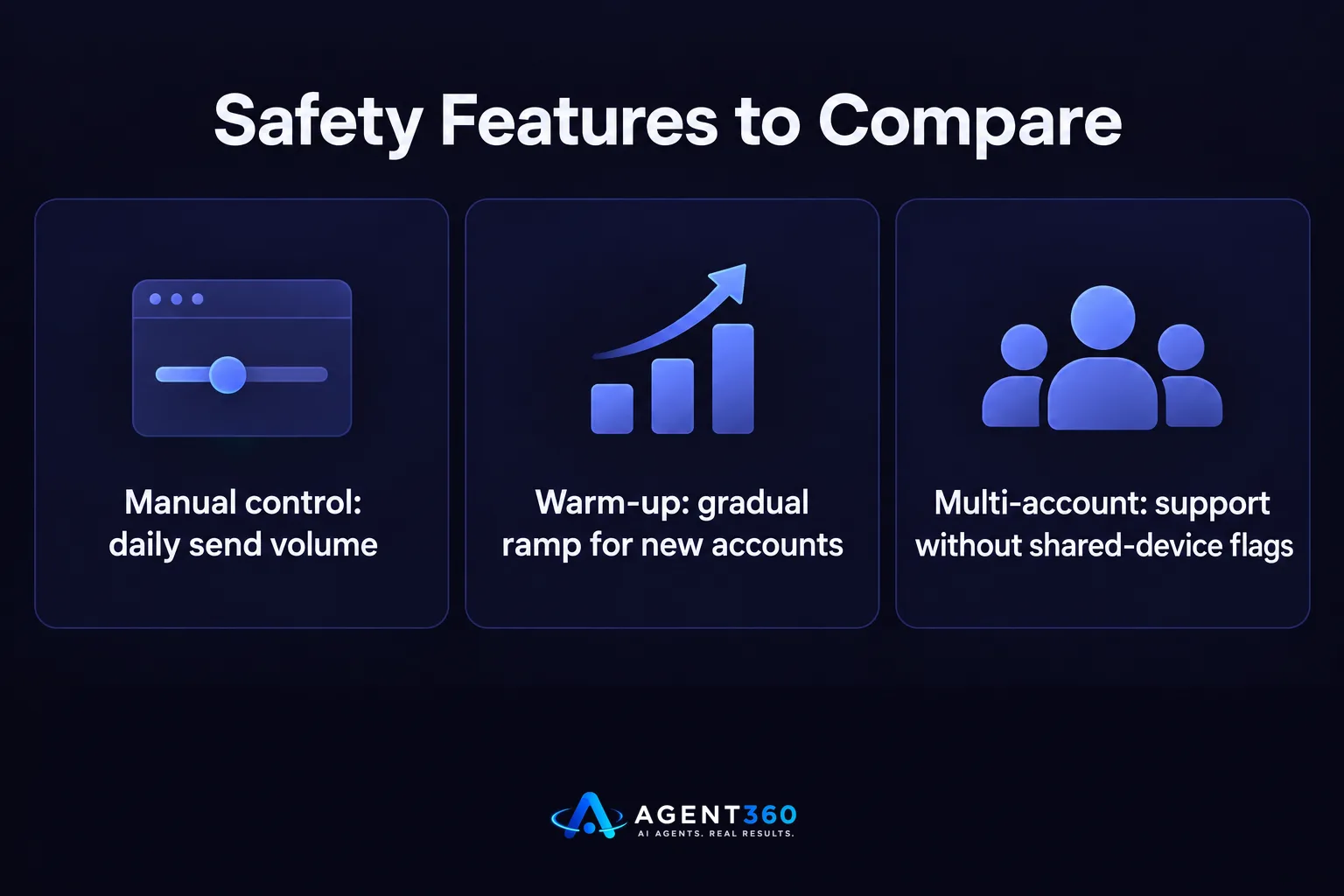
What should you check before trusting either tool's safety claims?
Look for whether the tool lets you control daily send volume manually, whether it warms up new accounts gradually, and whether it supports multiple LinkedIn accounts without triggering shared-device flags. Our guide on LinkedIn outreach limits covers what to watch for regardless of which tool you pick.
Which One Fits a Small Team vs a Growing One?
A solo founder running outbound alone has different needs than a team of five reps sharing pipeline, and that should drive the choice more than brand preference. A single operator mostly needs simple sequencing and clear reply tracking. A growing team needs role-based access, shared visibility into who is contacting whom, and reporting that does not require exporting spreadsheets.

What if you need more than LinkedIn?
If your buyers do not reply to LinkedIn messages alone, a LinkedIn-only tool becomes a bottleneck. Outbound that also runs through email and phone, with meetings booked directly on a calendar, covers more of the funnel without stitching tools together; see how that works in multi-channel outreach.
What Should You Check Before You Switch or Choose?
Run a short checklist before committing to either tool, because switching later costs time and warm-up progress on your LinkedIn account.
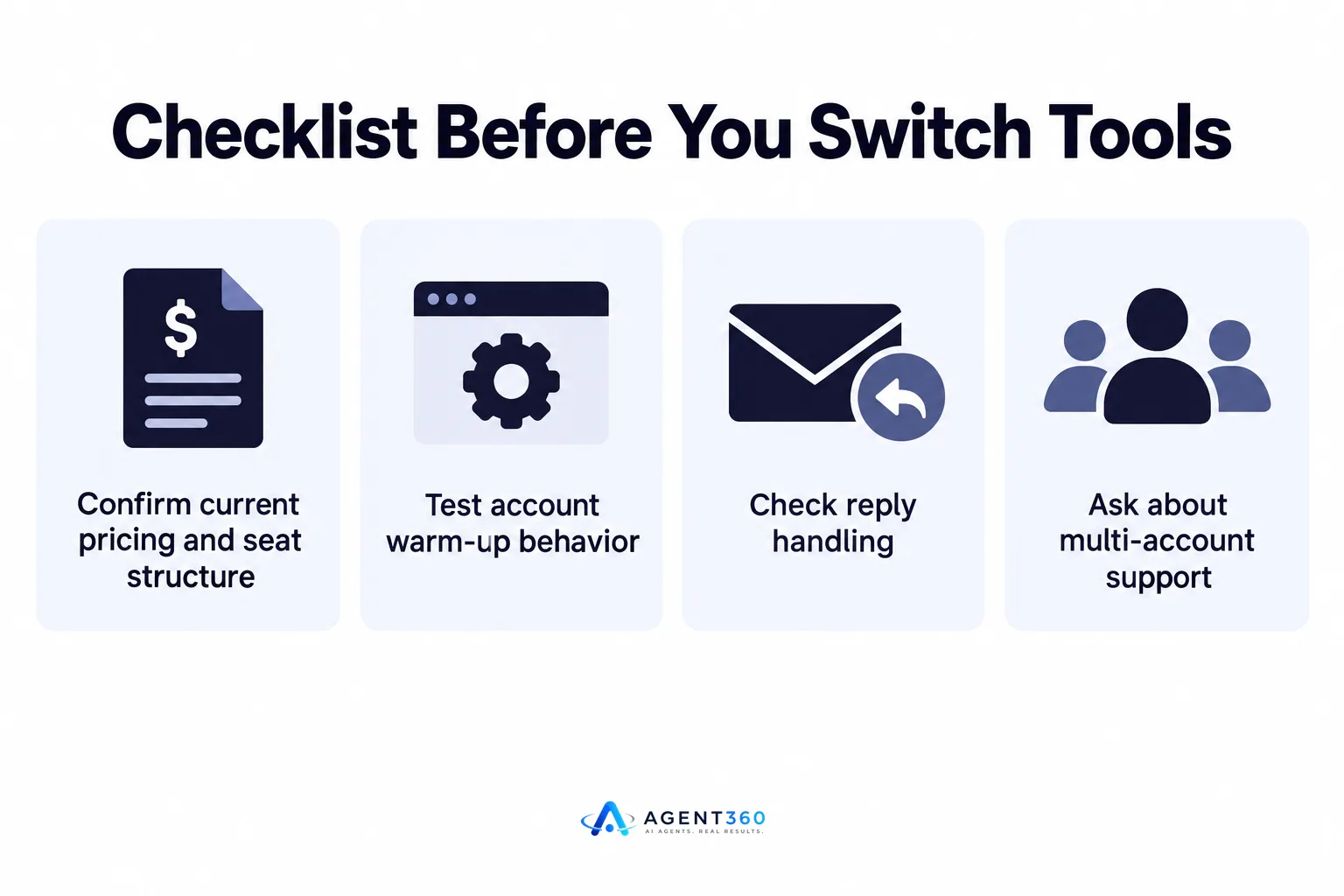
- Confirm current pricing and seat structure. Per-seat pricing changes how costs scale as your team grows, so get the current numbers directly from each vendor.
- Test account warm-up behavior. Run a new account through a trial and watch whether the tool ramps sending gradually or starts at full volume.
- Check reply handling. See whether replies route to a shared inbox or get lost in individual LinkedIn accounts.
- Ask about multi-account support. If you or your team run outreach from more than one LinkedIn profile, confirm the tool supports that without extra risk.
- Map it against your full channel needs. Decide whether LinkedIn alone covers your buyers or whether you need email and calling in the same workflow.
Take the Next Step With a Tool Built to Book Meetings
Comparing Aimfox and HeyReach answers the LinkedIn question, but it does not answer the pipeline question. Agent360 finds ideal buyers and detects buying signals, then engages them across LinkedIn, email, and phone instead of one channel alone. Meetings land directly on your calendar, and CRM tools keep the pipeline visible without a separate spreadsheet.
If the real goal is booked meetings rather than LinkedIn activity for its own sake, it is worth seeing how a multi-channel setup compares to a single-channel tool; book a walkthrough at book demo.
Frequently Asked Questions
Is Aimfox or HeyReach better for a solo founder?
A solo founder usually needs simple sequencing, clear reply visibility, and low setup overhead more than advanced team controls. Trial both with a small list and watch which one surfaces replies fastest without extra manual sorting.
Do these tools replace an SDR?
They replace the manual sending work an SDR would otherwise do on LinkedIn, not the judgment calls around qualifying leads or handling objections. Someone still needs to review replies and move real conversations forward.
Can I run Aimfox or HeyReach alongside cold email?
Neither tool is built as a combined email and LinkedIn platform, so running both channels usually means managing two separate tools and manually keeping lead status in sync. A platform built for multi-channel sequencing avoids that duplication; see multi-channel outreach for how that works.
How do I know if a LinkedIn automation tool is safe to use?
Check whether it supports gradual account warm-up, lets you control daily volume manually, and avoids sending from multiple devices or locations for the same account in a short window. Our LinkedIn outreach limits guide covers the behaviors that tend to trigger restrictions.
What should I compare beyond Aimfox and HeyReach?
Look at the wider set of LinkedIn automation tools before committing, since pricing and safety features change often. Our best LinkedIn automation tools comparison lays out what to weigh across the category.
More articles
- The Best HeyReach Alternative for Full B2B Outbound
- Waalaxy vs Dripify: Which LinkedIn Tool Books More Meetings?
- Dripify vs Expandi: Which LinkedIn Tool Fits B2B Outbound?
- Expandi vs Skylead: Which Fits Your B2B Outbound Team?
- How to Find LinkedIn Profiles Worth Outreach
- Skylead vs HeyReach: Which LinkedIn Tool Books More Meetings?
- A LinkedIn Outreach Tool That Books Meetings, Not Just Sends
- How to Choose a LinkedIn Lead Generation Tool That Books Meetings
