How AI Talking Head Videos Actually Get Made
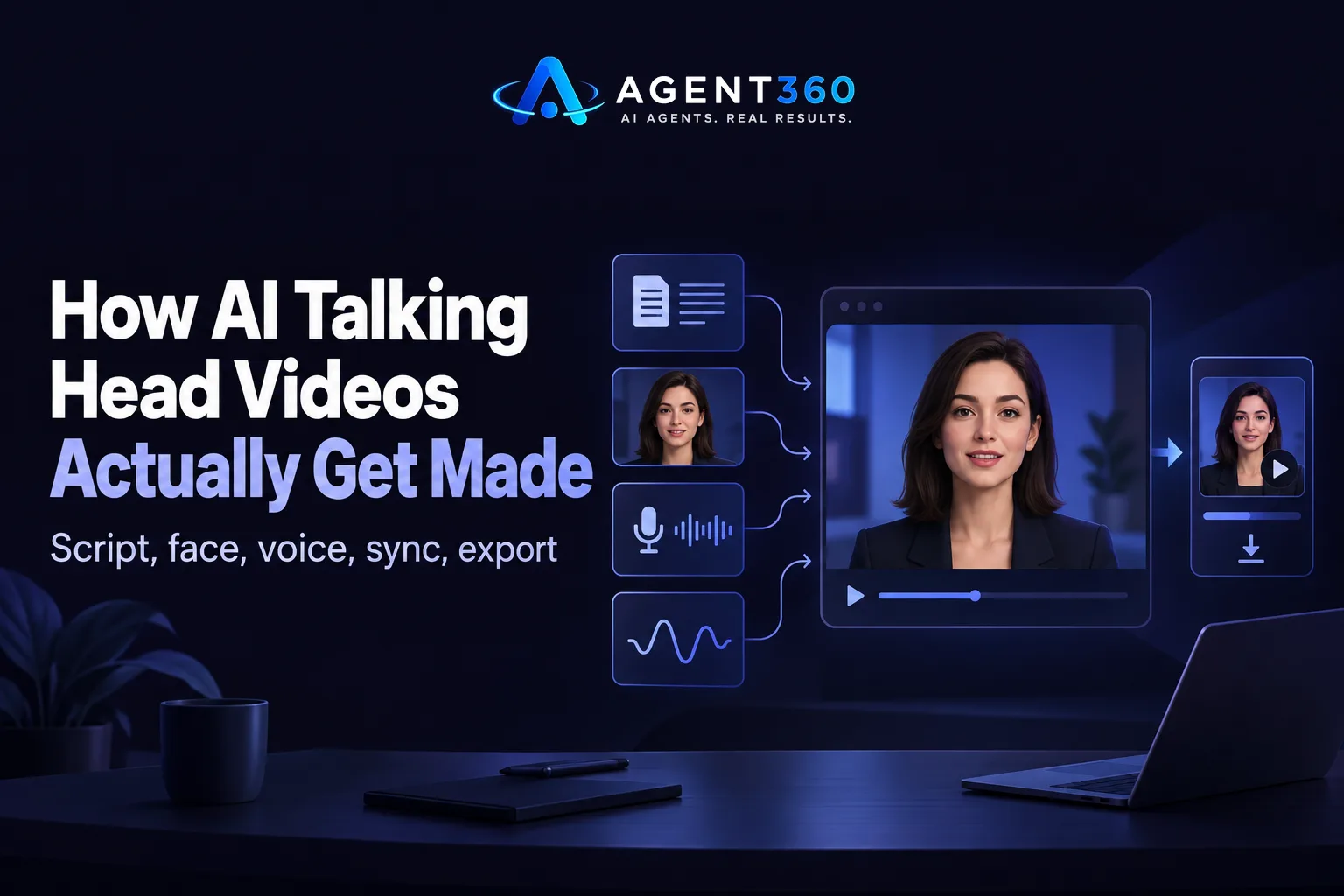
Feed a script into the right system and it hands back a person talking on screen. No camera, no studio, no second take. You write or paste the words, the system assigns a face and a voice to them, and it renders a clip where the mouth matches the audio closely enough to pass as a real recording. That's the whole mechanism. Which face, which voice, how good the lip match is — that's where the products actually differ.
How to make a talking head video using AI
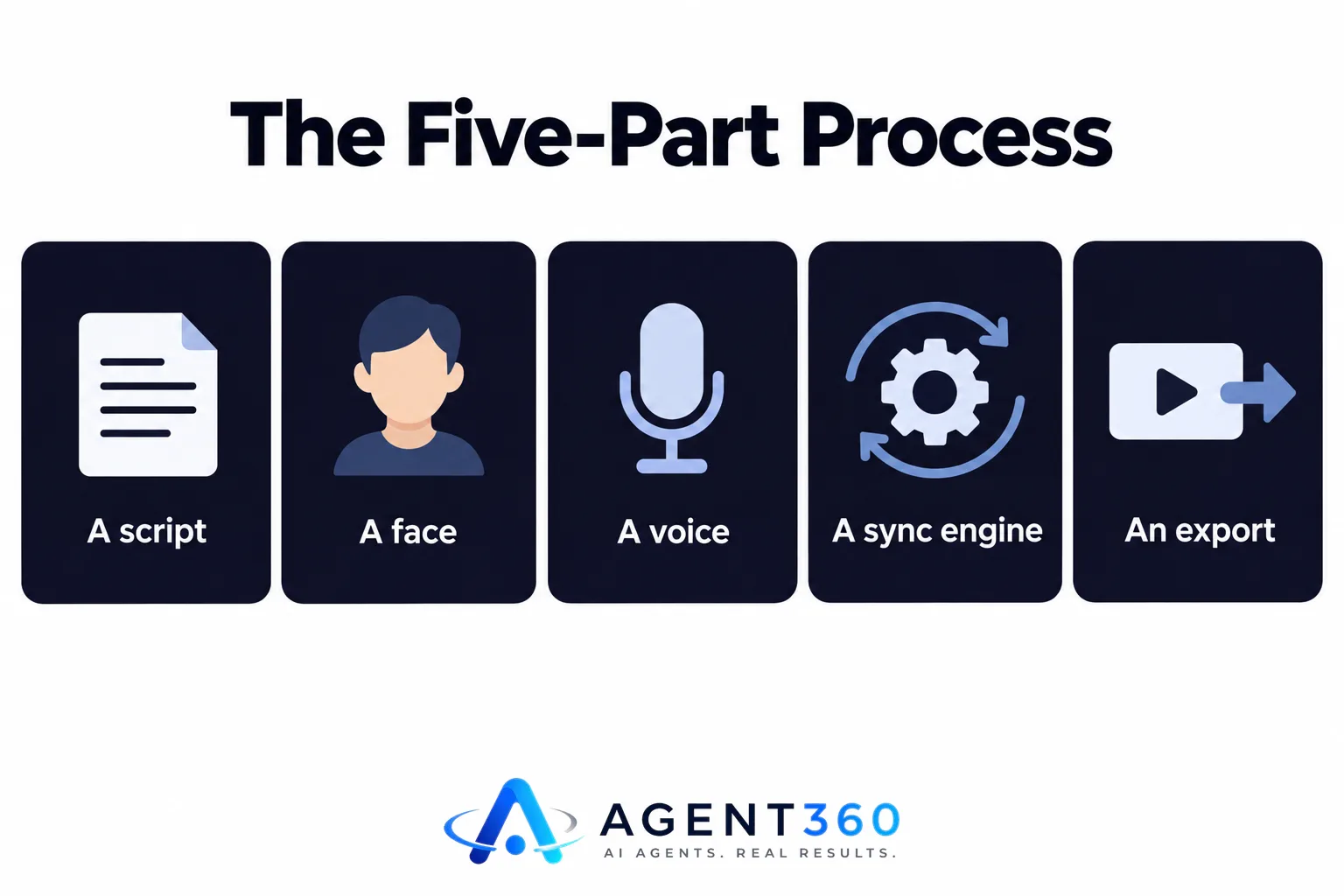
The process has five parts, whether you use a free tool or a paid one: a script, a face, a voice, a sync engine, and an export. Write the script first. The sync engine builds the mouth movement from the audio, not the other way round, so a 40-word script and a 400-word script aren't the same job with different runtimes — they produce different pacing, and a longer one carries more risk of the voice sounding rushed. Next you pick a face: a stock presenter from a library, a single photo of you turned into a moving head, or a model trained on several minutes of your own footage. Then a voice: stock, or a clone built from a short recording of yours. The sync engine aligns phonemes, the sounds in your script, to mouth shapes frame by frame. Export is where most free tools cut corners — no captions burned in, one aspect ratio, a watermark sitting in the corner.
Can AI make a video of someone talking?
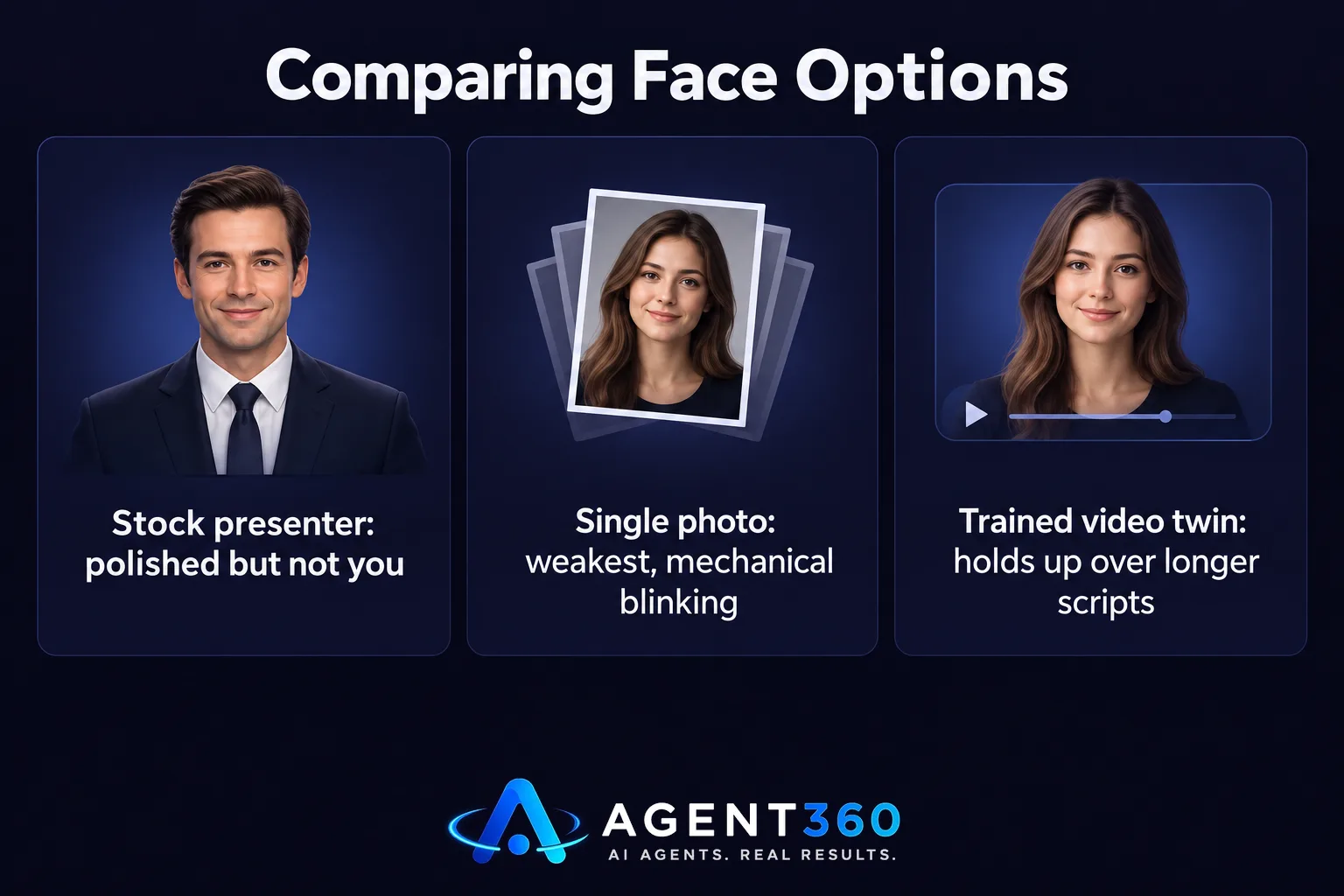
Yes, and the three approaches above produce visibly different results. A stock presenter looks polished, because the model trained on hours of that one person's footage. But it isn't you — and that matters if your audience already knows your face. A single photo animated into speech is the weakest option: blinking looks mechanical, the head barely moves, and anything past 20 seconds starts showing the seams. A model trained on several minutes of your own video holds up far better over longer scripts, because the system has learned how your mouth actually moves when you talk, not just what you look like standing still. If a video reads as obviously synthetic, nine times out of ten the face was built from one photo instead of real footage of the person talking.
Is there an AI that will put a talking head over your voice?
Not literally over it. The better systems clone your voice first, then build the mouth movement to match that cloned audio — voice and face generated together, not layered on top of each other. Voice cloning quality depends heavily on how much clean audio it has to learn from. A 30-second clip produces a thin, generic result; a few minutes of you speaking naturally gives it something to work with. If the voice comes out flat or oddly paced, that's usually a training-data problem, not a ceiling on the technology itself. A cloned voice paired with a trained video twin gets you closest to “it's actually me,” without filming a single frame.
The free AI-generated talking video has limits worth knowing before you start
Free tools are genuinely useful for testing whether a talking head format suits your content at all. But they cap out fast, in ways that start to bite once you're posting regularly: a watermark you can't remove, a hard limit on clip length, a single stock voice a few hundred other channels are also using, and no automatic captions — which matters more than it sounds, since most people watch social video with the sound off. None of that is a knock on free tools. It's just the trade they're built around. The gap shows up the moment you need six of these a month, in your own voice, cut to the right shape for each platform.
Where this fits once you're posting weekly
Writing a script is a job a general chat tool can help with, but turning that script into a rendered, captioned, platform-sized video is a different task entirely — see the comparison with AI chat tools for where that line actually sits. And a talking head video doesn't have to be a one-off: a single recorded answer or a short clip can be cut into a month of smaller posts instead of used once and forgotten. BrandAgent's Presenter Agent builds exactly this — a captioned talking-head video from a script, using a stock presenter, a photo of you, or a video twin trained on your own footage, with a cloned voice if you want it. Plans with talking-head videos included start at $97 a month, and you can see the full build on the Presenter Agent page.
Questions people ask about this
How can I create a free AI-generated talking video?
Most free generators work the same way: paste a script, pick a stock avatar and voice from their library, export a short clip — usually under a minute, usually watermarked. Fine for testing the format before you pay for anything. Just expect a generic voice and a face that isn't yours.
Do AI talking head videos look obviously fake?
Sometimes, and it's almost always the same two tells: a face built from a single still photo, which makes blinking and head movement look mechanical, and audio-to-mouth sync that drifts on longer scripts. A model trained on actual footage of the person speaking avoids most of it.
What do I actually need to get started?
A script, and either a few minutes of your own recorded footage or a photo if you want your own face, plus a short voice recording if you want a clone instead of a stock voice. Hand those over and the rest — sync, render, caption file — isn't your problem anymore.
More articles
- Social Media Posts That Get Leads (Not Just Likes)
- The B2B Social Media Strategy That Actually Moves Deals
- How to Build a Personal Brand on LinkedIn (That Sticks)
- The Real Alternatives to a Social Media Agency
- Done-For-You Social Media Management: What It Costs
- Social Media Marketing on Autopilot: The Ratios That Work
- Repurpose Content for Social Media: The Rules That Work
- YouTube Shorts for Business: The Rules That Get Views
